Before completing please check that the time, date and timezone have been correctly set on the device running the Player.
To be completed by the original poster:
Player Version
4.404.1
Issue
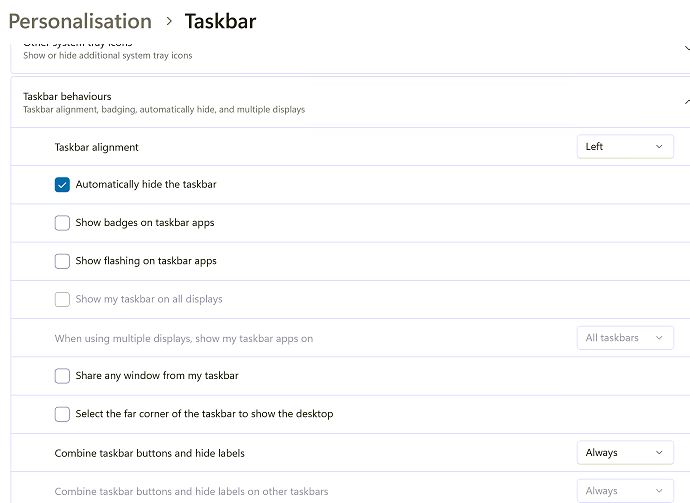
After the PC’s restart the taskbar displays over the Xibo software even though the taskbar is set to auto hide. This issue seemed to start after installing Windows 24H2 or at least the August cumulative.
Hi, We used to see this with Win7 too. The mouse pointer (even if there’s no mouse) highlights the task bar and it shows on top of everything. I plugged a mouse into the PC so that it wouldn’t highlight the task bar.
We’ve had the same issue and I’ve been pulling my hairs for weeks to find the cause. Maybe your situation will be different but I’ll share our discovery.
My epiphany was when I took the computer down from the TV and plugged it to my test station (That has a standard computer display). I then couldn’t reproduce the issue.
Turns out the thin client we use for Xibo Windows automatically put it’s resolution to 4K to match the TV. Xibo was then crashing and the taskbar retained focus.
By changing the resolution to 1080P Xibo stopped crashing so we didnt have the issue again.