Xibo for Windows v4 R406

We are pleased to announce Xibo for Windows v4 R406. This release includes 3 enhancements and 3 fixes.

Enhancements

  • XMR will communicate via a WebSocket when connected to a 4.4 CMS

  • Allow use of the Webcam/microphone in HTML based widgets

  • Chromium (CEF) web engine upgrade to 141.0.110

Issues

  • Scheduled events with Weather criteria are shown for the duration of the criteria rather than a short time

  • Taskbar no longer appears over player in rare circumstances

  • Option to provide a locale for web content rendered through CEF

Download

Use the link to Download Xibo for Windows v4 R406.

Visit our Downloads page for all the latest releases.

Install / Upgrade

This Player requires Windows 10 or later.

Installation instructions can be found here.

Instructions for upgrading from an earlier release can be found here.

If you have a white label build of the application, the upgrade is available in the White Label section of your My Account dashboard.

Further guidance on updating your white label player can be found here

Feedback

Please leave any feedback in the comments!

3 Likes

16 posts were split to a new topic: Webpage with video has stopped working in v4 R406

Hello,

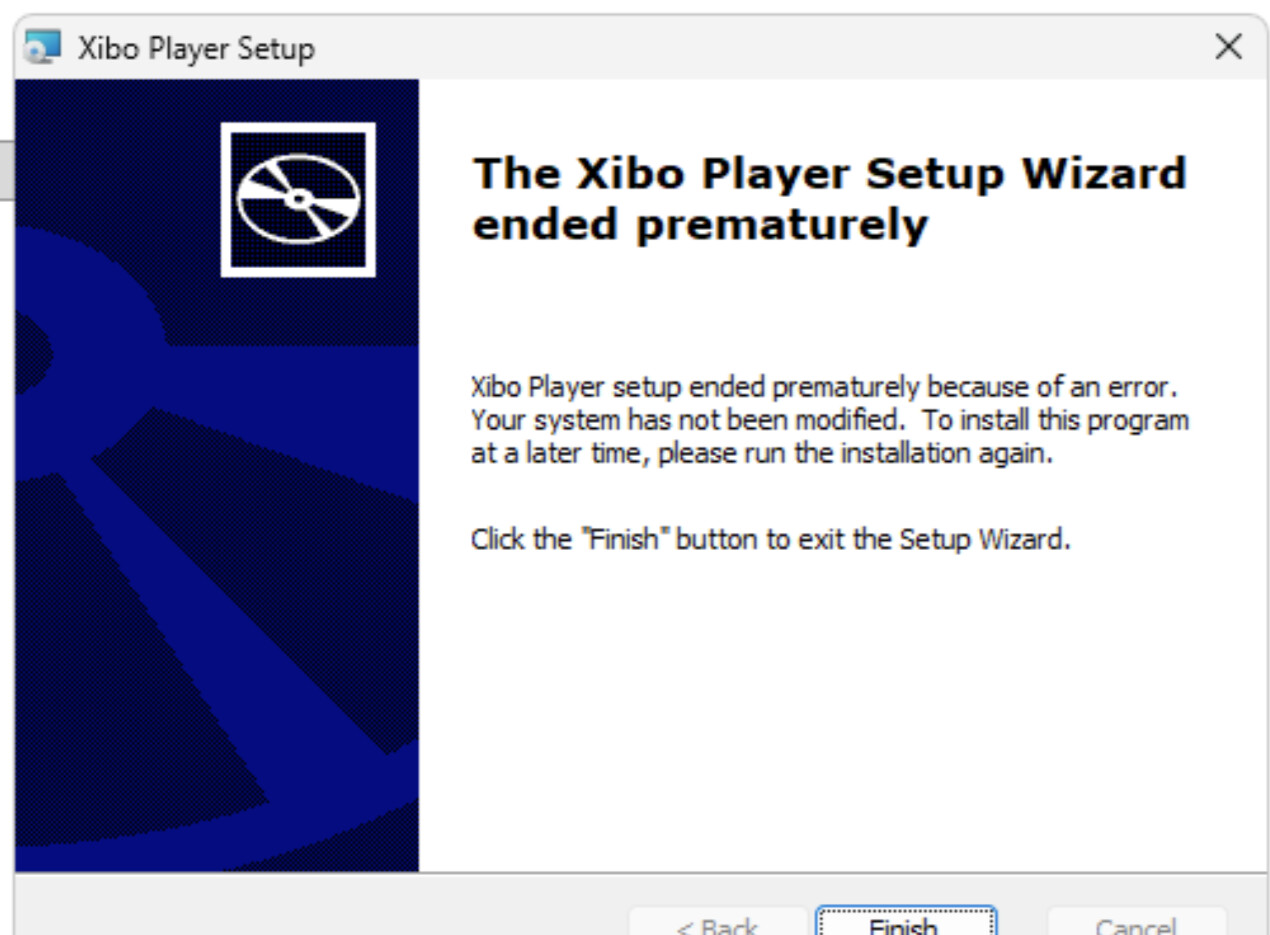
Unable to install this version for some reason. Tried to update couple Windows clients (Win11 25H2) but install fails on both with Wizard ended prematurely. Tried to uninstall old version and C++ runtime but still get the same error.

New version with sha sha256:9f0b02206d06e26b3307caad3fa7fdc1e8932a4781b7ba392966946277e1d9aa released Jan 29. worked, so no issues with installing

1 Like

White Label version are not working.
The Wizard stop as well.. the same error above

Hi @pitoco02 ,

Please can you try running the following command in Command Prompt - this will start the installer and record a log file that will hopefully allows us to see what the issue is:

msiexec /i “C:\MyPackage\Example.msi” /LV “C:\log\example.log”

Please replace the first location between the quotes with the location of the installer, and for the 2nd location please enter somewhere to save the log file.

When the installer opens, please go through it as you normally would and then, when it has finished, locate the log file and send it to me in a private message by clicking on my username and selecting ‘Message’.