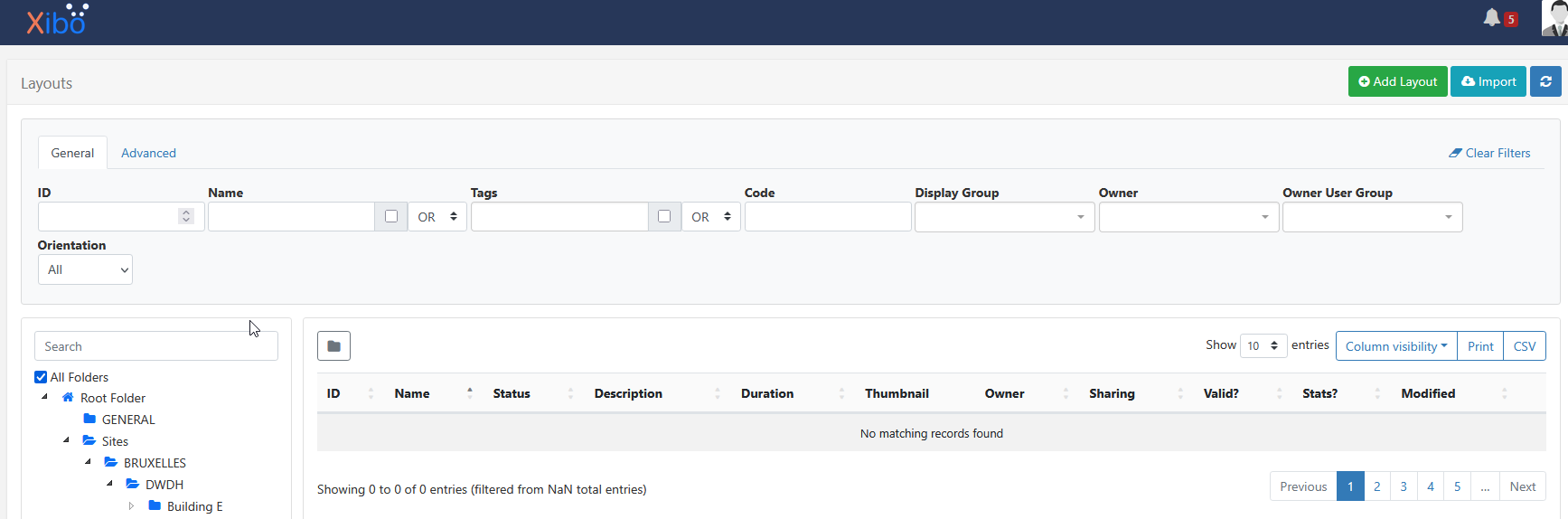
I just noticed the same issue too after upgrading to 4.4. The layouts are still working fine on the screens at least, but trying to list the layouts in the admin GUI does not work, and I also cannot assign a layout to a new display because the GUI cannot find/list any layouts.
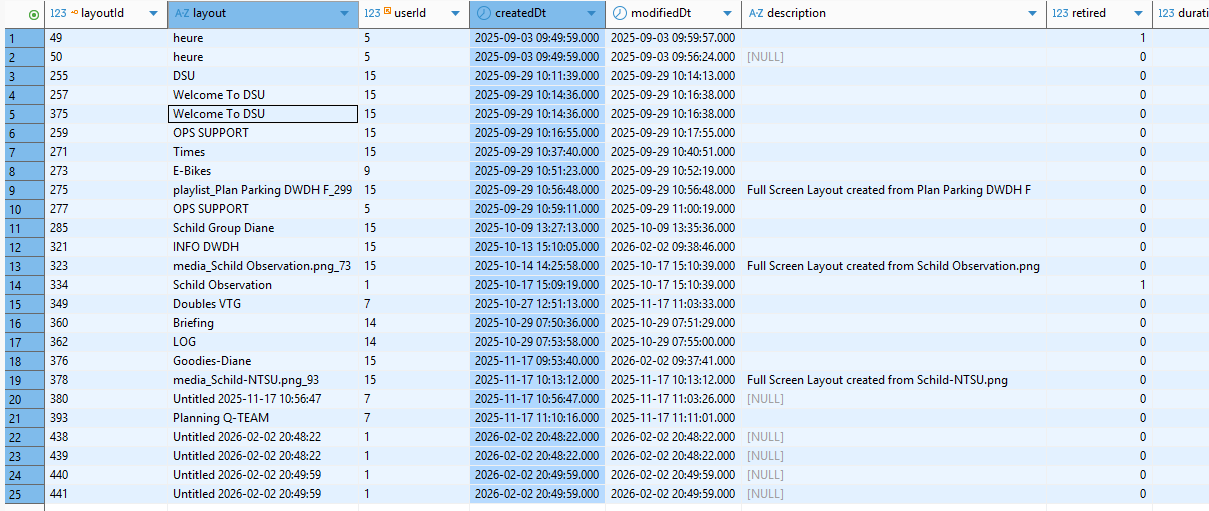
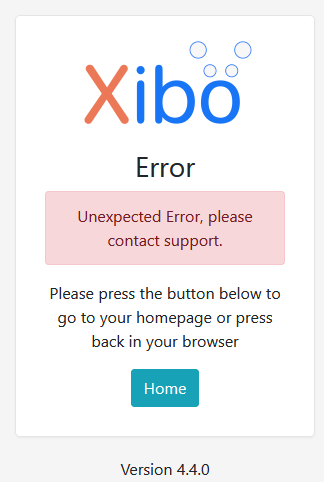
I also got that same error as mikeMeine when testing “Create new layout”, but checking the Audit Trail and the MySQL database, it seems like the new empty layouts are actually created, but still not shown in the list.
I ran the phinx migration script again in case I forgot it, but no changes were applied so it should’ve been upgraded already, and I also couldn’t see that there were any big changes to the layout table in the latest migration scripts anyways.
For now I set the new display’s default layout by updating the database manually in MySQL, but editing any layouts (in the GUI) is impossible now.
Never mind, I finally found the issue after finding the setting for error logging and turning this on.
I had forgotten to create the private key when installing Xibo CMS, and after the upgrade to 4.4.0 this caused the Layouts list to bug out. After I generated a private key it worked fine again.
I am actually using the regular “apache” install method, that guide has a section about creating private keys:
I couldn’t find anything about the private key in the Docker install guide either yeah, but I guess you could try the instructions in this guide and see if that also solves your issue.
Thank you for reporting this. Please refer to this bug report regarding the layout page error on a new installation. This issue is being addressed and will be fixed in version 4.4.1.
My installation in in docker. I have the encryption, private and public key in shared/cms/library/certs but I still get error when I try to configure a new layout. This is a new install and I do not have any layouts defined.