I have three layouts. Two of the three are fully static content and load with no issue. I have a third layout that pulls a dataset to display the last time there was an incident. On the preview of the layout it shows the correct number. However when this layout is displayed on a screen the screen will load for a second two and move onto the next layout. When I remove the dataset “Number” the layout loads with now problem. I followed this guide Building an 'Hours since last incident' counter with DataSets. There are no dataset tickers so I used the dataset number.
Any help would be greatly appreciated!
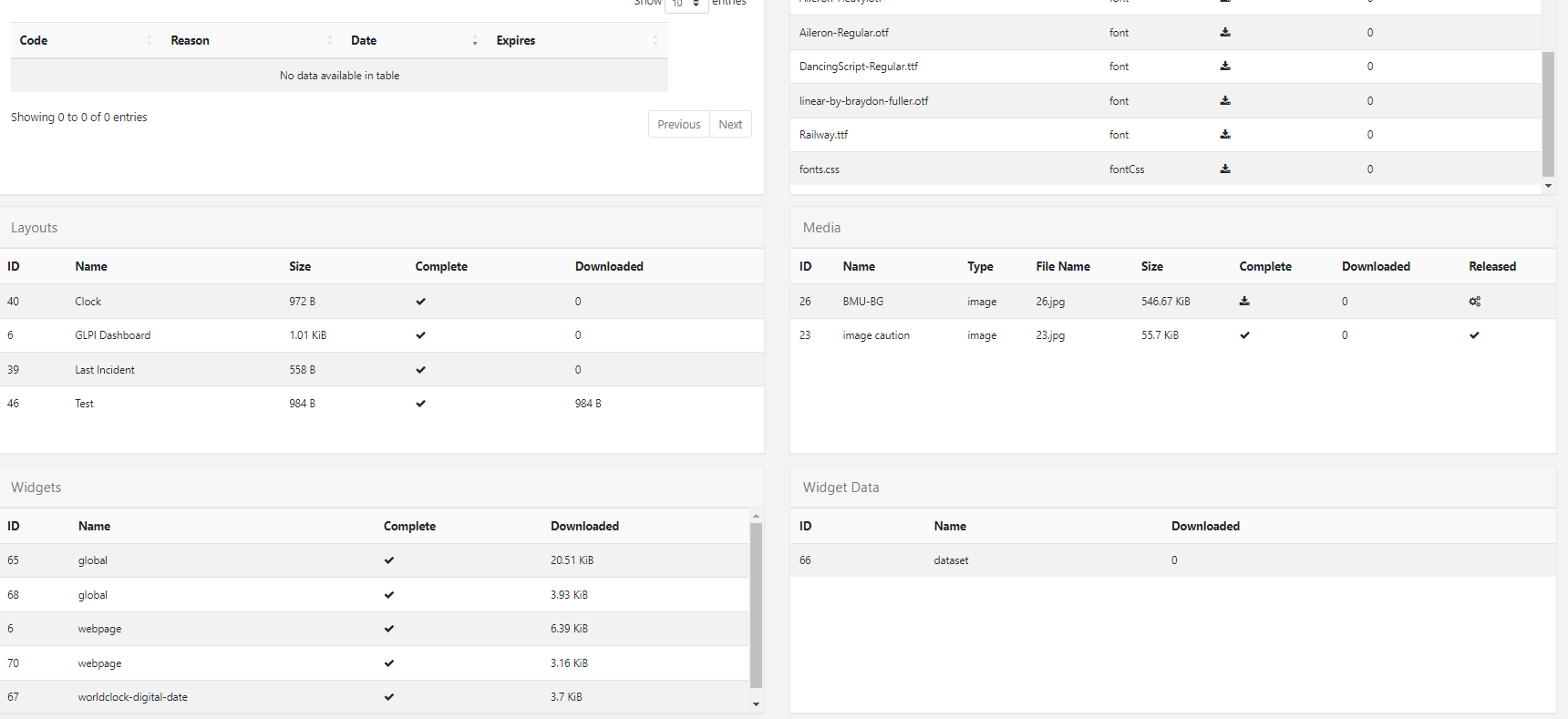
It appears that some files are corrupt. To resolve this, you can take the following steps:
- Remove the Library folder located at
C:/Users/YOUR_USERNAME/Documents/ - Delete the config under
%appdata% - Afterward, restart the player and reauthenticate it
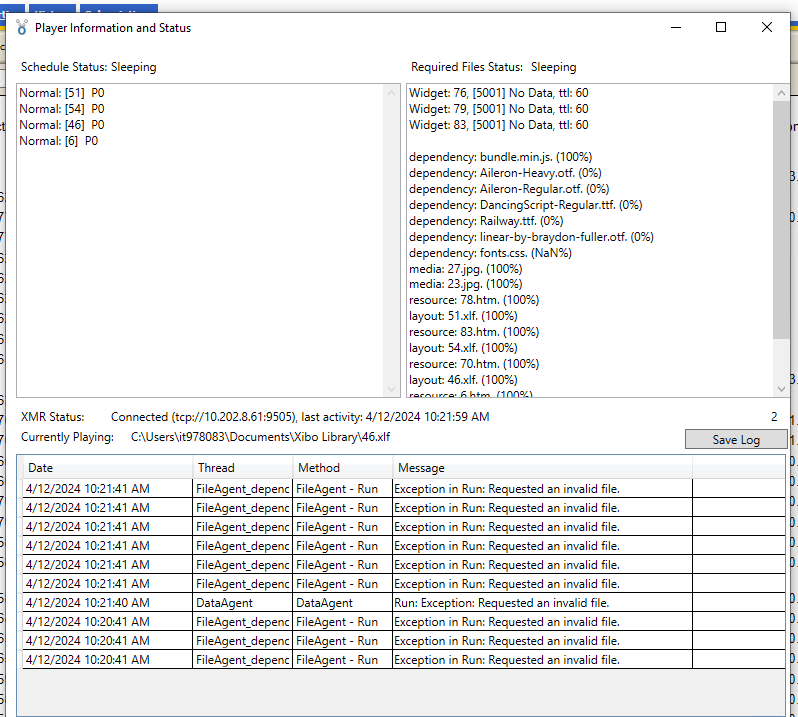
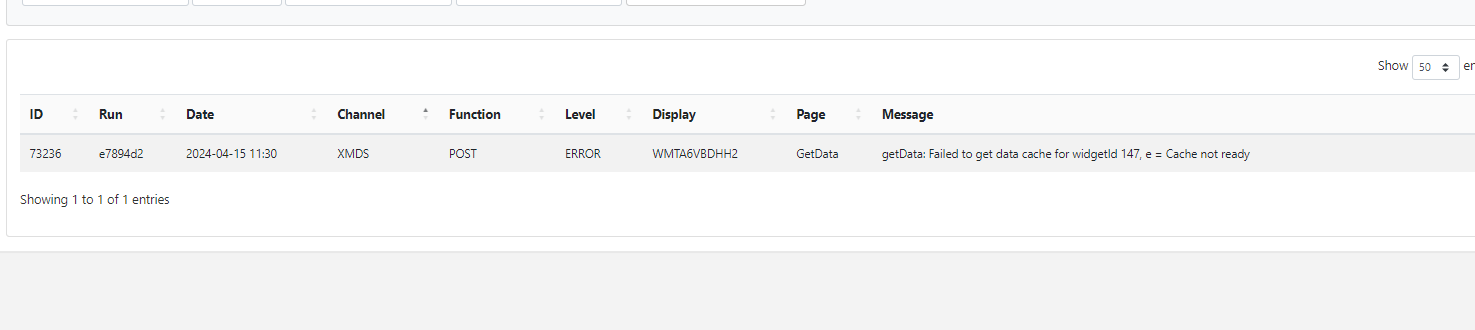
Still cant get the dataset to display on the layout. Keep getting a “Cache not ready” error on the information screen. Should I try to run the screen in a linux player instead of windows?
Please add a font to your Média Library (CMS)
On some installation, fonts.css don’t create.
Thanks. But that isn’t solving the dataset issue.
Have you tried @Schweminska solution?
Have you tested it on another player?
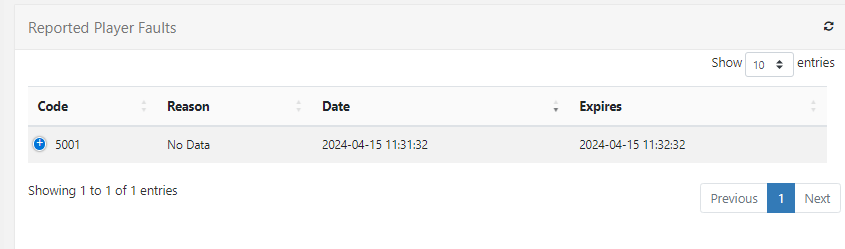
Thanks for replying! I don’t get the invalid file anymore since I fixed the font issue. Now it is just dataset cache not ready error on the player. I tried to also delete and reconfigure. I am going to try to go to the next update. V4.0.10
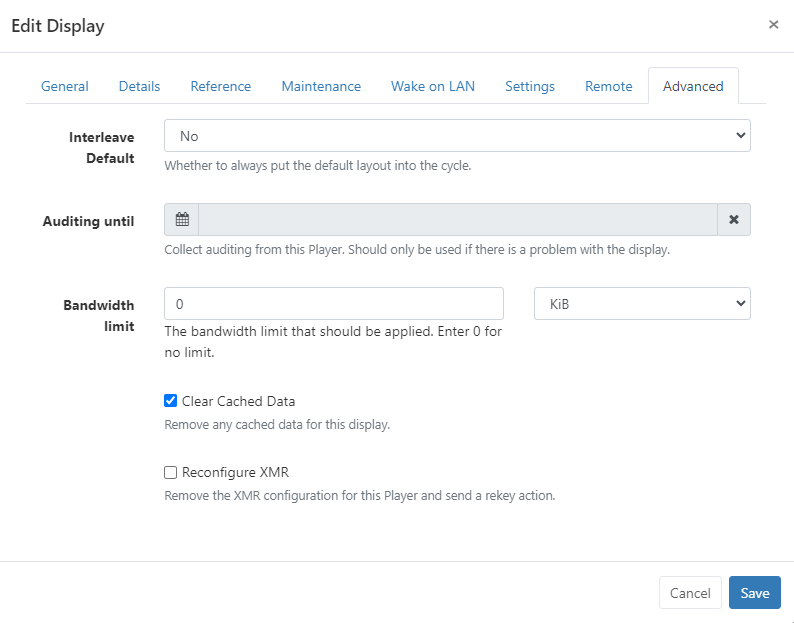
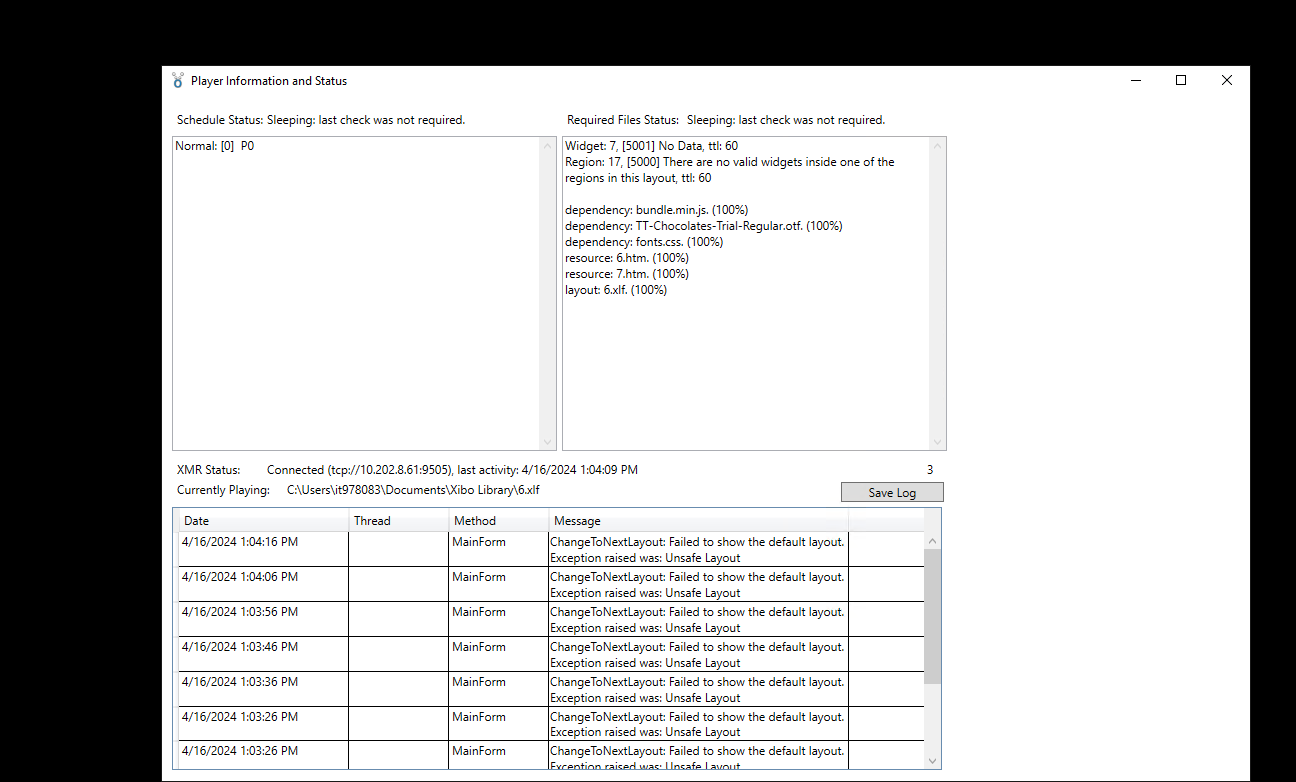
If I remove the dataset widget in the layout the layout loads with no errors.
Could you please take a screenshot to your widget “DataSet” under your Layout ?
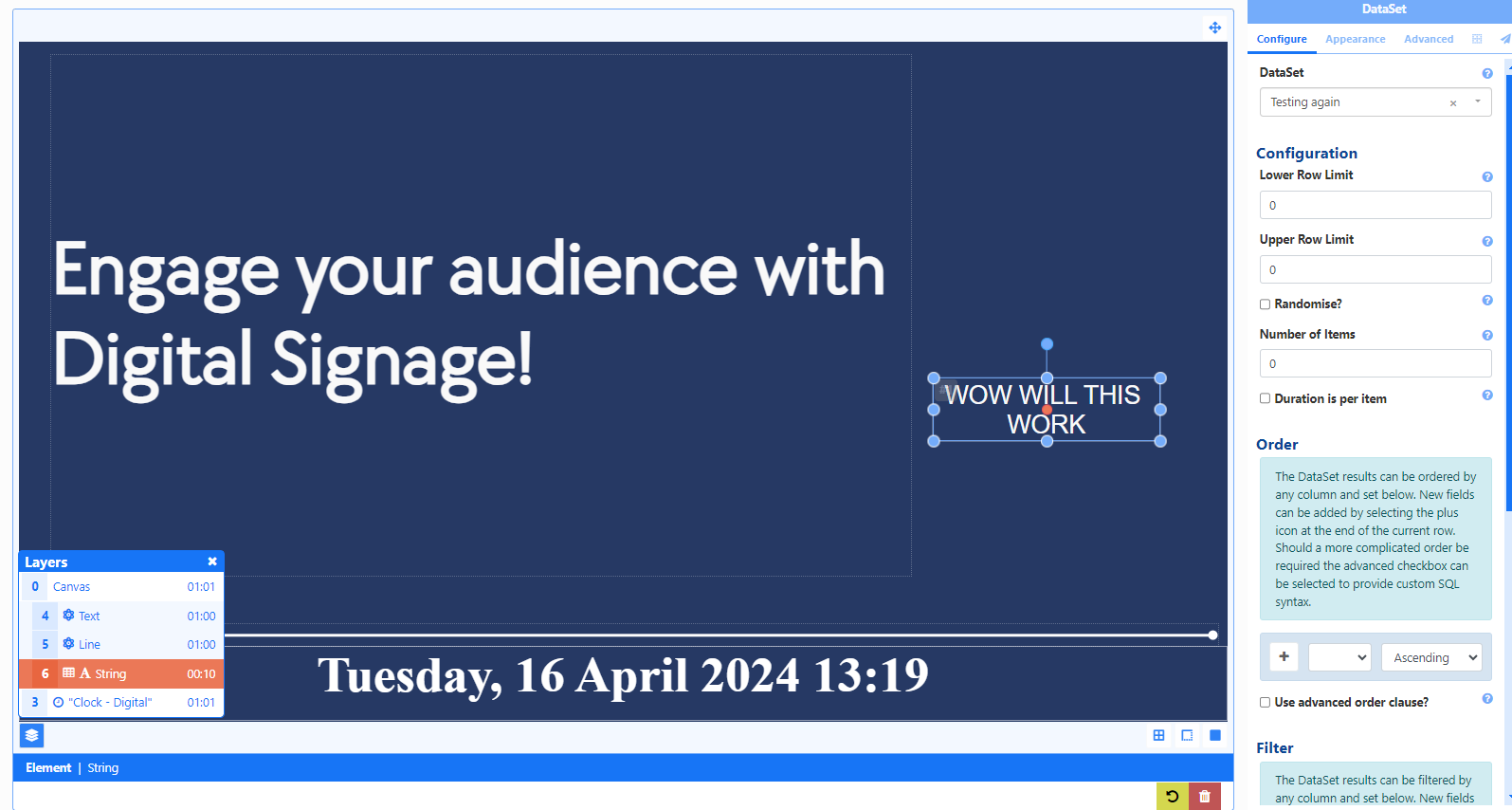
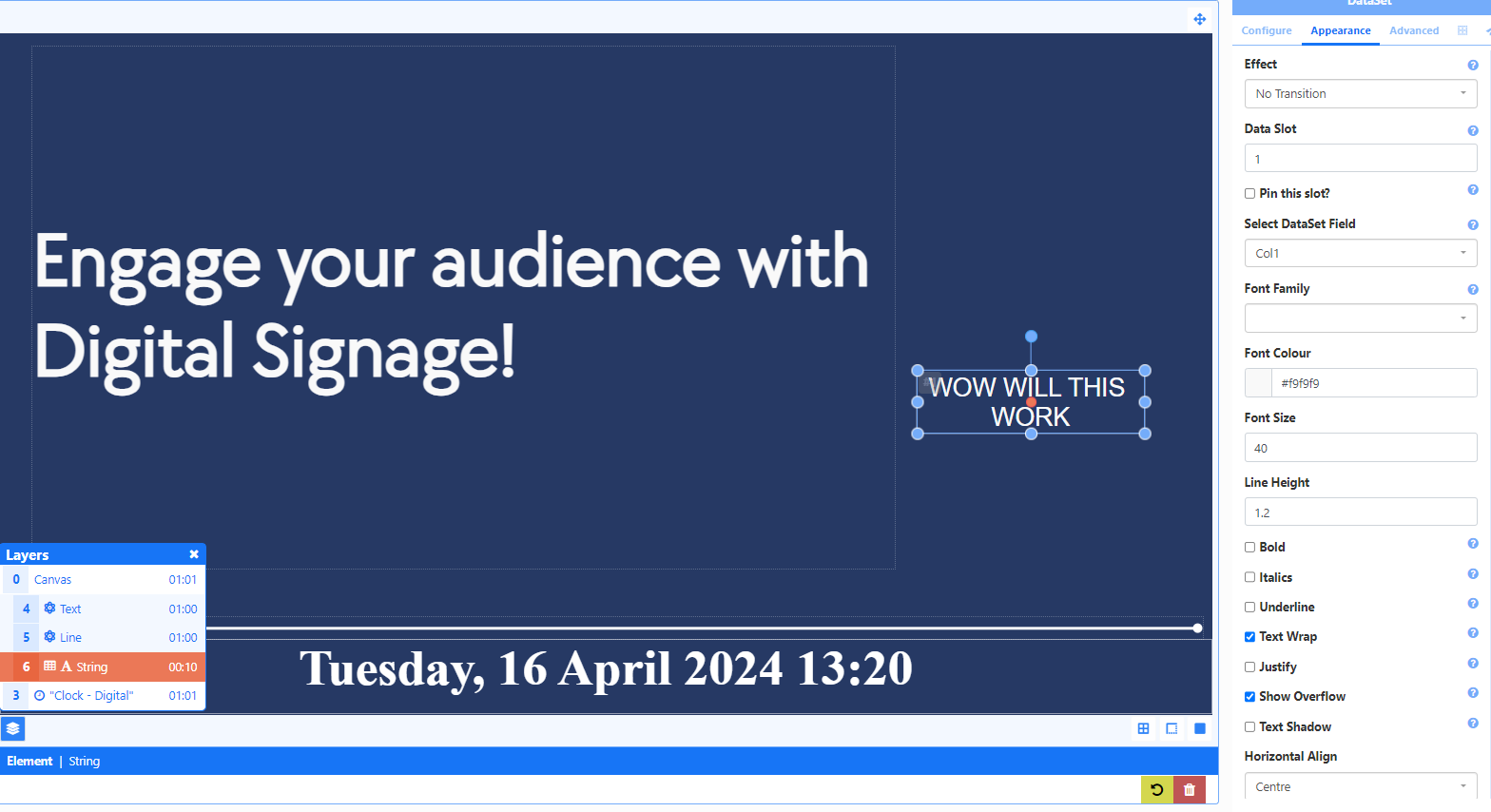
Ok and under “Filters” settings ?
I set that to more than 0. I didn’t think you needed a filter or if you left it empty it would just display.
Normally yes,
How is your dataset created?