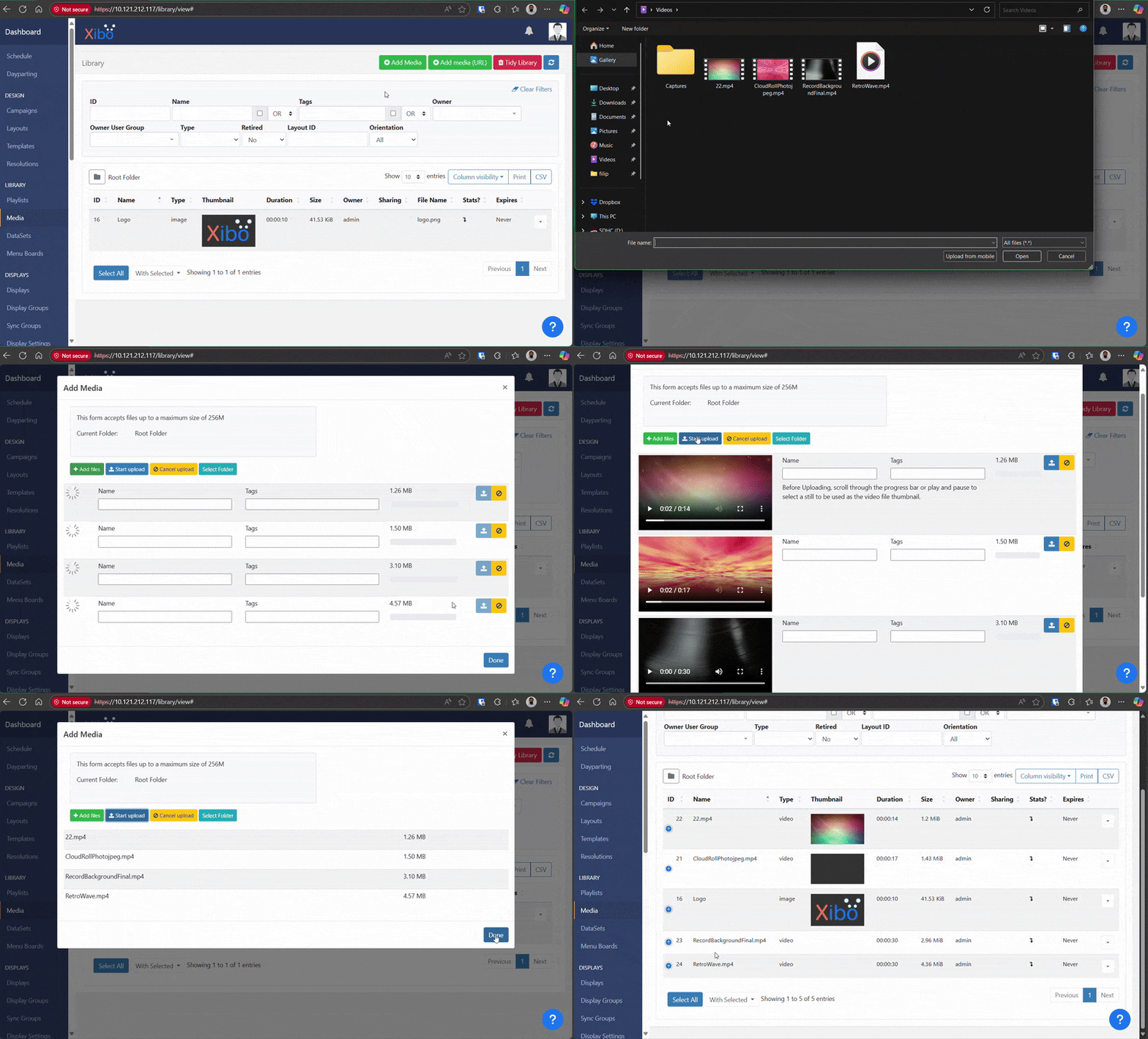
I’m encountering a consistent issue with my Xibo Docker 4.2.3 installation.
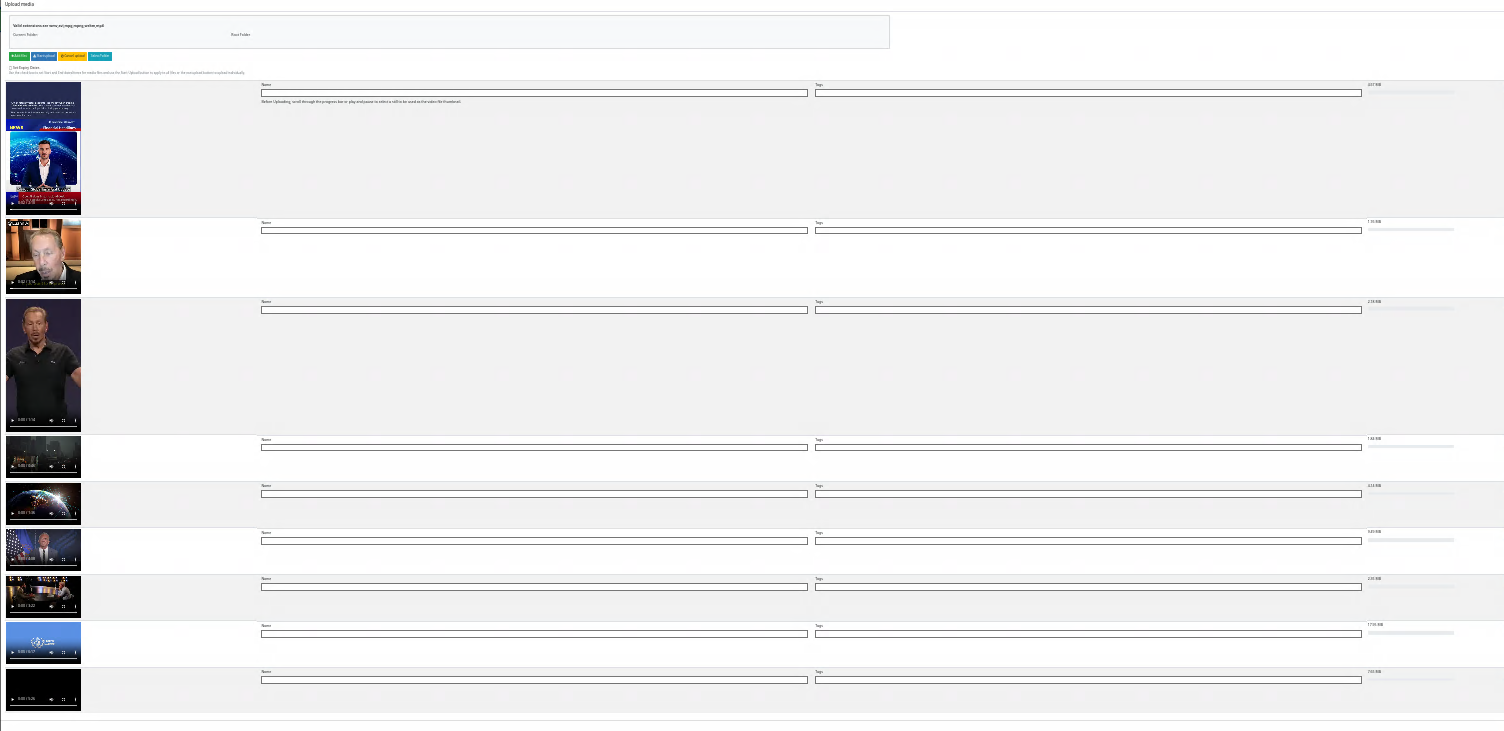
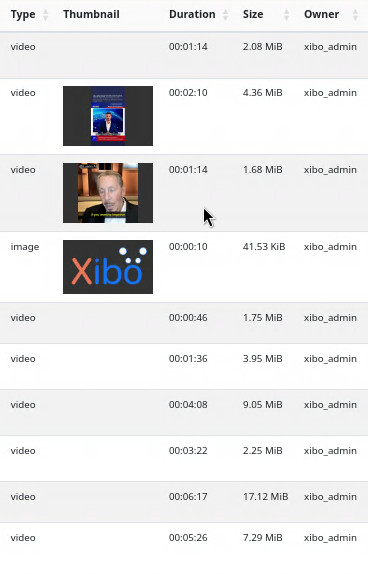
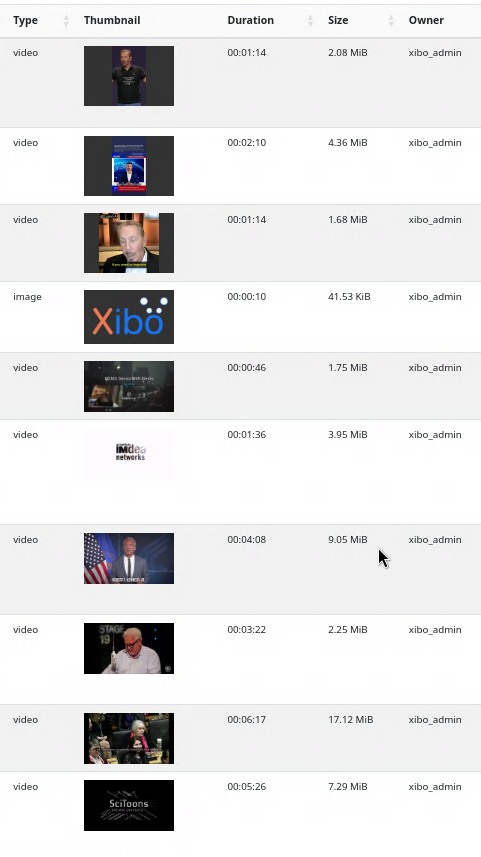
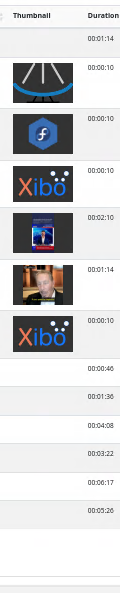
Whenever I try to upload more than two videos simultaneously, the thumbnails fail to generate for any video beyond the second one.
The log file shows the following error message for each video that fails to generate a thumbnail:
Level: ERROR
PAGE:/library/thumbnail
MESSAGE:Exception adding Video cover image. e = Image source not readable
While the video files themselves are uploaded and usable, the missing thumbnails cause a 500 HTTP error in both the layout designer and playlist editor when trying to access the thumbnail URL (e.g., /library/download/XX?preview=1&isThumb=1). This results in a blank space where the thumbnail should be.
This issue occurs consistently when uploading three or more videos at once, regardless of their file size or the browser used (I’ve tested with Chrome and Firefox).
My setup is a new, default installation without any custom configurations or a reverse proxy.
I’ve confirmed that this problem does not exist in previous versions, as I was able to upload multiple videos without issue on Xibo Docker 4.1.2.
But that only happens to me in layout editor upload form.
If i try to:
access the playlist widget in layout editor
use the upload form inside the playlist widget in layout editor
the problem does not occur
If i use the layout editor upload form to upload videos even if i drag the upload widget to a playlist inside the layout editor, it says that i can only upload one file.
I can easily replicate this issue every time on a clean local installation within a virtual machine or even a on Linode instance. I’m interested to know if others can replicate it as well, in addition to finding a solution.
I’m using Debian 12 with Docker version 28.3.3, build 980b856. Here are the exact steps I followed to reproduce the issue:
mkdir /opt/xibo
cd /opt/xibo/
wget https://github.com/xibosignage/xibo-cms/releases/download/4.2.3/xibo-docker.tar.gz
tar xzvf xibo-docker.tar.gz --strip-components=1
docker compose up -d && docker compose logs --follow
Wait for the Web server to start after populating the database.
After these steps, access the web interface and try to upload three or more videos of any size. You will see that only two of them have thumbnails, while the rest are blank. The error will also appear in the logs.
Although this may seem like a minor issue, it can significantly impact usability when dealing with a large volume of content.
I was able to reproduce the issue using a custom installation instead of Docker, with the same results. Using PHP 8.2 on Debian 12, even with Nginx instead of Apache, I got the same error. This suggests the problem isn’t related to Docker, but likely issue within the Xibo itself
It would be incredibly helpful if someone in the community could attempt to replicate this using the steps I provided and confirm the same results.
Is there any info for this upload thumbnail generation problem ?
Today I checked again on Xibo for Docker CMS 4.0.1.0 and almost all video thumbnails are gone from this CMS installation.
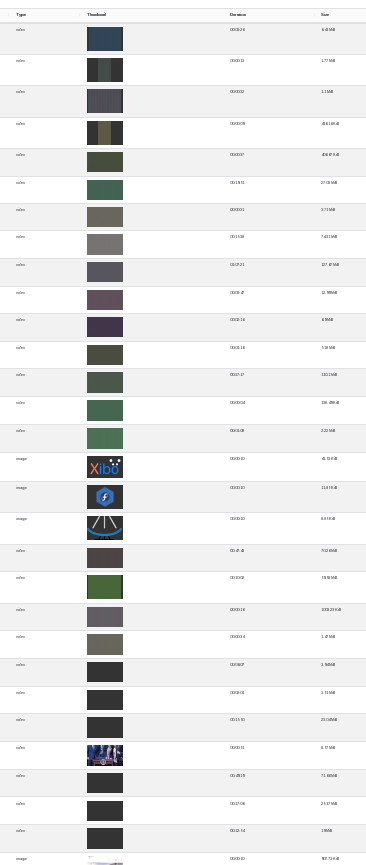
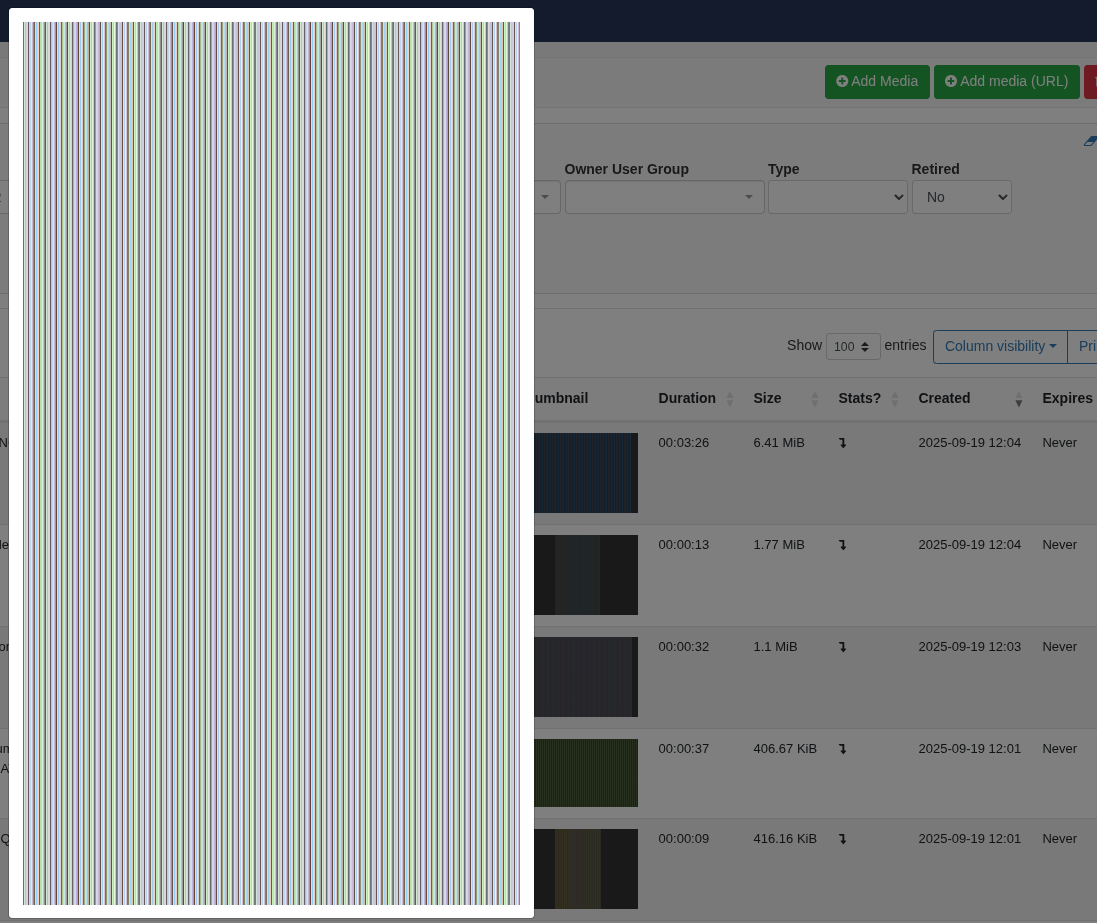
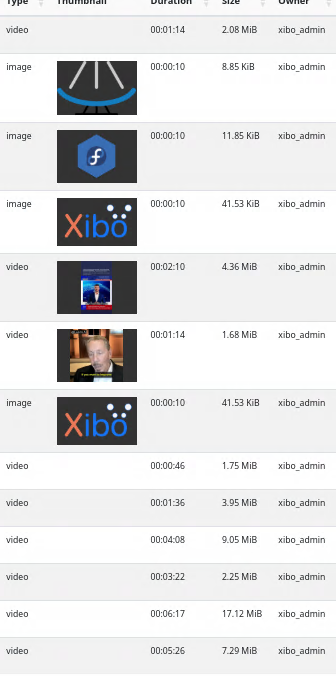
Chrome and Firefox shows same scrambled image for media thumbnail window, 1% of videos for whatever reason have thumbnail displayed, that is last picture on bottom of list …
I’m not aware of a method for doing that, as far as I know this is attempted once, however it’s in my test notes to confirm if that’s correct. If it is correct I’ll create a feedback form for the developers that this could be a welcome addition to the CMS if it’s not already possible. That doesn’t guarantee it will be added, however it will ensure the developers are aware of this and that they will discuss it.
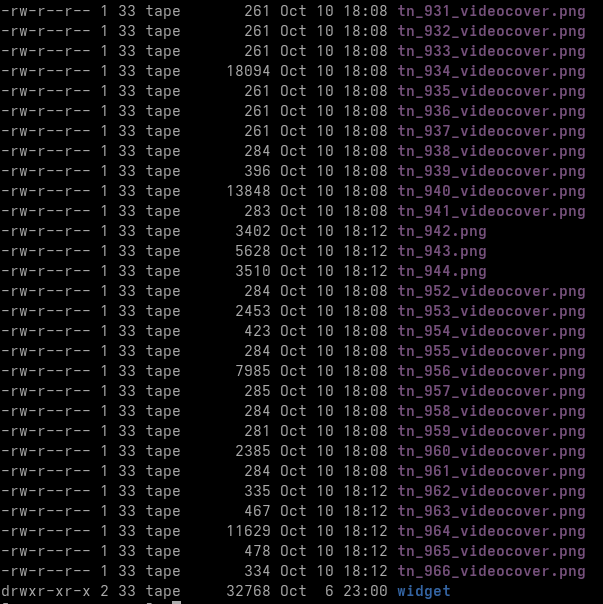
I have tried to delete all thumbnail tn_* files from CMS library in hope reboot will play smart and automagickly regenerate all missing thumbnails on new start …
Looking at file date it seems that it did regenerate all tn_* files but failed with same bug as in thumbnails for videos are scrambled, pictures seems to work…
Files regenearated on date and time is set to 18:08-18:12:
I have reported the issue and linked this post for reference. Thank you all for your input on reporting and troubleshooting this issue.
On a side note, I also can confirm that as it stands, there is not an official method/way to regenerate thumbnails after the initial upload. I have written up a feedback report on the comments here about that.
Hi all who are experiencing this issue. I can confirm that the QA team have also replicated the issue and so it is currently escalated for a solution by the development team. I will share an update when I have more news about the fix’s progress and the CMS version the fix will be released in.
I have a new update about this issue. I have been informed that the fix was added to the 4.4.0 second alpha. When this becomes available, I would be interested to hear of anyone sees the issue is resolved when testing with that release.
Hi 0x0, thanks for the link and for posting your feedback to the fix on the 4.4.0 alpha 2 release post. I would expect that feedback to ne responded to, so I would suggest keeping an eye on that post for a response.