@linuxnow: Godlike !
Hello 0x0,
In the tests I’m conducting with the latest version of Arexibo, I’ve found two bugs:
-
When a Wi-Fi connection is established, if the internet connection fails for any reason, it doesn’t automatically reconnect.
It would be helpful if it checked whether the internet connection is working and, if not, attempted to reconnect, as the administration panel shows that no session is active. -
The other problem I’ve detected is that if a group of two or more devices is created with this latest version and a list of videos, images, or a playlist is loaded, it works correctly on the first load. However, if something is modified or added to the list, the administration panel shows that it’s loading, but the devices don’t update with the changes unless they are restarted. Only then do the new modifications load.
Regards.
Hi pac,
if I understand you corectly WIFI is connected but only Internet connection drops, then session becomes inactive ?
-
You can try to remove “–allow-offline” parameter from arexibo startup
-
GOTO 1
BR
hi,
I just stumbled across this great project and ant to give it a try.
I’m try to install arx.f43-03.11.2025-03_59.iso on an Lenovo M710q. The files are getting downloaded but then I get an error. If I try to reboot the device I do not get a graphical interface and there are no services been started.
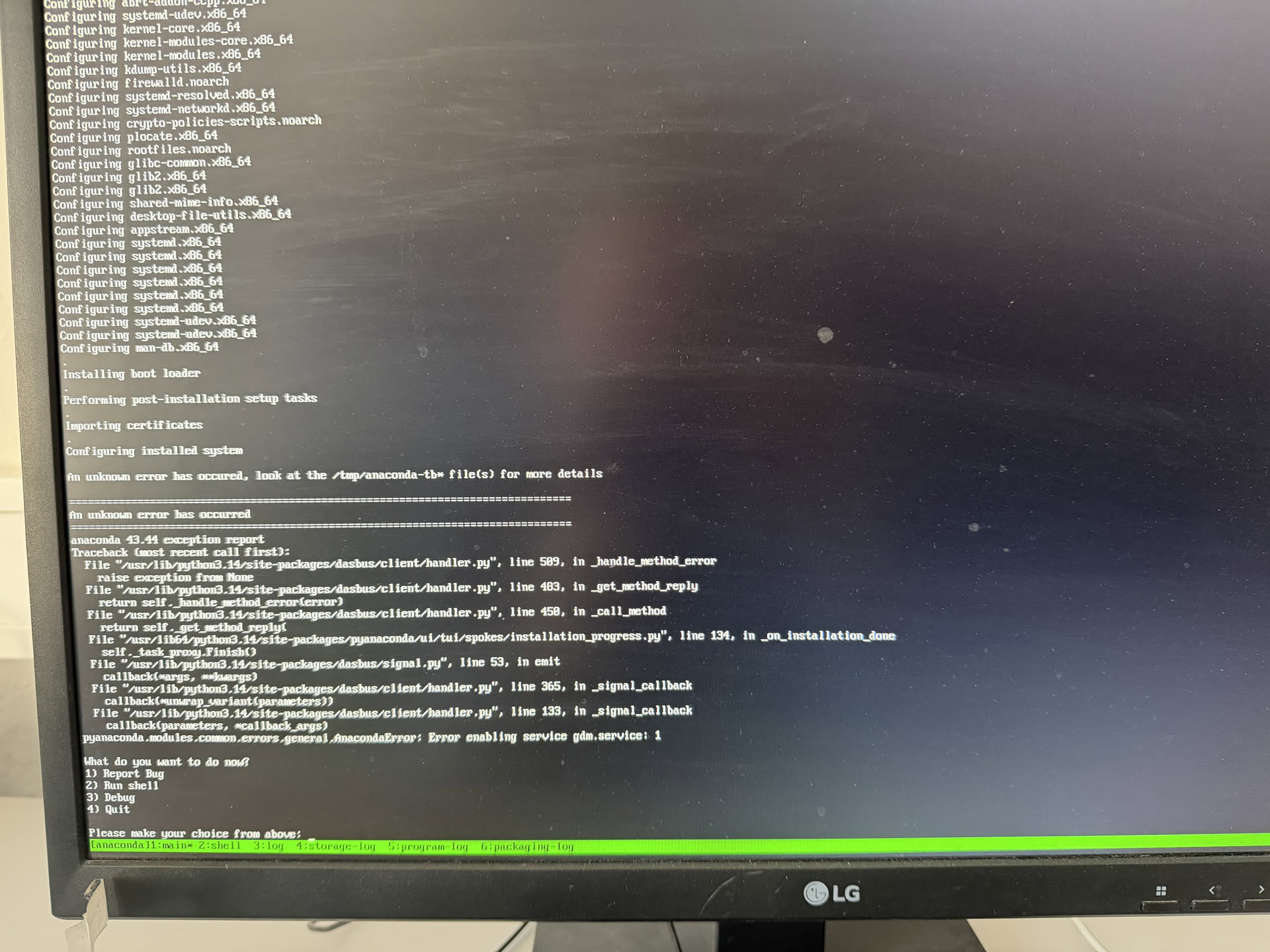
Can you help me?
Hi,
as you see “unknown error” log is located in file /tmp/anaconda-tb* which blocks desktop to start for some reason. Could you get to this file so we can maybe see what leads to this “OS” break ?
This should have not happened.
You could try to reinstall once more and see if you get the same result.
I am testing VM install now.
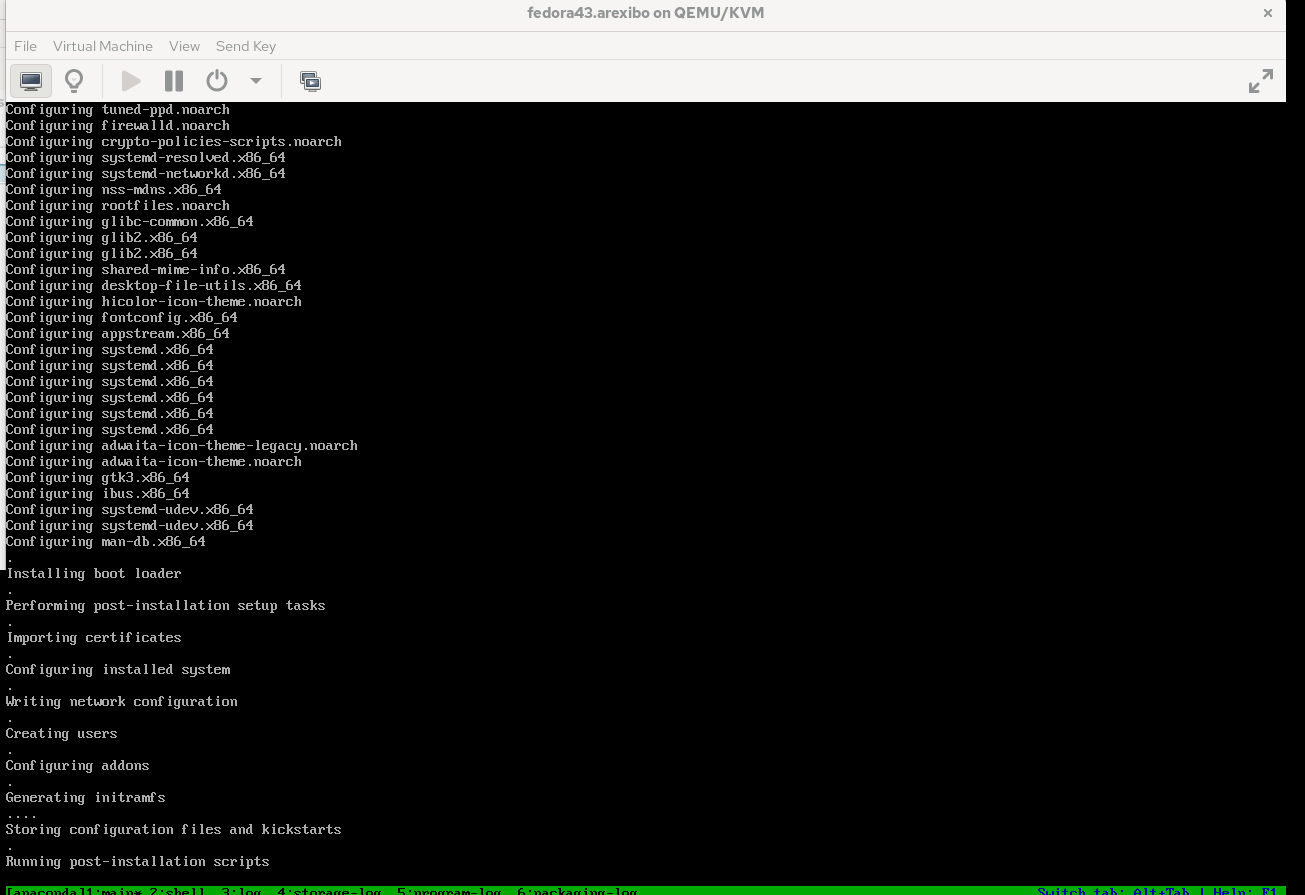
Installation finished to desktop:

Wow thanks for that verry fast feedback.
It has problem setting up gtk.
But maybe I found the problem:
Out of the box there is no useable mirror. I have to reconfigure the mirror using “nearest” mirror. Then I have you double check the software packages. As I can see there is just the base enviroment and not graphical interface selected?

If I continue like this, the installer downloads 708 RPMs
VM quick test install picture above proves otherwise.
Check your routing/internet/firewall/cable/etc … Mirrors are set in installation file, automatically.
Touching installation configs is for sure going to break installation.
OS installation is automaticly configured and not intended to be messed with unless you know exactly what you are doing.
This file is the important one to see why it errors out on your system, without it, we can just guess.
PDF time fix testing:
Arexibo built on RPi5 for RPiOS
https://m1r0.de/rpi5/arexibo.rpi5.raspios.aarch64.0.3.3
Arexibo built on Fedora44(Beta)
https://m1r0.de/x86_64/Fedora/arexibo.0.3.3
Hello,
Thank you very much for your amazing Work.
I was struggling with Linux Xibo player and your iso solved all my problems!!
Can you send me the credentials that i can access it threw ssh (I want to change some features like the name of the computer, the keyboard map and the time settings)?
Thanks again for all your amazing work
Glad to hear that ISO helped !
Try following credentials
user: “tv”
pass: “password” or “tv”
This initiative has moved to: