I can’t seem to get XMR to actually use websockets. It is listening on port 8080. I have the URL set in the CMS. The players seem to connect to it via websocket briefly and then close or disconnect immediately and fall back to ZMQ via TCP. I’ve turned on every bit of debugging and logging I can find or think of and nothing seems to show anything is “wrong” it just doesn’t work. I really wouldn’t care beyond the fact that ZMQ is apparently on the way out and I feel like it would be a good idea to figure out why this seemingly isn’t working. Anybody got any ideas, tips/tricks, suggestions?
Is your CMS a standard docker install? If so then there isn’t any need to set the URL in settings as it defaults to /xmr and the CMS web server proxies that through to the XMR container.
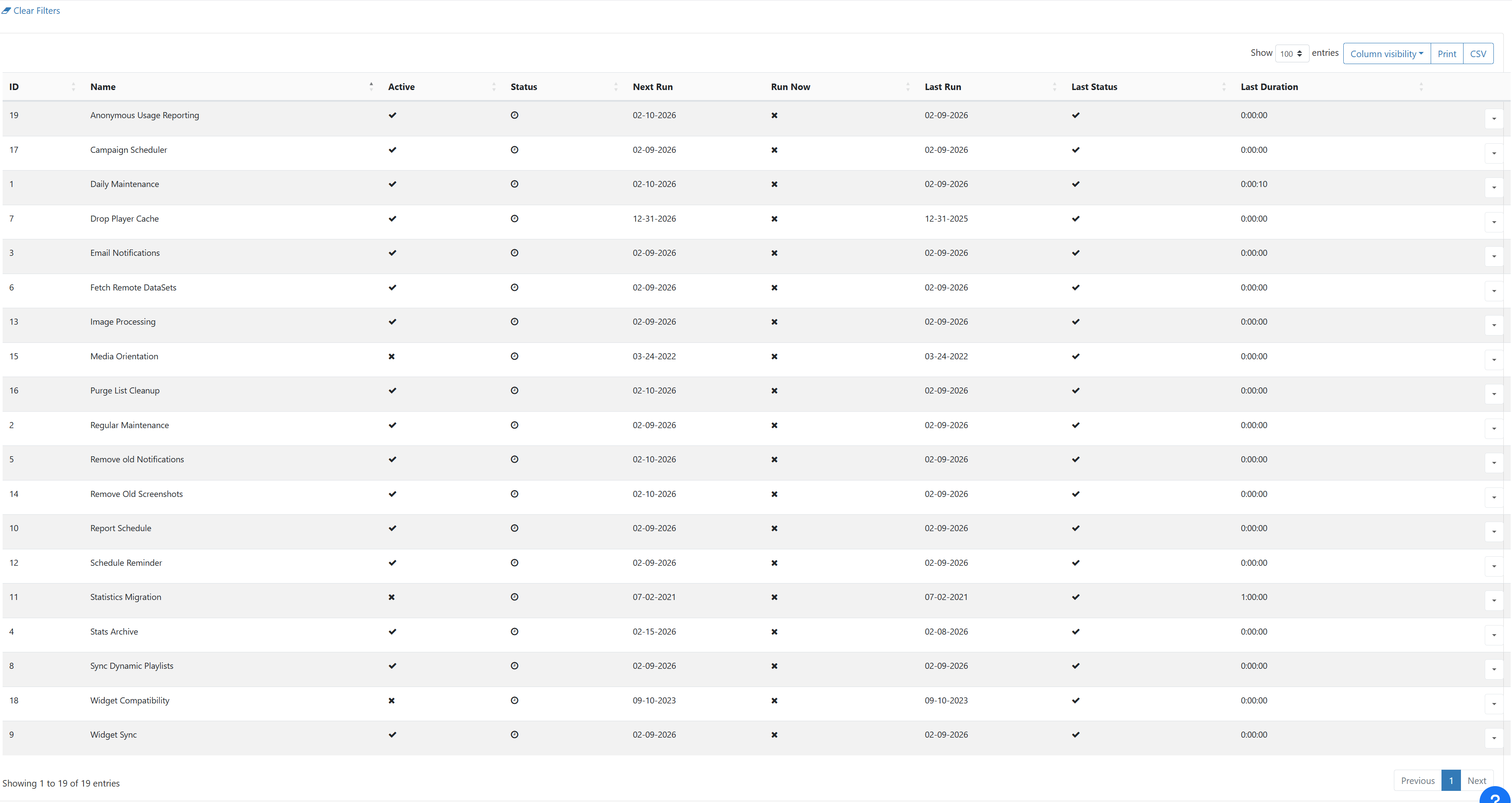
Connecting briefly and then disconnecting points to an authentication issue, the player app will set an auth message to XMR as its first message, and if auth fails it will disconnect and try again later. The auth keys rely on XTR (tasks) running successfully, so you could check there first?
This is an IIS install. I’m pointing it directly to ws://xibo-cms.domain.com:8080
This is the log from the client (Windows):
Info: 2026-02-02 18:44:20XmrSubscriberXmrSubscriber - RunThread Started
Audit: 2026-02-02 18:44:20RequiredFilesAgentThreadScheduleManager - GetScheduleXmlStringGetting the Schedule XML
Info: 2026-02-02 18:44:20RequiredFilesAgentThreadRequiredFiles - ReportInventoryReporting Inventory
Audit: 2026-02-02 18:44:20ScheduleManagerThreadScheduleManager - RunSchedule Timer Ticked
Audit: 2026-02-02 18:44:20ScheduleManagerThreadScheduleManagerClearExpiredCriteria: Clearing any expired criteria
Audit: 2026-02-02 18:44:20ScheduleManagerThreadScheduleManager - LoadNewScheduleSkipping validity test for current layout.
Audit: 2026-02-02 18:44:20ScheduleManagerThreadWeatherAgentEnable: disabled
Audit: 2026-02-02 18:44:20XmrSubscriberXmrSubscriber_webSocket_OnOpen: Open
Info: 2026-02-02 18:44:20XmrSubscriberXmrSubscriber - RunDisconnected, waiting to reconnect.
Audit: 2026-02-02 18:44:25XmrSubscriber_webSocket_OnMessage: Received
Audit: 2026-02-02 18:44:25XmrSubscriber - RunConnected (tcp://xibo-cms.domain.com:9505), last activity: 2/2/2026 6:44:25 PM
If I’m interpreting it correctly it is Opening a websocket and the disconnects, then reconnects over legacy TCP. I can confirm that XMR is listening on port 8080 on the server but I’m not really sure what other debugging I can do.
I think that’s a slightly misleading audit message which we will get fixed.
You’re going to need to look at your server side logs to see what requests are being made/rejected. It looks like the connection to the web socket is immediately disconnected for some reason.
I’ve done the “Reconfigure XMR” on all the displays XMR multiple times. I know legacy is working because I can send a command for screen shots and get it back immediately and it indicates XMR is connected via TCP.
Hi Folks… have run into a similar error… I have configured Xibo in docker and can reach it over the internet, have it running on a Linode so I have a static publicly accessible ip that works fine for the tcp://….:9505 but I am looking to configure the wss://. I am running Linuxserver SWAG as my reverse proxy (nginx based) and have the following proxy-conf
```
server {
listen 443 ssl;

listen \[::\]:443 ssl;


server_name signage.\*;


include /config/nginx/ssl.conf;


client_max_body_size 0;


location /xmr {

    \# We strip the /xmr prefix before sending it to the container

    rewrite ^/xmr(.\*) /$1 break;


    proxy_pass http://172.17.0.1:8082;


    proxy_http_version 1.1;

    proxy_set_header Upgrade $http_upgrade;

    proxy_set_header Connection "Upgrade"; # Capital 'U' is often required by Ratchet


    proxy_set_header Host $host;

    proxy_set_header X-Real-IP $remote_addr;

    proxy_set_header X-Forwarded-For $proxy_add_x_forwarded_for;

    proxy_set_header X-Forwarded-Proto $scheme;


    \# Stop Nginx from timing out the long-lived push connection

    proxy_read_timeout 86400;

    proxy_send_timeout 86400;


    \# Disable buffering for real-time traffic

    proxy_buffering off;

}

\# -----------------------------------


location / {

    \# enable the next two lines for http auth

    #auth_basic "Restricted";

    #auth_basic_user_file /config/nginx/.htpasswd;

    include /config/nginx/proxy.conf;

    resolver 127.0.0.11 valid=30s;

    set $upstream_app 172.17.0.1;

    set $upstream_port 8081;

    set $upstream_proto http;

    proxy_pass $upstream_proto://$upstream_app:$upstream_port;


    proxy_set_header X-Real-IP       $proxy_protocol_addr;

    proxy_set_header X-Forwarded-For $proxy_protocol_addr;


 }
}
```
Which works for android but I keep getting this in the logs for the players running windows
Checked for solutions online and came up empty… the closest that I can figure is that there is no place for me to configure the XMR_CMS_KEY I have located the key from within the db but have no where to input it to use it?