Xibo CMS v4.4.0 Released

Hi everyone,

We are thrilled to announce the latest CMS release, Xibo v4.4.0. The codename for this version is “Schaumasse”.

24P/Schaumasse is a periodic comet in the Solar System. First discovered on 1st December 1911 as a 12th magnitude, the comet passed about 1 degree from Jupiter on 25th October 2025.

What’s new in Xibo 4.4.0?

Xibo v4.4.0 introduces new functionality and enhancements, with three key updates to scheduling and one new interactive feature, designed to help you schedule content more efficiently and create more flexible interactive experiences.

Scheduling Wizard

The CMS now includes a new Scheduling Wizard. This provides a streamlined, step-by-step approach to scheduling content that standardises how events are created in the CMS, helping you schedule content faster and more consistently than before.

Scheduling media and playlists

The experience of scheduling media and playlists has been improved by aligning it with the new Scheduling Wizard. You can now schedule content more quickly with fewer required steps, while still adjusting optional settings later if needed.

Schedule page enhancements

CMS v4.4.0 introduces improvements to the Schedule page to make it easier to view and manage scheduled events across your network.

Keyboard interactive actions (Android players only)

A new Interactive Trigger called Key Press has been added, allowing you to control interactive content created in Interactive Mode in the Layout Editor. This update provides a simple way to trigger interactive content with your keyboard, without the need for a touchscreen display.

MySQL 8.4

Xibo has updated its Docker configuration from MySQL 8.0 to 8.4.

Before upgrading, please ensure you have a full backup of your database. While every effort has been made to ensure your existing MySQL 8.0 CMS database will upgrade smoothly, having a full backup is critical to rollback if necessary.

Please also review this guide to check whether your MySQL database user credentials are compatible with MySQL 8.4, failure to do so could result in disruption to your CMS service while you recover.

Enhancements

v4.4.0 introduces over 40 fixes and enhancements.

You can find information on downloads, installing and upgrading, players, and change logs here.

Change Log

Detailed changes for this release here

The three alpha releases for 4.4 are listed below with further changes:

Xibo CMS 4.4.0-alpha1

Xibo CMS 4.4.0-alpha2

Xibo CMS 4.4.0-alpha3

Download

Please use the links below to download this release:

Visit our Downloads page for all the latest releases.

Install / Upgrade

Instructions for installation/upgrade can be found here.

The minimum version of PHP needed to run the CMS is PHP 8.1.

Please note: Xibo 4.4 does not require ZeroMQ/ZMQ dependencies for the web container, making it easier to install for those of you not using Docker. See the Apache/IIS notes for more information.

Players

We recommend using player software of the same version as your CMS. The latest player software is available here.

Earlier versions of the player will connect to a v4 CMS in legacy mode.

Please note: Xibo for webOS and Xibo for Tizen players require v3 R308 and above to function with a v4 CMS. View the latest player software here.

Cloud hosted

If you have a cloud hosted CMS and have not opted out of minor version updates, this update will be applied to all v4.3 instances with the release of 4.4.1. You can manually upgrade earlier from My Account.

Feedback

Please let us know what you think of v4.4.0.

3 Likes

Testing docker-compose…

1 Like

The new wizard is much more user friendly and effectively ensures important steps are not being overlooked. I’m confident my display managers will appreciate this.

However, I would personally change the following:

  • Move “Repeats” from Custom to the Time step.
  • Move the “Duplicate” buttom from the wizard, the the Row Menu.
1 Like

Glad to hear you like it! Thank you for your feedback, that has been recorded :grinning_face:

Upgraded docker installation from 4.3.1 to 4.4.0 with newest player version.

There seems to be a problem with XMR. Another person already mentioned this bug in the “Get-Help” Xibo community. XMR is not working.

Player Post Error in CMS-Log:
Unable to restart XMR: Could not load file or assembly ‘websocket-sharp, Version=1.0.2.32519, Culture=neutral, PublicKeyToken=5660b08a1845a91e’ or one of its dependencies. The system cannot find the file specified.

2 Likes

Thanks for letting us know. This has been reported and we will take a look.

Fresh install docker 440, “Deault Layout” is missing ?!
This is not the first time I see that new docker deployment is missing “Deault Layout”.

2 Likes

After upgrading the Docker installation from 4.3.1 to 4.4.0,
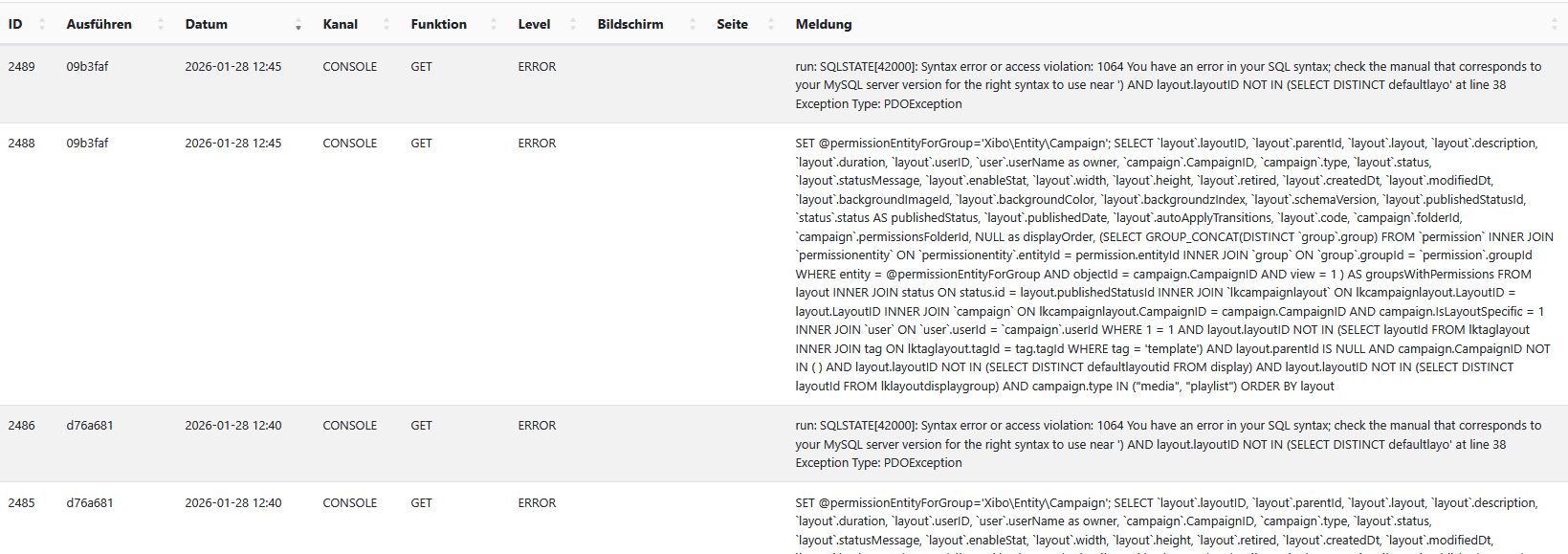
I get the following errors in the log. So far, I have not noticed any limitations in terms of functionality.

Hello,

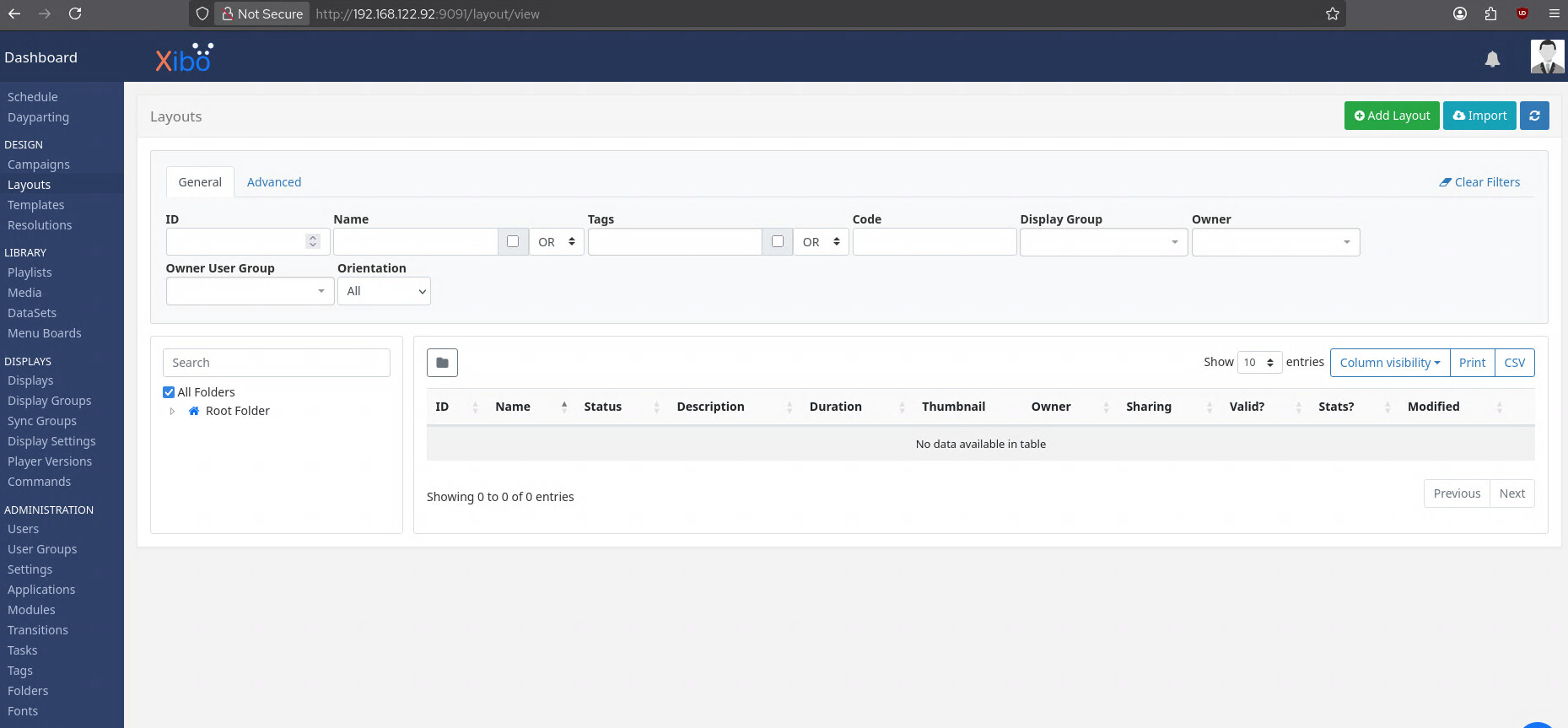
The same probably issue after upgrading a self-hosted instance of Xibo CMS from 4.3.1 to 4.4.0. Layouts are missing, but pagination is shown. Kindly advice.

Same problem as above. Clean 4.4.0 custom installation. Everything works fine, except the layouts. Pagination is shown, there is a default (and 19 in total) layout(s) somewhere, but it’s not shown. If I a try to add a new layout, it gives an ‘unexpected error, contact support’.

1 Like

Upgraded self-hosted from 4.3.1 to 4.4.0. Layouts are missing. ‘unexpected error, contact support’ when i try to add a new layout..

1 Like

I also have a custom Xibo installation without Docker. In production, upgrading from 4.3.1 to 4.4.0 did not seem to affect layout functionalit for me.

When I installed Xibo 4.4.0 with the same script I use in production but on a virtual machine, I’m able to reproduce the problems mentioned above.

When the default layout and fonts are not present, running sudo -u www-data /usr/bin/php8.3 /srv/xibo-cms/bin/xtr.php would ensure they become visible. However now it gives the following error:

{"success":false,"error":500,"message":"Unexpected error, please contact support."}

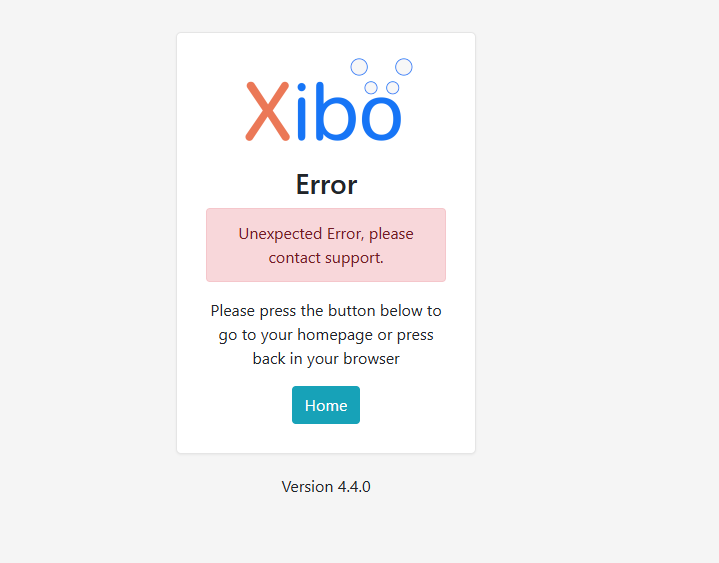
Additionally, when I want to create a layout, I’m greeted with the following screen:

Follow-up on my earlier post:

Setting my library location to the absolute path and then running XTR, or waiting for cron to run it, appears to have resolved the issue.

For reference, my library path is: /srv/xibo-cms/xibolibrary/

1 Like

Let me say that the news widget is not working anymore in Xibo 4. It seems that the url https://xibo.org.uk/feed gives a error. The other widgets with player info are also not loading, but do load when you disable the news feed in settings.

And the number of playing now players in the top of Xibo are saying : 0. While there are players online in Xibo.

i have the same problem

Problems with the layouts have also been reported here:
La mise en page - Get Help / CMS Features and Functionality - Xibo Community
Layouts page crashes since upgrade to 4.4 - Get Help / CMS Installation - Xibo Community

We are aware of the issues where layouts are present in the system but not visible in the UI, and where the default layout is missing or not installed. Our development team is actively working on fixing these problems.

Additionally, we are investigating the issue where creating a new layout fails with a general error.

The bug reports that were created:

2 Likes