Gustel
1
CMS Version
4.4.0 (Linux/Docker)
Player Type
Windows
Player Version
windows 4 R406.3-406
Issue
Hi Xibo, long time no see. I hope you doing well!
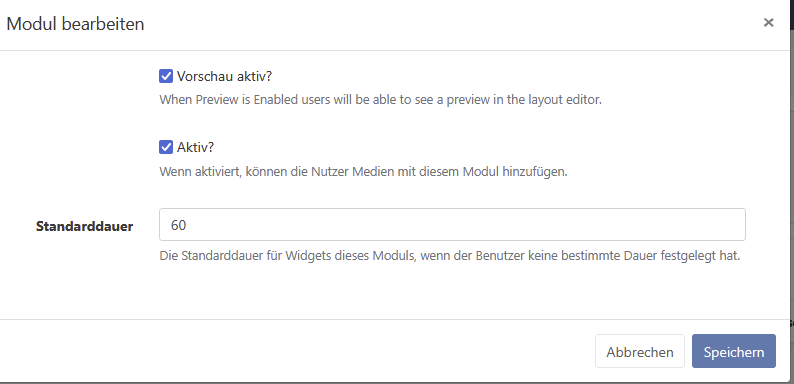
I tried to enter my API-key in the Modules → Weater-Module but I see only this:
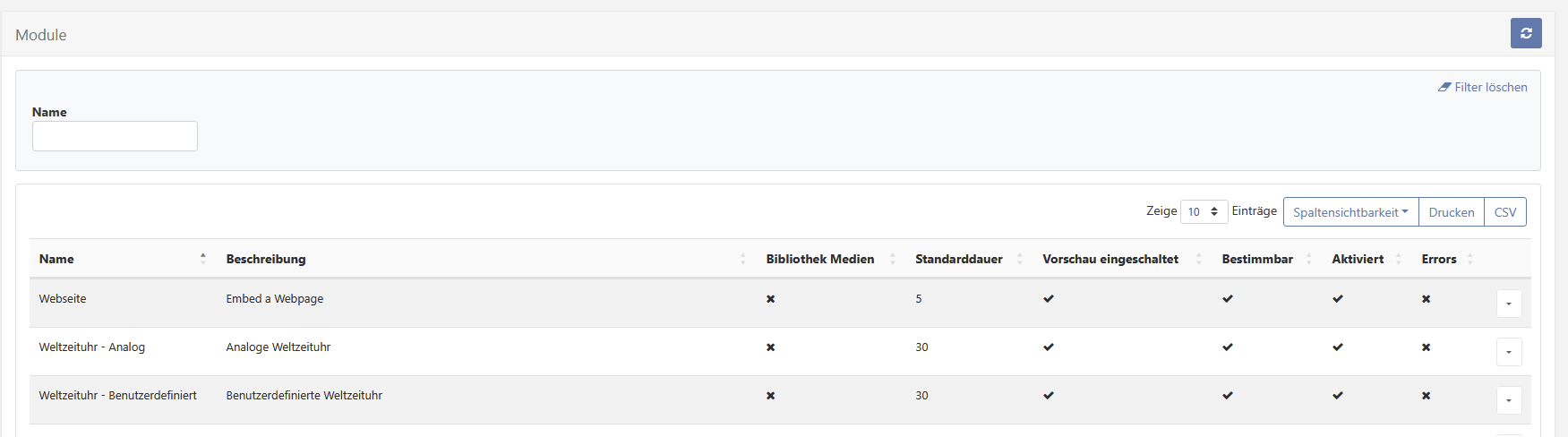
Then I serached and someone mentioned I should try “Verify all”, but this button is missing too:
Dan gave this advice:
I exectued the command successfully, cleared cache, but still see no “Verify all” button, nor can I see where I enter my Weather-API-key…
Could you please advise me how to do this.
Best Regards
Marc
Frazer
2
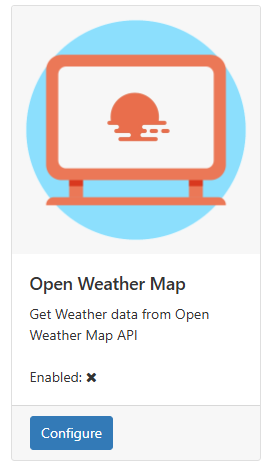
Hi @Gustel , the API key needs to be entered into the ‘Open Weather Map’ connector on the ‘Applications’ page of the CMS: