Hello, I encountered a problem with Samsung Tizen. How can I solve this? A black screen appears when playing a video or image again. How can I solve this?
Hi serkan.
Can You read the first message in this post and confirm if this is what you are seeing?
If this is not the same, can you share a few more details about the behaviour?
I am sending it to you as a video
Tizen black screen problem
https://drive.google.com/file/d/1RJpdB9l9GRL-tjhcifI3578662esjaK0/view?usp=drive_link
Is there a solution related to this area? Can you help me?
I have the same issue.
I have a layout with a playlist that contains a single image file (picture).
The file is set to display for 10 seconds, and exactly every 10 seconds there’s a brief black screen flash.
If the client asks me how many times the file was played, I’ll probably be able to tell them — but if I now want to avoid that black flash, the best way would be to extend the display duration of that single image. That’s possible, of course, but it would blur the playback count.
Is there any chance to create a workaround so that with just one image file in the playlist, the black screen doesn’t appear?
Hi serkan and Jakub.
Thank you for sharing your video of the behaviour with me serkan. I watched the video Serkan provided and I can see the black screen, which is the display reloading the media to be shown again. Gapless media playback is currently in development for the Tizen player to solve this.
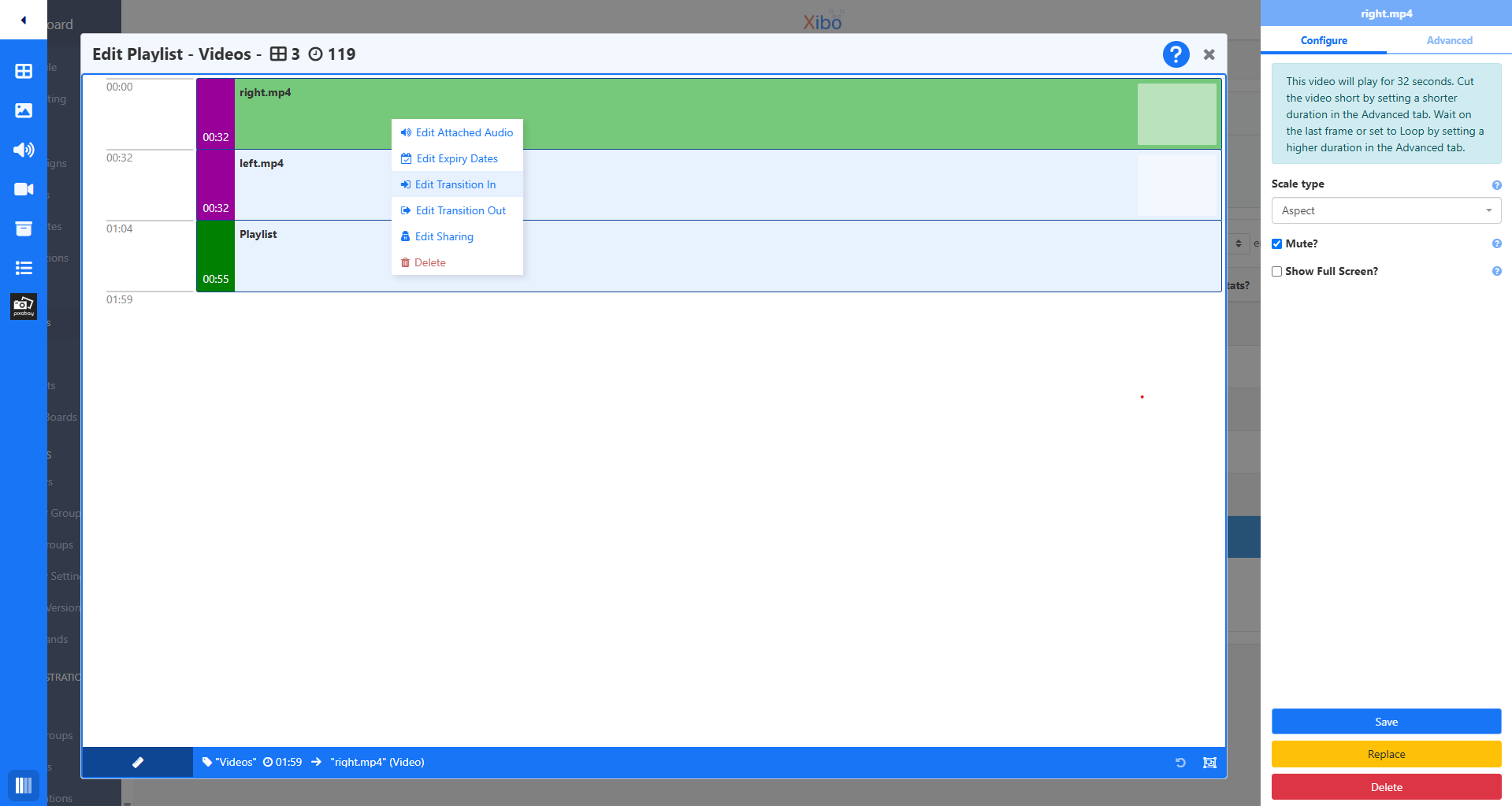
In the meantime, I would recommend using transitions to reduce the impact of the media reloading. You can do that in your playlist by right clicking on the media items to reveal the options for the transition in and out options: