Hello,
this is my first post, so I hope to find the right words.
I have a selfhosted server version with latest update, an android client (MINIX X88-i Android 5 Lollipop Industrial / Business Edition) with latest Xibo version.
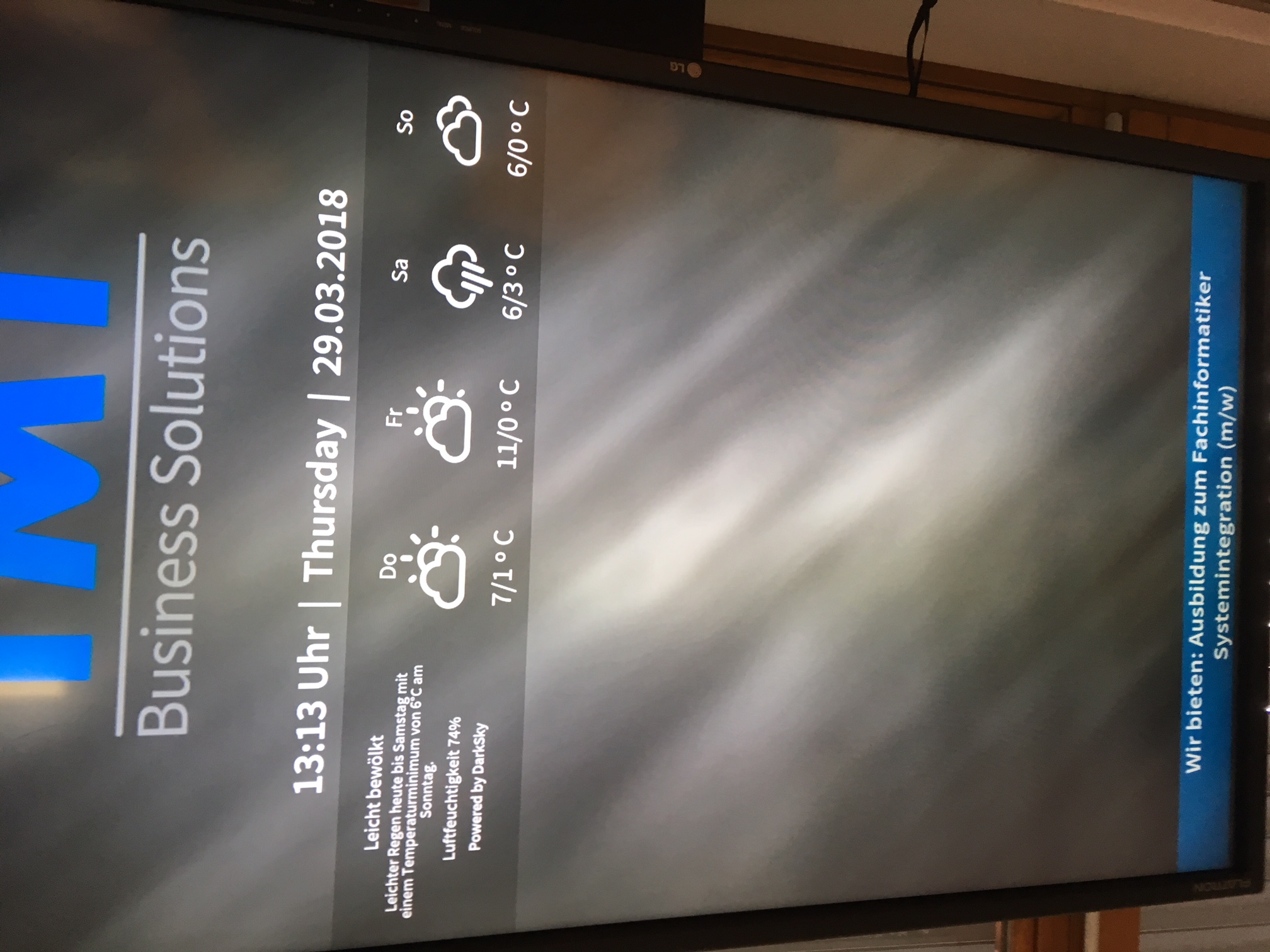
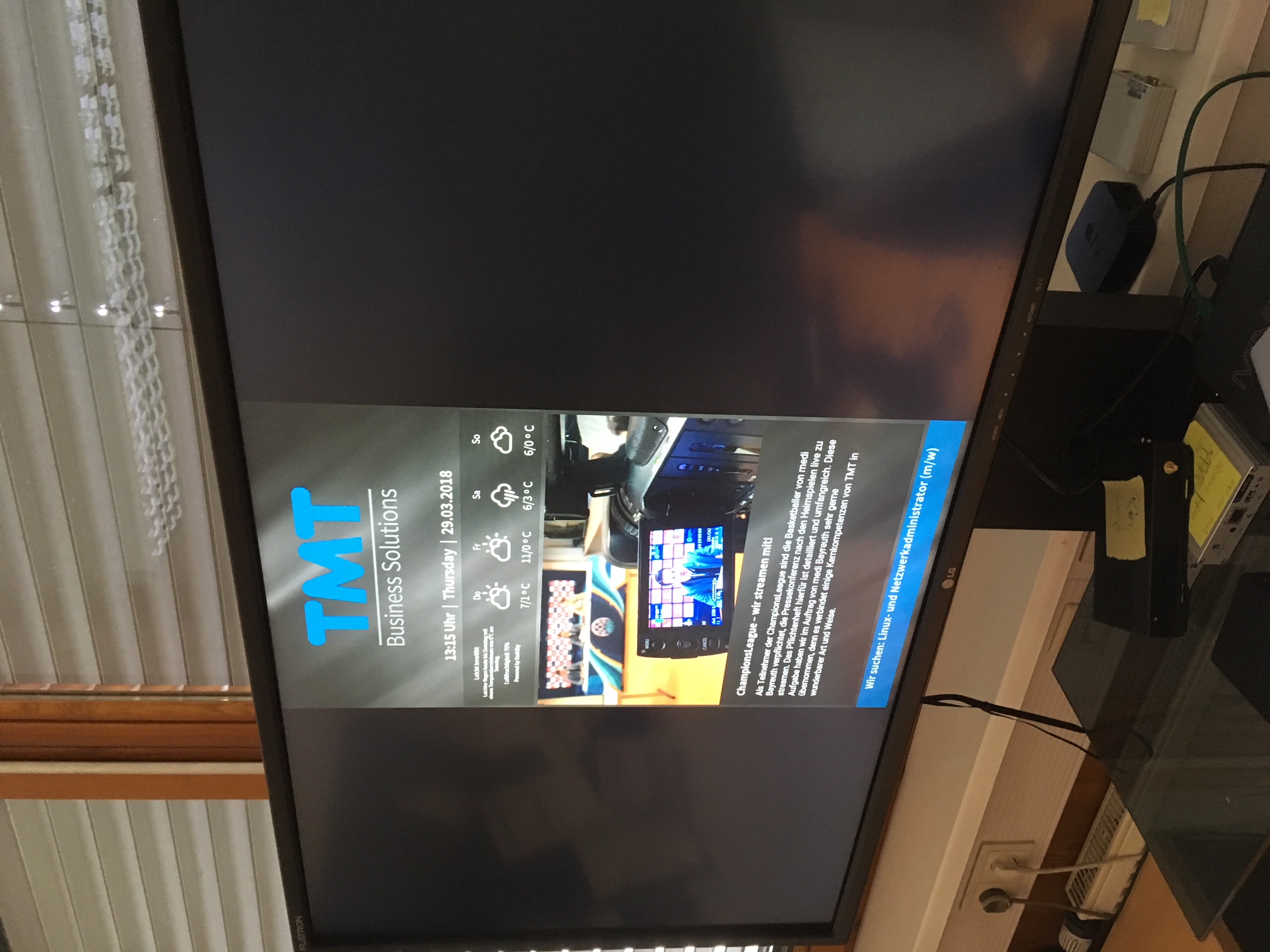
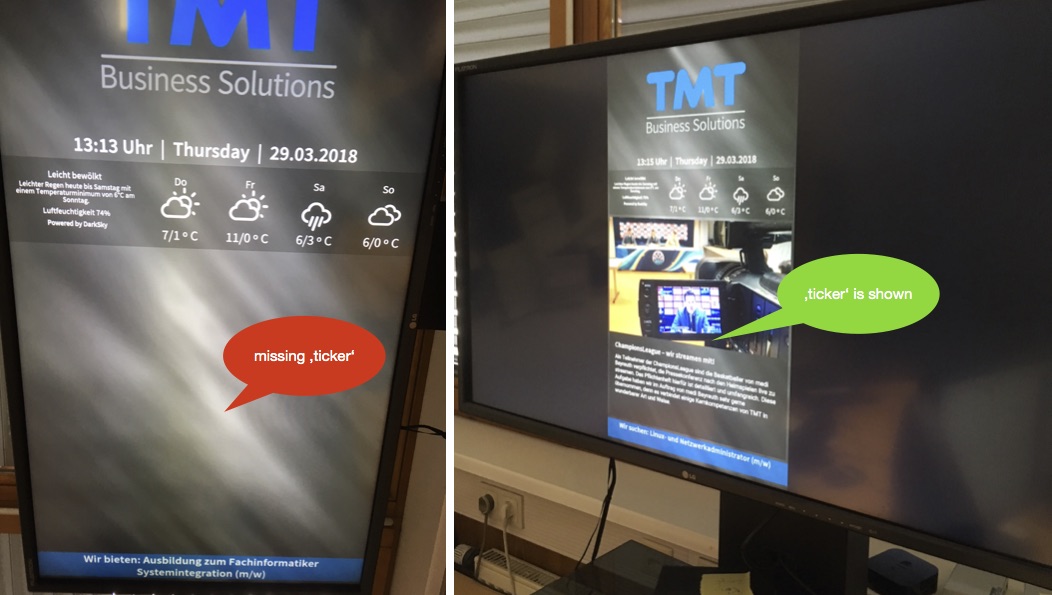
I’m doing a portrait layout with a few regions. Everything is fine in the preview, but a region with “ticker” doesn’t shows its content on the monitor.
If I set the screen orientation in android setting to landscape, they show up, set to portrait, they are missing.
Any suggestions?
Edit:
Maybe some CSS things?
I bring in two photos. Oh, only one, ok.
What android hardware are you using? It looks like the screen rotation hasn’t been done.
If your hardware is compatible with screen rtation, install an app to do so and it will work… i gues
Thank you for the answer. I’m using a MINIX X88-i Android 5 Lollipop Industrial / Business Edition.
In the first picture that I have posted, you see the screen rotation set to portrait in the android os settings of the hardware and also in the player settings of Xibo. The second picture shows that the content works if I set the settings in the android os to landscape.
There are only a few things that aren’t shown. It’s a ticker content with data from a dataSet. If I put a simple picture or video instead of Ticker, it works. That’s why I think that is could be a problem with CSS.
It looks like there is a smal margin between the weather area and the end of the screen when the screen is in landscape position, is it correct? And when on portrait, the weather goes all the way to the end of the screen.
This might be caused by:
-HDMI cable problem;
-Not real HDMI digital input on the monitor, so the player won’t “read” all pixels avaiable correctly.
I had a similar issue with a philips monitor.
So, the layout understands that there aren’t enough pixels to show the ticker and doesn’t show it.
Try shrinking the ticker size on the layout- if the ticker can be downsized
Did you downscale the ticker? Attention because if the ticker has rigid measures, it wont show either way. What are the pixel dimensions of the ticker?
if the hardware does screen rotation, i don’t see why it wouldn’t work when rotated. i use minix u1 and it works fine as well as with beelink
ok, I did a deinstall of the Xibo software from the android player and a new install and now it works. Strange, but true. Will wait now a few days and see if it will stay running.
You are right, there was no logic thing behind my problem.
The dimensions of the ticker was 1056 x 1015 px. I put some 600 x 600 default settings ticker in it and it didn’t work.
I was too soon to be happy. Today I restarted the player and got the same problem with the feed not showing.
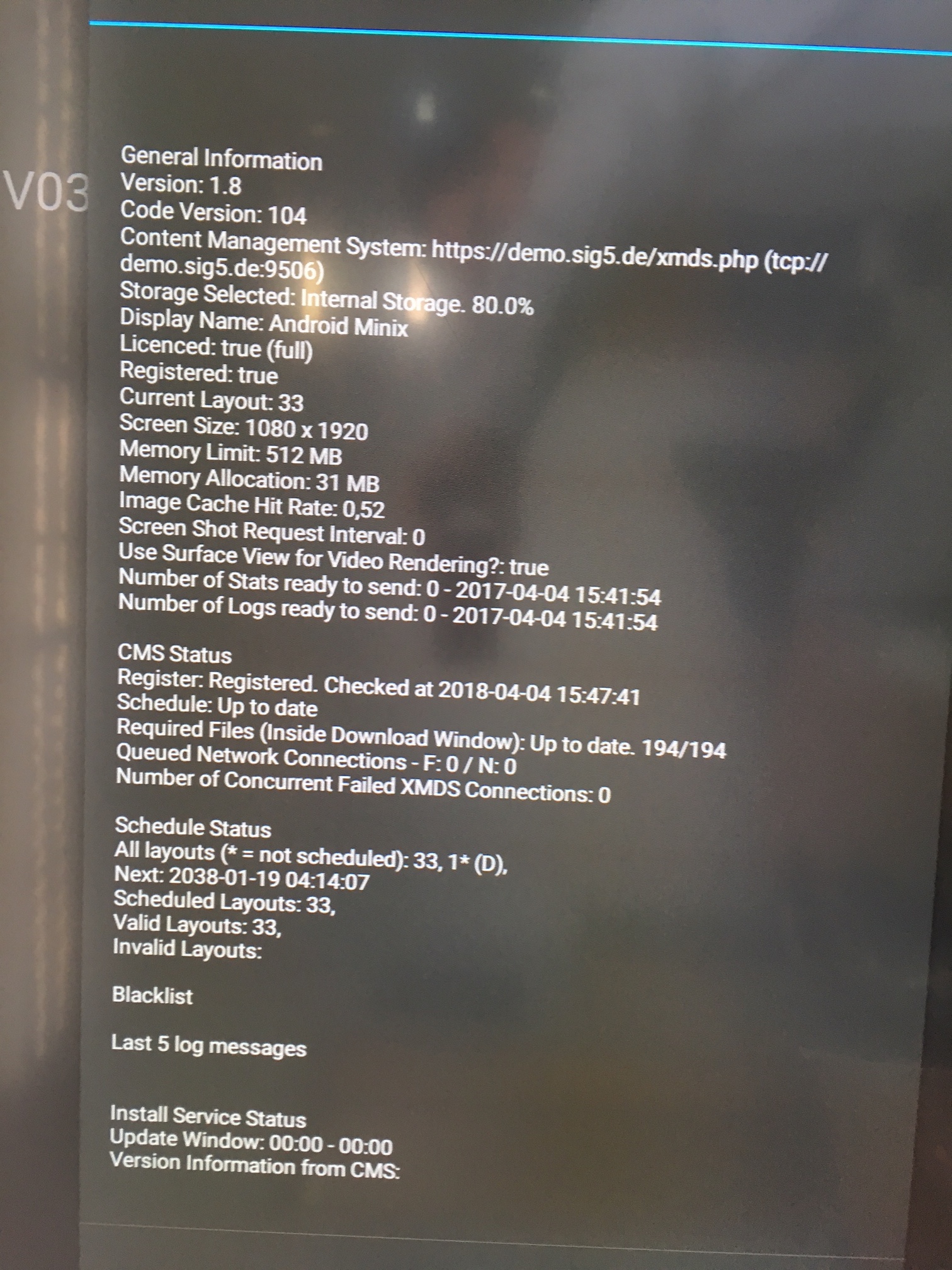
After the restart, I get a “Unfortunately, Music has stopped”-> “ok” and then “Unfortunately, Xibo has stopped”. When I manually start the app, it takes two starts to get working, but without the one region as before. But no error in the status.
So it seems to be a hardware player problem? Quite frustrating. I’m not the android guy, more an Apple fanboy. So I’m a bit helpless in this word.
Think I will order a DSCS9 for testing. But the conditions to EU sale are bad if I only order one player at once. And the “only one video” thing was an argument against it. I tested with 5 videos in one layout with no hussle on the Minix player.
I remembered that I have an qbic android player laying around and did use it for test with still 1.8 v 103 on it. Works perfect. Will do the update and see if still works.