Hi, I am looking to auto populate a Text Field on a layout with the Schedule Name calling the layout when published. I have seen some references to using [Schedule Name] or {{schedule.name}} however I couldn’t get either to work. Can anyone point me in the right direction? Many thanks
Hi kieranids,
Could you please share more details of the goal you want to achieve when you say ‘autopopulate a text field on a published layout’? How are you doing it? Is it via API call? If so, may I please know which references you are trying to follow to achieve your goal?
Hope to hear from you soon.
Kind regards,
Hi JerryW,
Thank you for taking a look. I am sorry about the lack of detail. In the image below I would like to add a text box to the layout as shown:
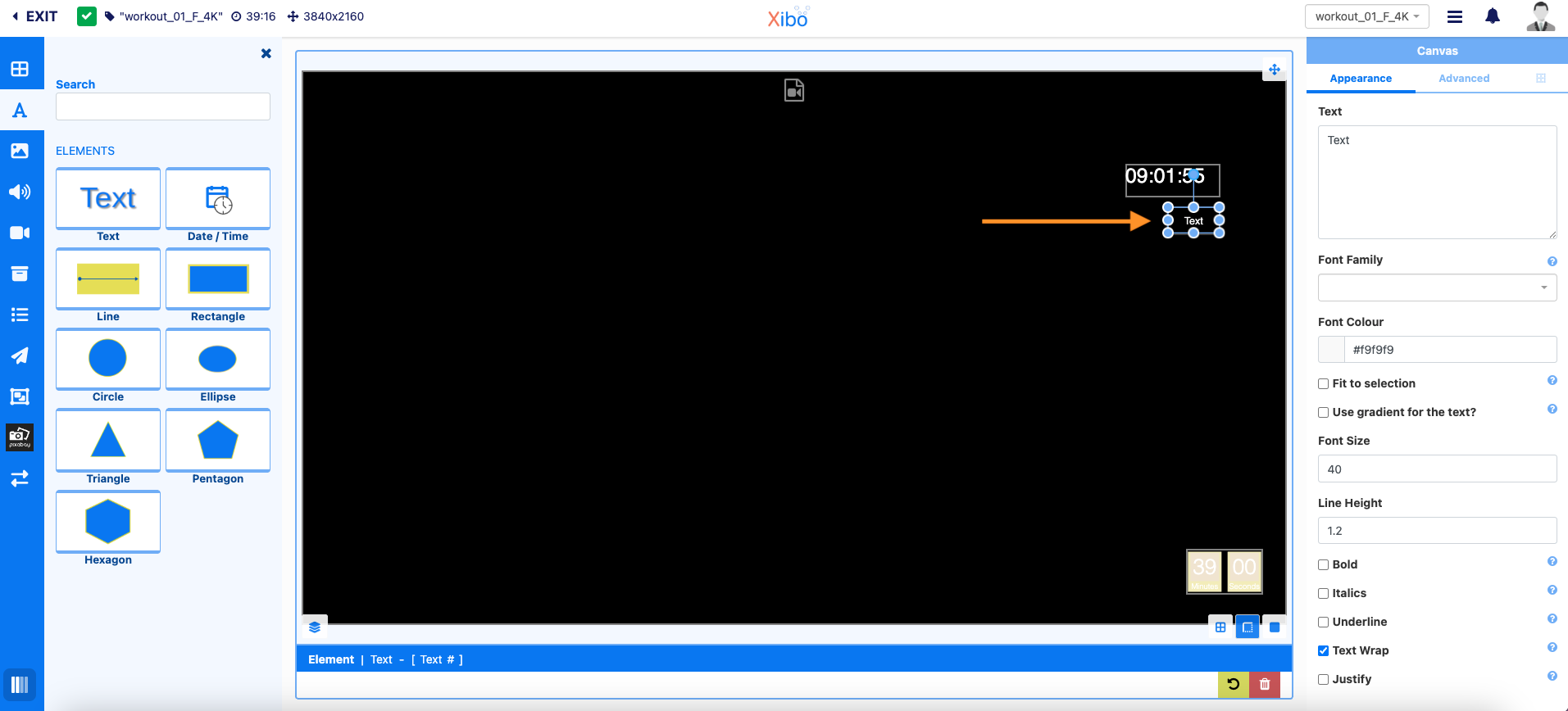
We are using the same layout for multiple schedule events and I would like to show the name of the scheduled event in the text box on the layout:
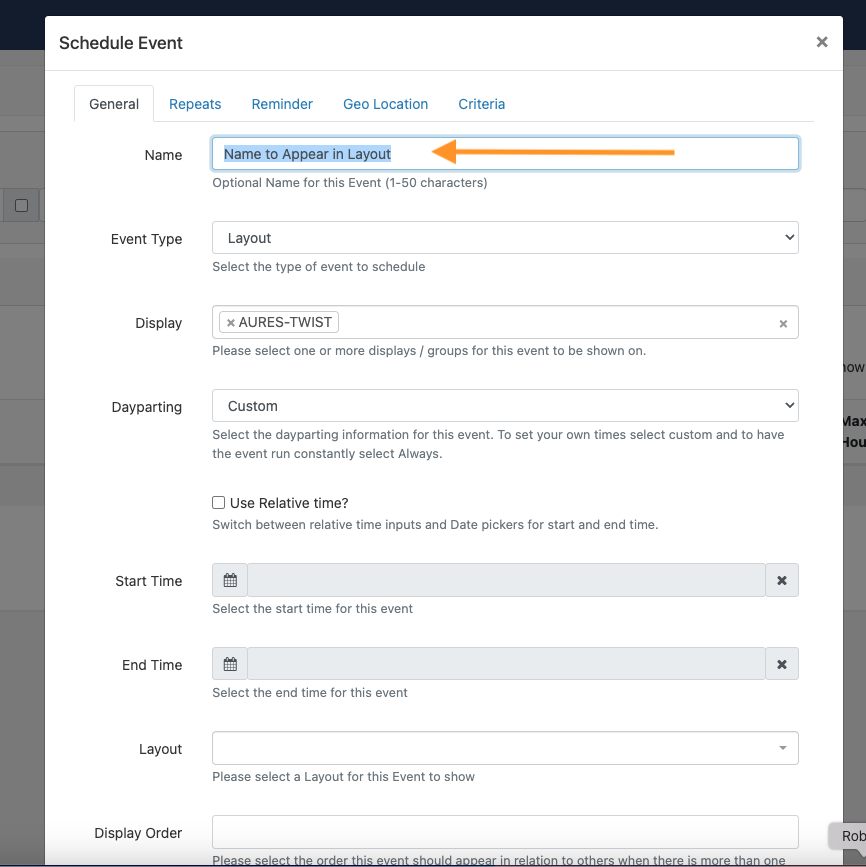
I was trying to use [Schedule Name] or {{schedule.name}} in the text editor but I think the guide was wrong.
Is this possible using the layout builder or using the API?
Many thanks
Hi kieranids,
I’ve checked this with our support team and confirmed that there is no way that the name of the scheduled event could be passed to the text element in your layout. What can be done instead is to create a layout for each display to which you can put the name of the scheduled event in the text element for each of the layouts.
Kind regards,
Ok thank you for checking this with the support team.