I’m using CMS version Version 1.7.7 and I have a problem with media inventory.
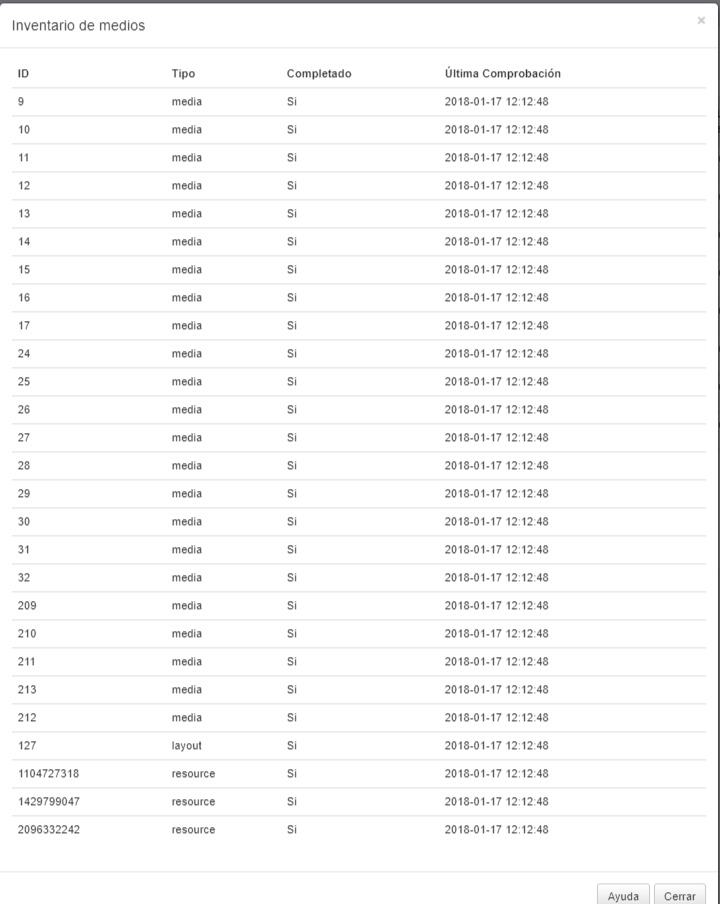
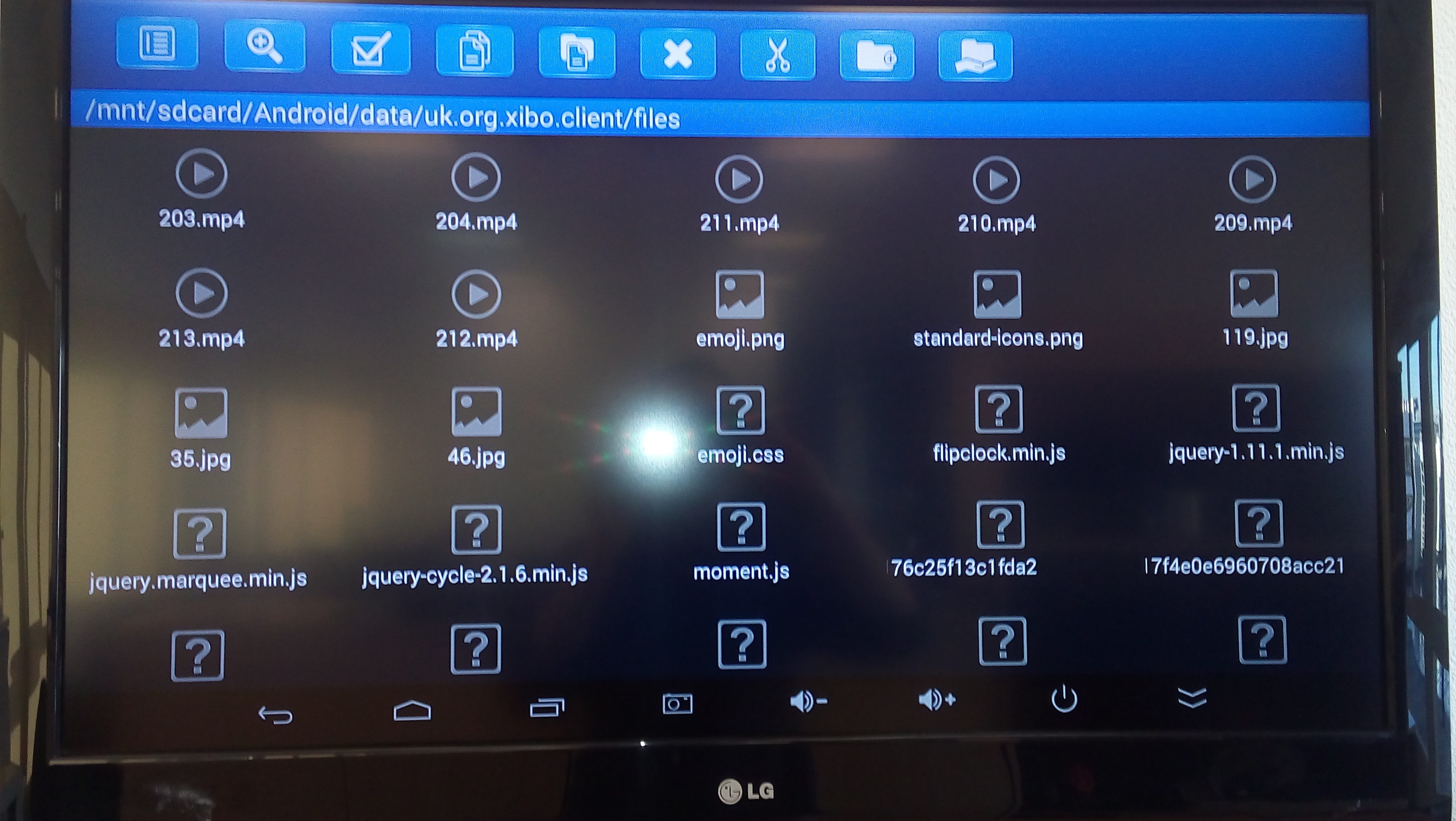
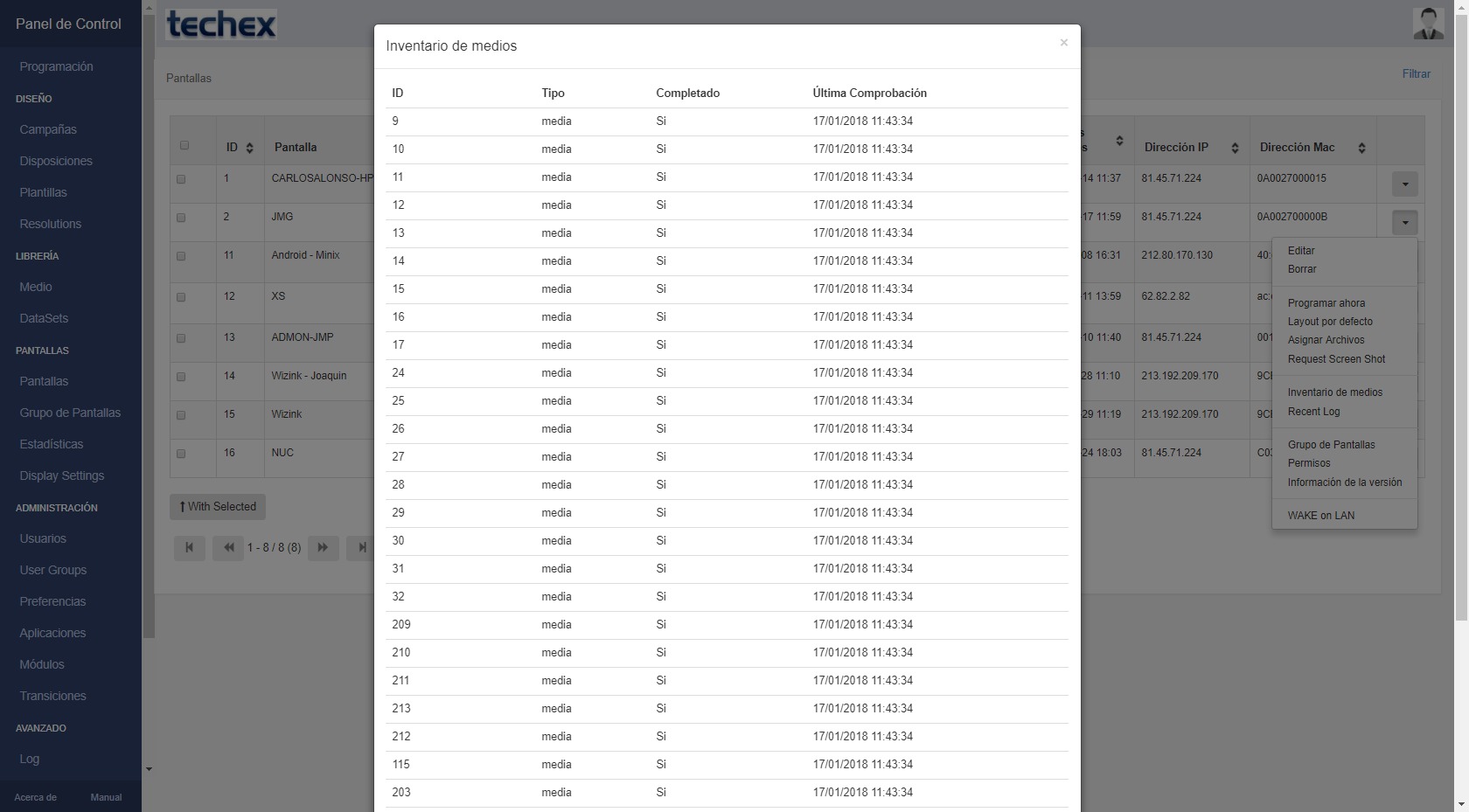
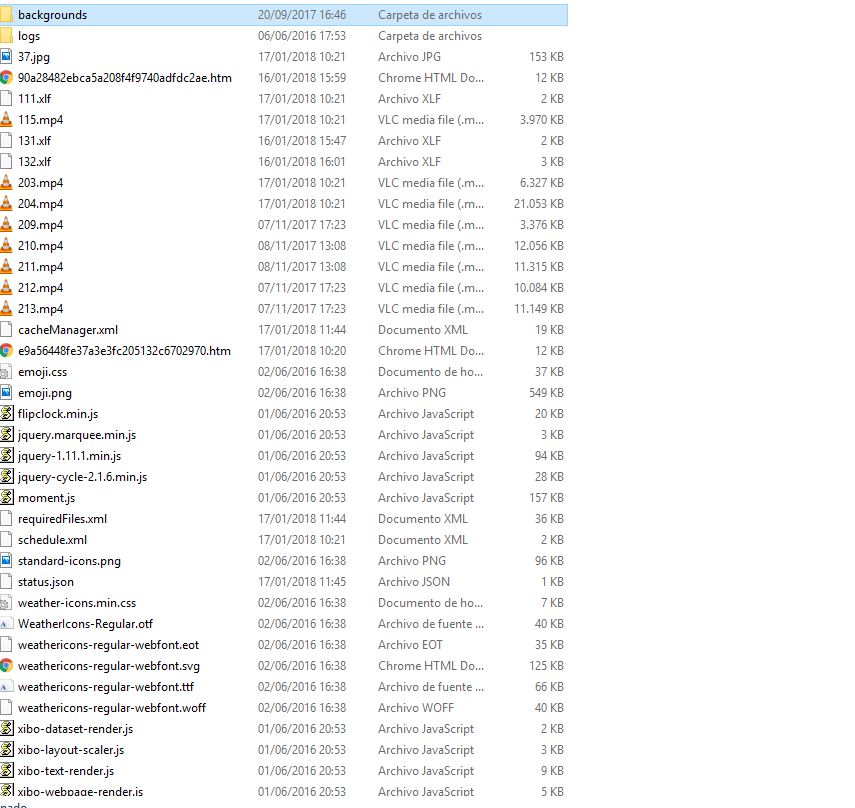
As you can see in the screenshots I attach media inventory displayed on player doesn’t match with media are storage on Xibo docs folder. Media inventory shows old files. I have the same problem with Android players and Windows players
Assuming that there were no issues with that in 1.7.7, which is pretty old as of now.
I’d say that those files in media inventory were required at some point, but it wasn’t correctly cleared then when they are no longer required,. it could be just cache though, you could try clearing display cache (Edit&Save the form). The module files (fonts, everything with ‘xibo’ js etc I believe those were listed there with the mediaId as well.
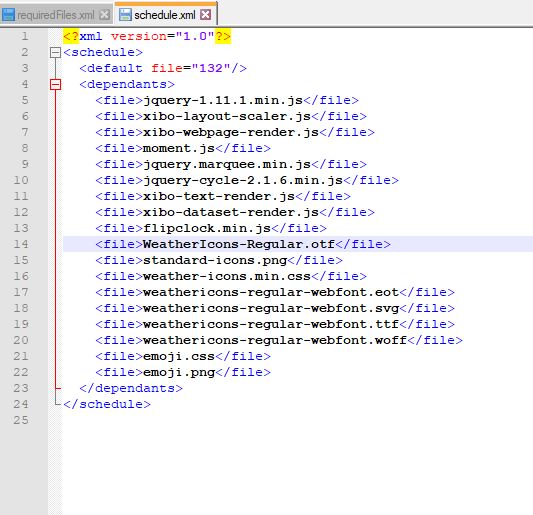
You could open requiredFiles.xml in your player library, that should match the actual state of the player library, schedule.xml should have your current schedule and dependencies listed correctly as well.