HTML/CSS editor on a dataset widget

To be completed by the original poster:

CMS Version

4.4.0

Player Type

Player Version

Issue

Hello,

I have a Xibo dataset connected to an external database in order to easily retrieve images from the media library.

How can we query the Xibo dataset in version 4 and display the data in a widget that can be customized with HTML and CSS?

In version 3, we had access to an HTML/CSS editor, which I can’t seem to find in version 4. Has it been hidden, or has it been removed?

If it has been removed, what is the alternative solution?

Thank you in advance..

1 Like

When editing a Layout under Add widgetsDataSet there is an option for HTML, but it appears that this widget does not have the HTML, CSS (and JavaScript) properties.

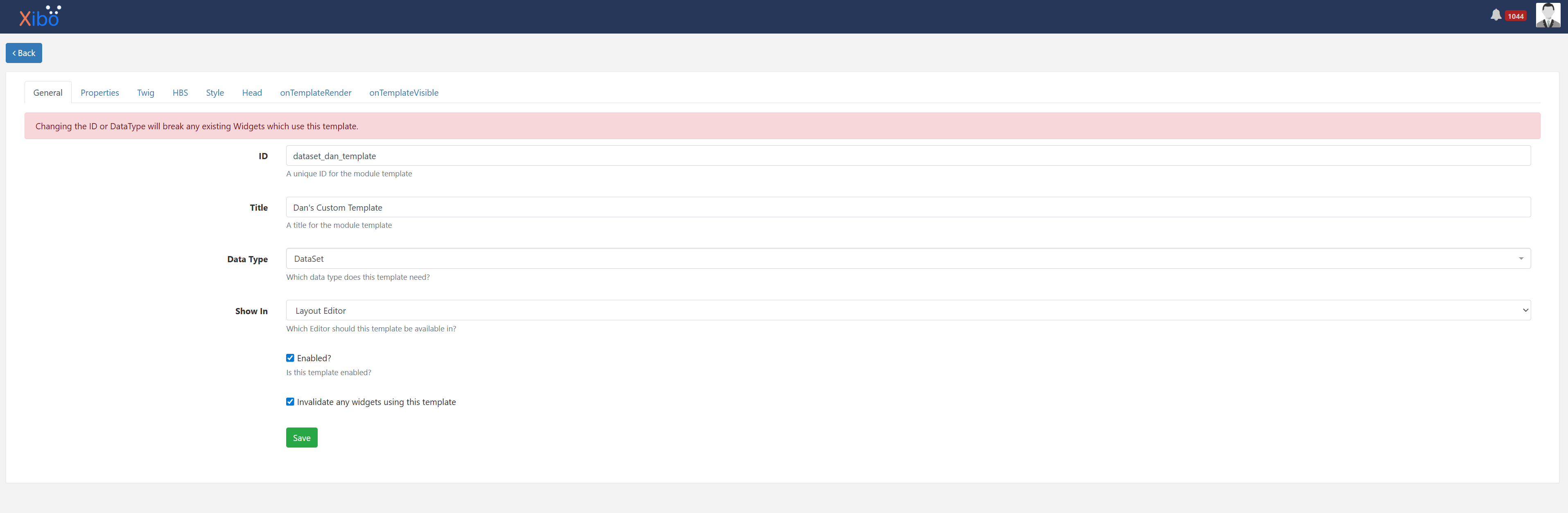
Our intention is the DataSet Elements allow non-technical (and hopefully technical) users to design the output for a DataSet visually using the editor. Letting you drag on elements, customise them, etc. If you want to go beyond that and have complete control over how the DataSet is rendered, the option your looking for is to create a Module Template from the developer menu.

Doing so gives you complete control over how that DataSet is rendered.
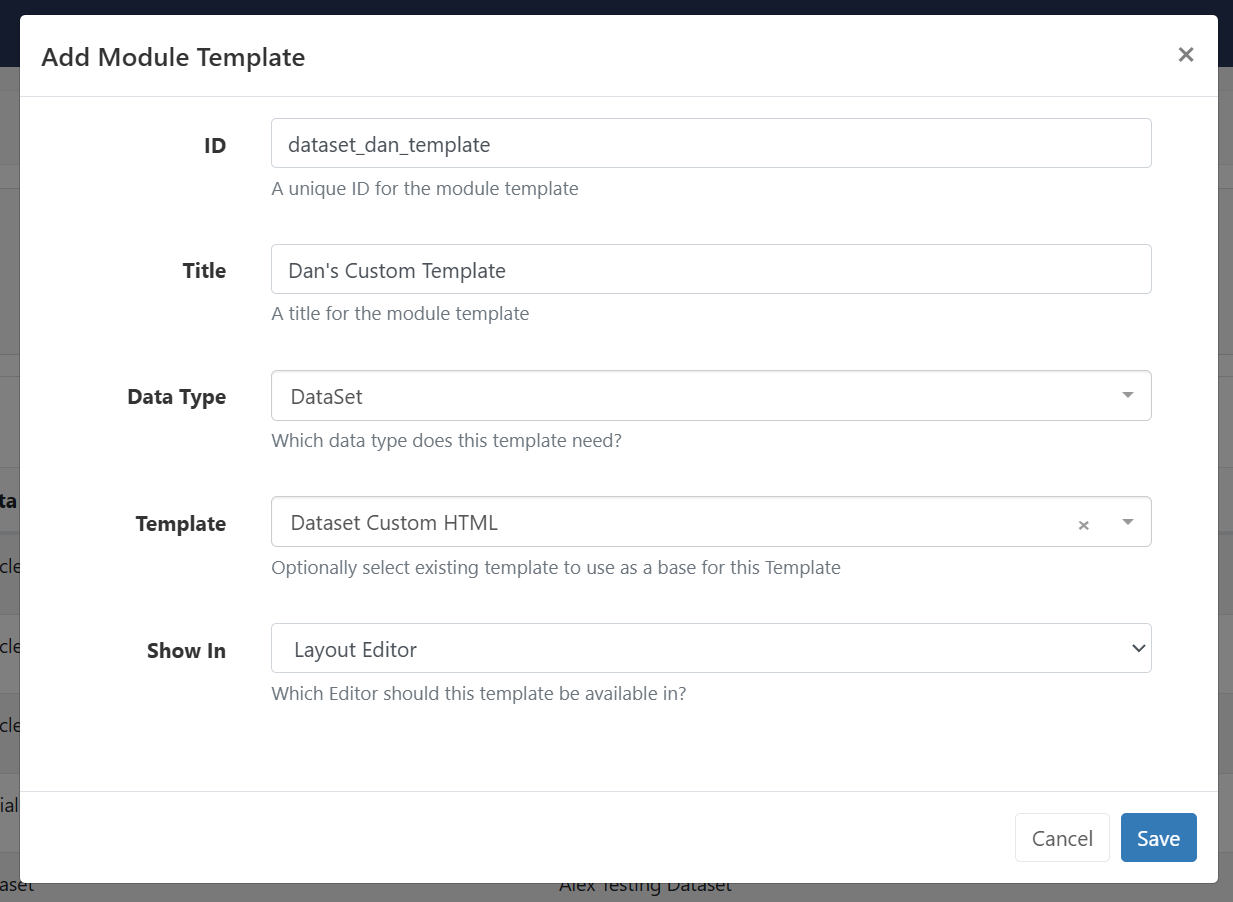
E.g:

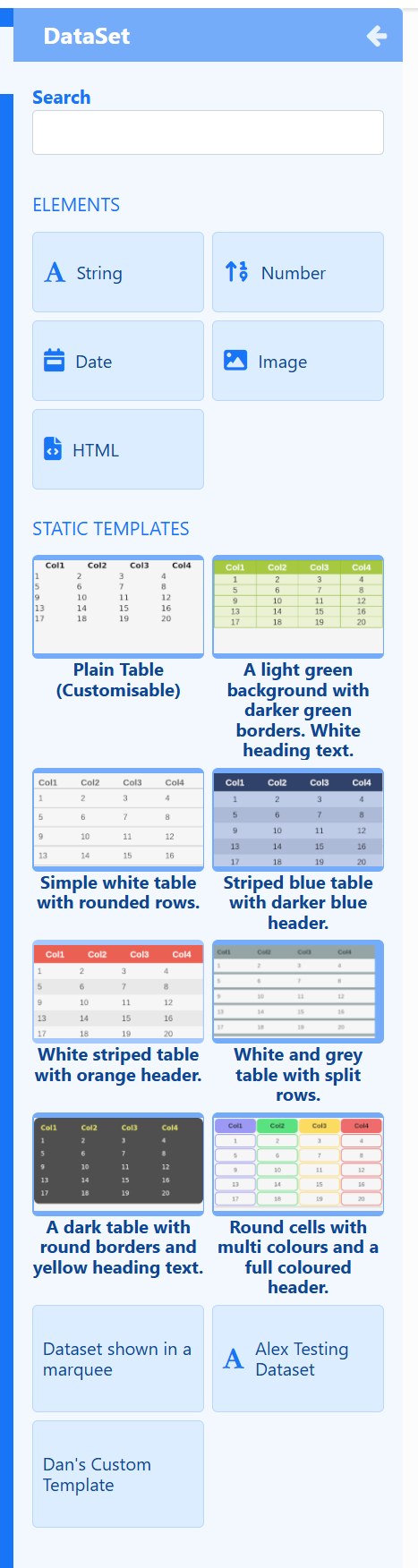
This template will then appear in the Layout Editor in the toolbox under DataSet:

Seems like there is an issue adding new properties, which I have reported a bug for here: Developer: module templates have an empty properties tab and the add button doesn't work · Issue #3828 · xibosignage/xibo · GitHub

Thank you Dan for your reply.

Thanks to you, I found a template in the developer menu that suits my needs: the HTML and CSS editor.

I had never paid attention to this section before, but I will now take a closer look at it.