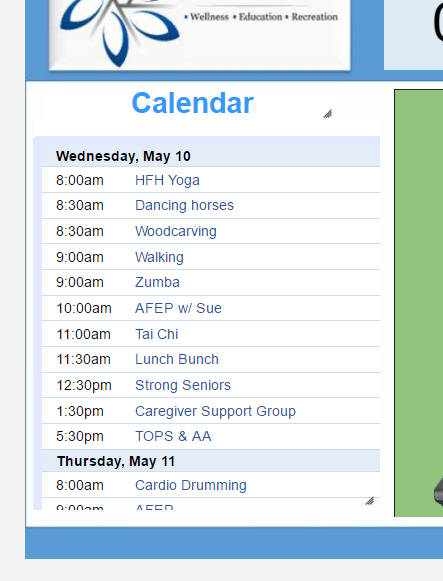
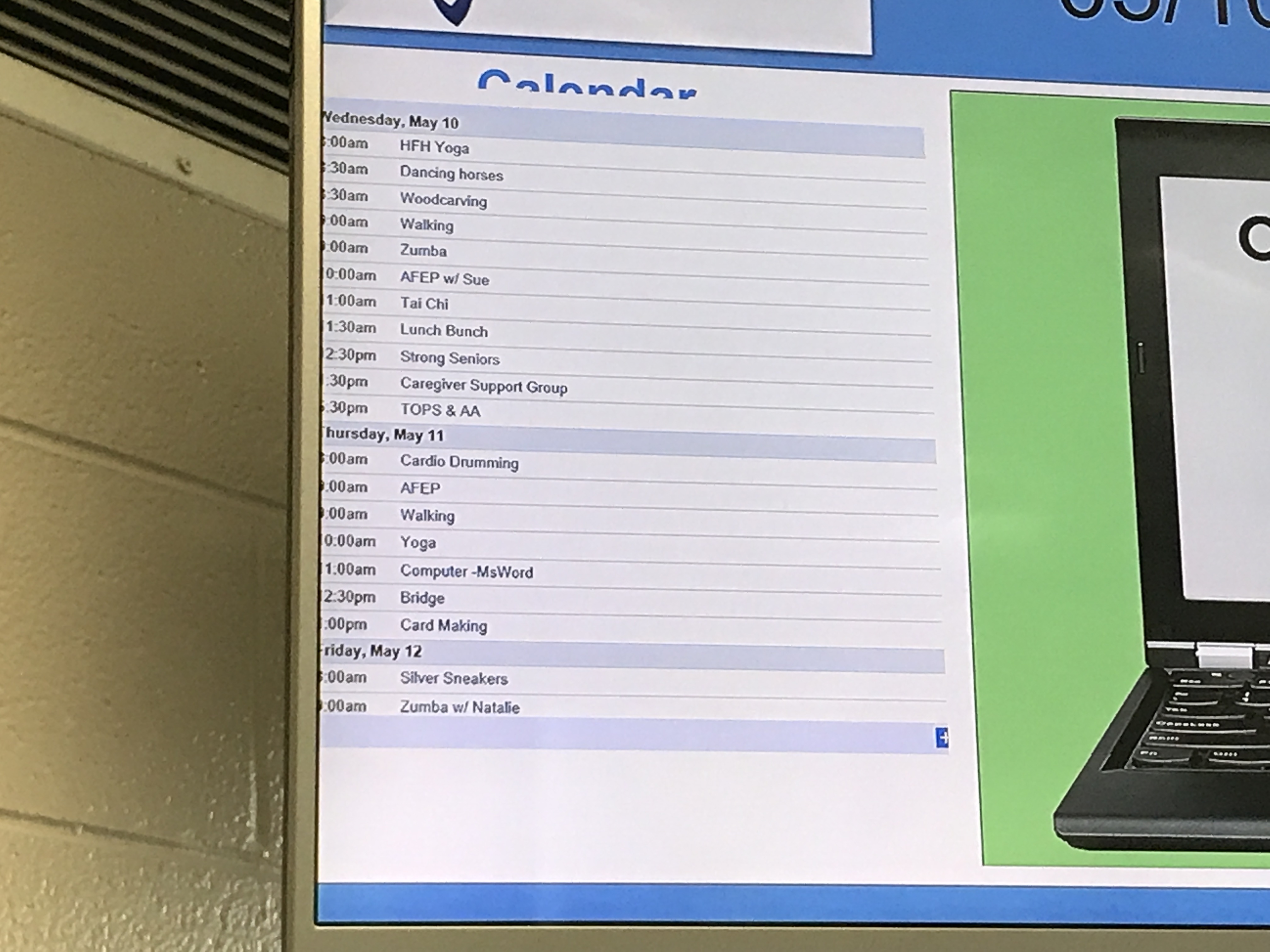
Ok, we have seniors that can’t read our agenda calendar on the big screen. I’ve looked online for help and found that i can Zoom into the calendar. It works out well on the designer, but not on the display. Something gets lost in the translation.
Here’s the code I’m using. (spaces added to break up the code) <iframe src="https://calendar.google.com/calendar/embed?showTitle=0&showNav=0&showDate=0&showPrint=0&showTabs=0&showTz=0&mode=AGENDA&height=600&wkst=1&bgcolor=%23FFFFFF&src=4fa05tpbqjfdqoibqn4scdi2vk%40group.calendar.google.com&color=%230a0605&ctz=America%2FChicago" style="border-width:0" width="700" height="600" frameborder="0" zoom=125%" scrolling="no"></iframe>
I don’t think zoom parameter change anything in google calendar iframe I’m afraid, the layout preview will show it quite well.
You could try to adjust the width/height (I’d say width matching your region width and height matching your region height or lower - depending on how much information you want to show), but I don’t think it’s possible to change the zoom or font size for that matter in this iframe.
Please look at the layout preview as that’s a lot better indication of how will it look like on the player than the small layout designer window.
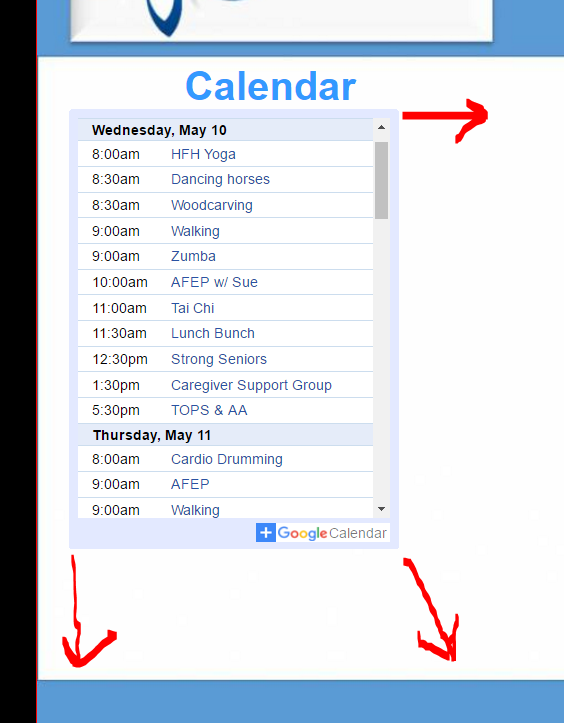
So, I reduced the size in the code, removed zoom, and attempted to have it scale the content under the edit, but it has not scaled the content at all. Is there something I can do?
It will be your preference but I believe that it should fill the region if you’d set the width/height (on the iframe) to match your region dimensions - you will control how big/small it is by changing the width/height in the iframe rather then changing region size.
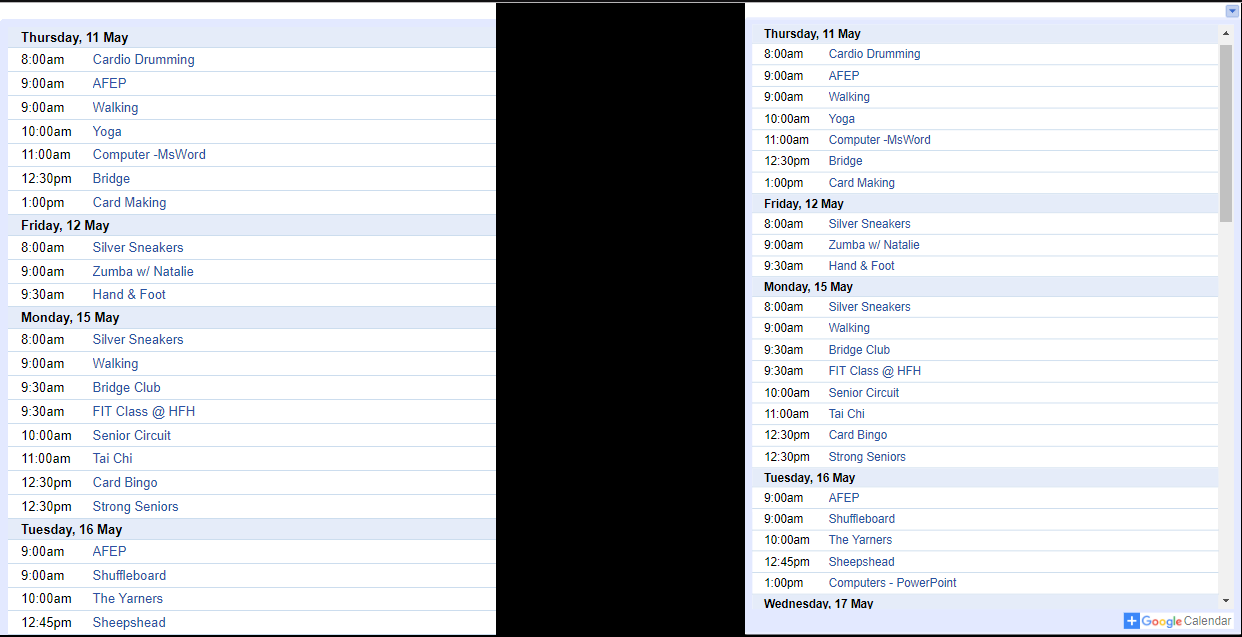
For example if I’d have 550x700 region and in it I’d put your embedded calendar with an iframe matching that size ie
I’m sorry, but I think there’s been a misunderstanding. I need the text to be bigger and fill the region. It’s the difficulty with making the font a larger size that’s the issue.
Got any ideas about that?