Hello,
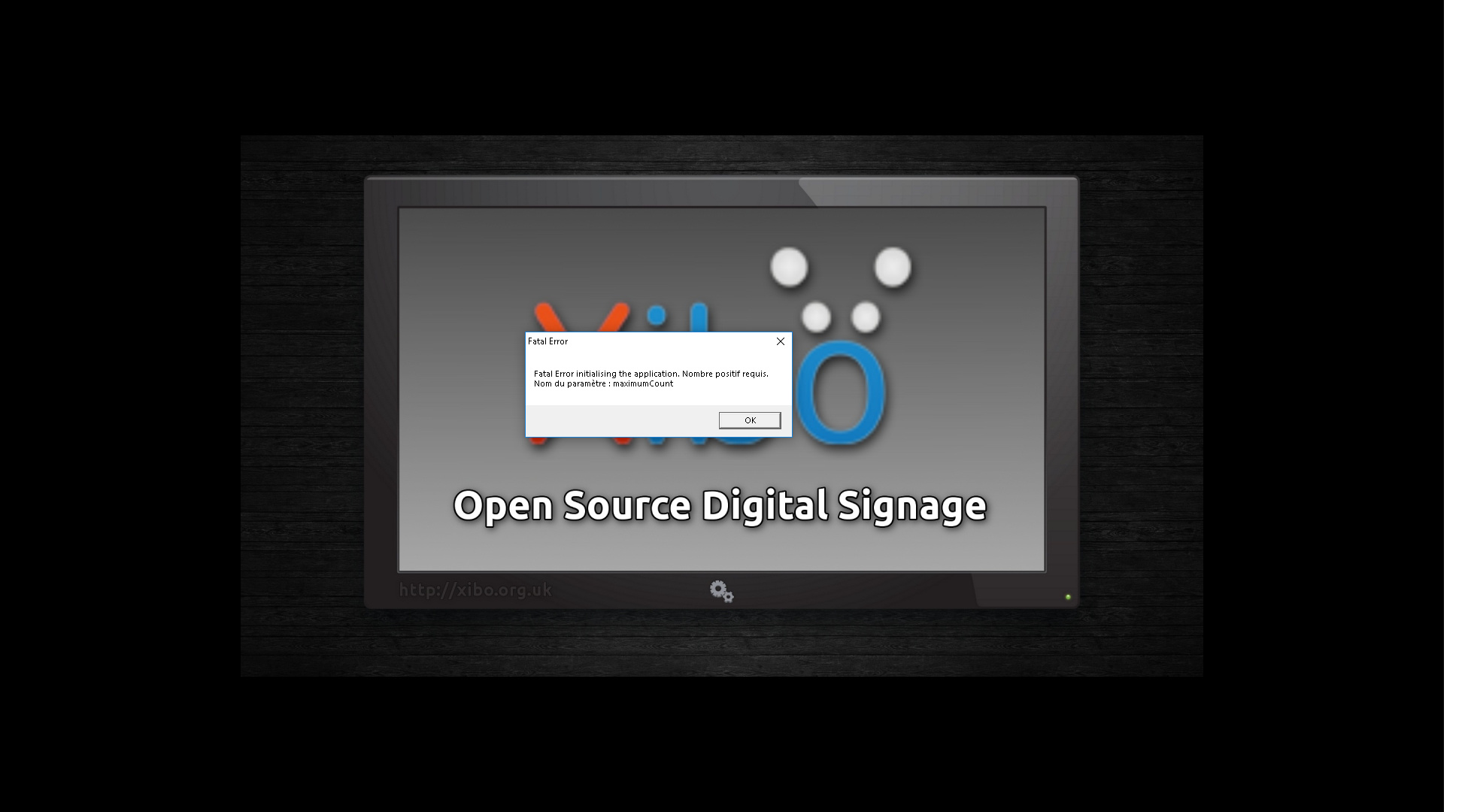
we are confronted with this error message that appears on several xibo clients under windows 7 and windows 10:
Fatal Error initializing the application. number required.
parameter name: maximumCount
do you have an idea about its origin and how to fix it
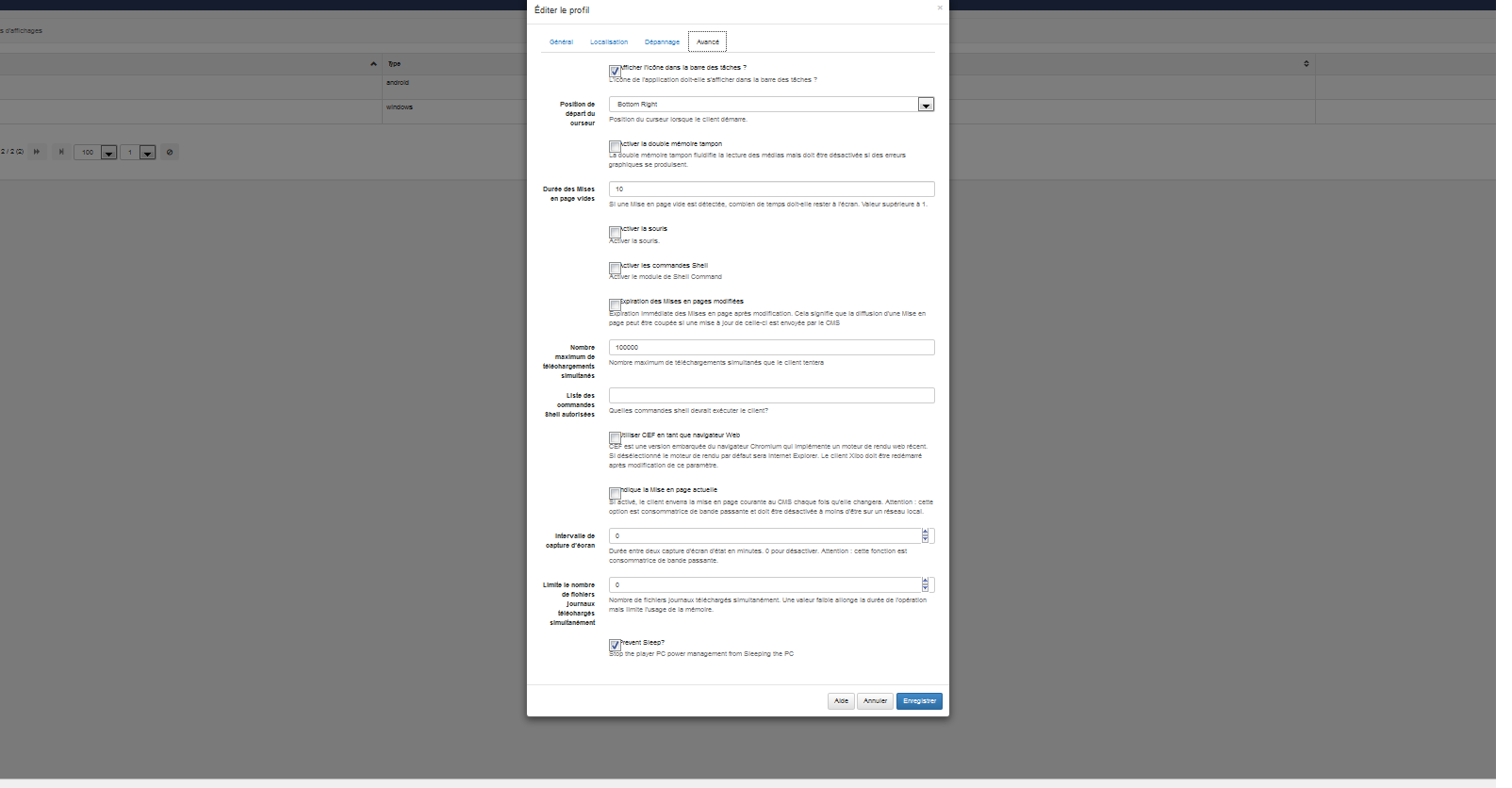
Could you tell me if you’ve modified the player config.xml file and removed or set to 0 (or negative value) the MaxConcurrentDownloads in that file?
Alternatively did you set it to 0/negative value in
Display Settings -> Edit display profile assigned your device -> Advanced -> Maximum concurrent downloads
I’ve created an issue about it, as we should protect against such values for this setting, but I’d say that is most likely what caused your problem.
Hello,
I actually delete the xml file that is located in "C: \ Users \ Nuc-2 \ AppData \ Roaming"
I then delete version 1.7.6 and install version 1.7.9 cleint xibo
How to solve this problem that prevents our customers from working?
thank you in advance for your help
Setting it to that value might not be the best, the default is 2, I’d not change it too much.
Could you try that and let me know if you get the same error with it set to 2?
If so, could you open the player config file and see if it is correctly set to 2 there as well?
It should take those options from the CMS.
Yes, the config .xml file for the player, it should take the settings from the CMS, as such that particular setting should be set to 2 now.
In this case I’d not expect you to see an error anymore when you start the player - unless the .xml was modified in some way and you’re starting the player directly.
If that is the case, then you might want to open Xibo Player Options, click Save and then start the player.