DSDA1 player not updating to v4_R411

Hi, I have several DSDA1 Android players running v4_R410. In the CMS I put v4_R411 as new version. But the players are not upgrading. In the player status log I see:

*General Information
Date: 2026-05-26 13:25:50
Player App Version: 4
Code Version: 410 - 0534bfa6 (2026-04-29 16:06:57)
Content Management System: https://xibo.sron.nl/xmds.php (ws://172.18.140.12:8080 - 2026-04-25 00:00:00 - 1 month, 1 day, 13 hours, 25 minutes, 50 seconds and 478 milliseconds ago)
LAN IP: 172.18.152.16
WIFI: rssi = -63, Hz = 5260
Last Heartbeat: 2 minutes, 25 seconds and 713 milliseconds ago.
Storage Selected: Internal Storage. 90.0%
Display Name: dsdev04
Licenced: true (full)
Registered: true
Current Layout: Normal: 19
Screen Size: 3840 x 2160
Memory Limit: 384 MB
Memory Allocation: 18 MB
Image Cache Hit Rate: 0.84
Screen Shot Request Interval: 0
Use Surface View for Video Rendering?: true
Video Engine in use: ExoPlayer
Use multiple video decoders: true
Number of Stats ready to send: 0 - 2025-05-26 12:15:08
Number of Logs ready to send: 0 - 2026-05-26 13:23:24

CMS Status
Register: Registered. Checked at 2026-05-26 13:25:50
Schedule: Skipped
Required Files (Inside Download Window): Pending. 50/50
Queued Network Connections - F: 0 / N: 2. HTTP: 2 / Idle: 1
Number of Concurrent Failed XMDS Connections: 0

Schedule Status
All layouts (* = not scheduled): 22, 37, 6, 33, 19, 39, 23, 35, 1 (D),
Scheduled Layouts: 22, 37, 6, 33, 19, 39, 23, 35,
Valid Layouts: 22, 37, 6, 33, 19, 39, 23, 35, 1,
Invalid Layouts:
Active Data Connectors:
Next Schedule Update: 2026-05-26 13:28:20

Faults*

Last 5 log messages

Install Service Status
Update Window: 00:00 - 10:00
Version Information from CMS: {“id”:4,“file”:“Xibo_for_Android_v4_R411.apk”,“code”:411}
Inside Upgrade Window
Up to date

What goes wrong?

Regards,

René
Hi Erka,

We are currently investigating why the player is not upgrading.

Could you please try clearing the cache locally on the device and then wait for the install window to complete? In the meantime, I will gather more information on this issue.

Best regards,
Erik Romo

To enable player logging for troubleshooting, follow these steps in the Xibo CMS:

  1. Navigate to the Displays section.

  2. Click the row menu for the specific display and select Edit.

  3. On the Settings tab, locate Elevate logging until and set a date/time in the future (Turning on logging for displays).

  4. On the Advanced tab, set the same date in the Auditing Until field and click Save.

Logs will then appear in the Logs section of the CMS for the specified duration (Turning on logging for displays).

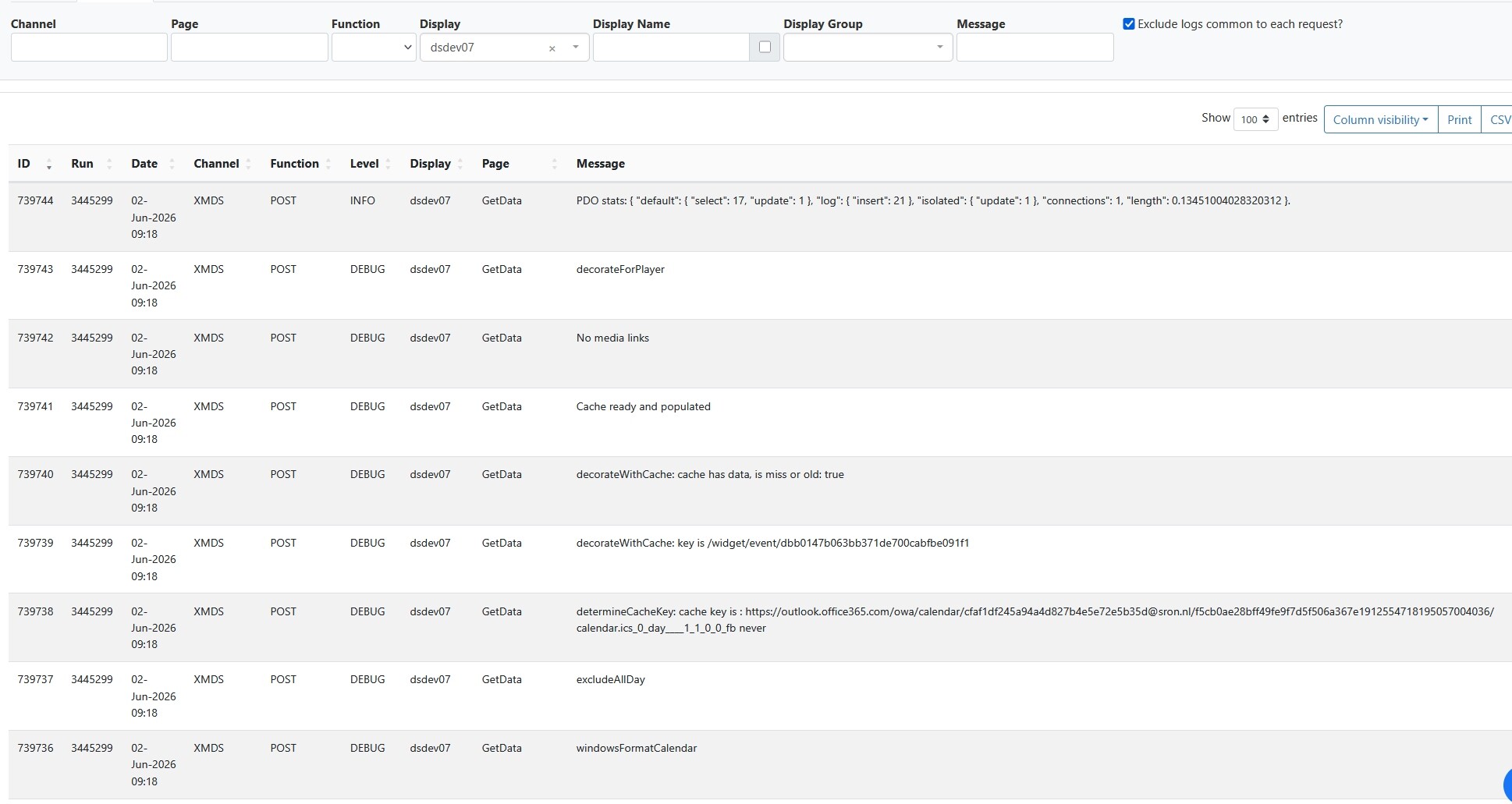
Pleas provide this. logs

Hi erka

Those are all XMDS logs, generated at the CMS side.

What we need are PLAYER logs generated by the player app running on the display.

How can I access the player logs?

to enable player logging for troubleshooting, follow these steps in the Xibo CMS:

  1. Navigate to the Displays section.

  2. Click the row menu for the specific display and select Edit.

  3. On the Settings tab, locate Elevate logging until and set a date/time in the future (Turning on logging for displays).

  4. On the Advanced tab, set the same date in the Auditing Until field and click Save.

Logs will then appear in the Logs section of the CMS for the specified duration (Turning on logging for displays).

Hi Erik,

I created a csv-file, but I am not allowed to upload csv-files. I cannot select more then 100 entries.

Regards,
René

Hi Erka,

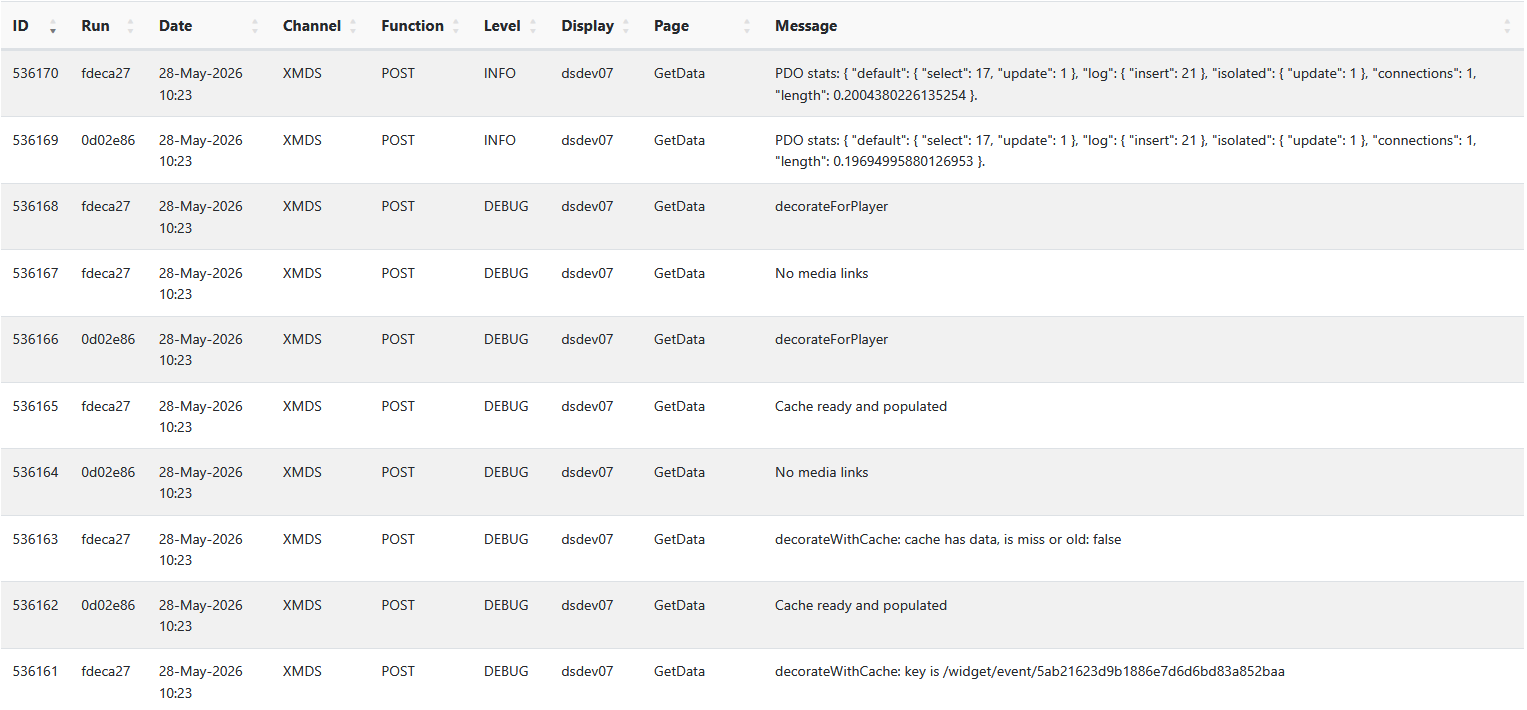
They are still XMDS logs , you can see the “Channel” column.

you need to enable display side debugging via the Log Level in display edit → settings.

Hi Erik, please give a clear description of what I have to do.

I cannot see (login) to your link “Turning on logging for displays” (https://rosetta.xibosignage.com/t/turning-on-logging-for-displays/5340). I switched on Elevated Logging and Auditing Until. Do I have to change the “Log Level”? If yes, to which setting?

Regards,

René

Hi Erik,

Any news on this issue? Anything I can do?

Regards,

René

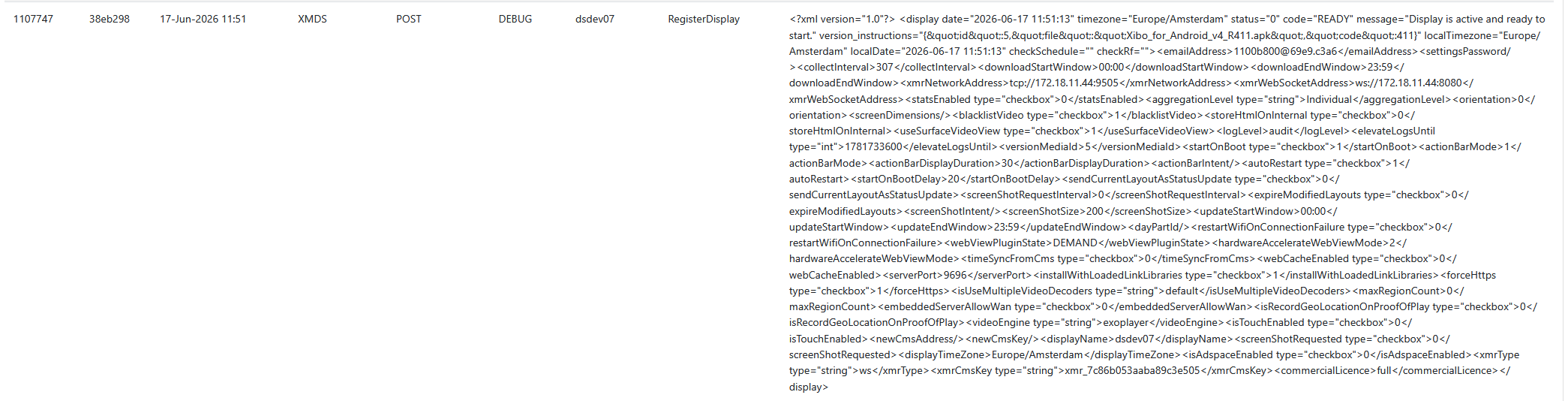
I see this in the player log: