We have four other players purchased on the site, which work well and are internal.
The two new ones are on another site with web access and on port 9505 of our internal Xibo. The stream is reaching the server fine.
Tcpdump trace on Xibo server:
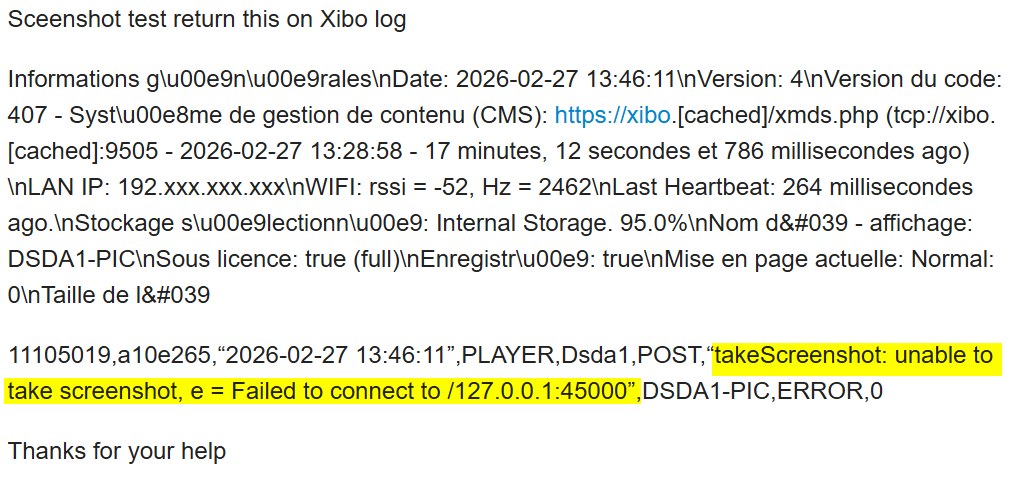
11105019,a10e265,“2026-02-27 13:46:11”,PLAYER,Dsda1,POST,“takeScreenshot: unable to take screenshot, e = Failed to connect to /127.0.0.1:45000”,DSDA1-PIC,ERROR,0
My name is Jerry from the support team. Based on the screenshot, it seems that the player is unable to connect to your CMS and could be having XMR issues.
Could you please make sure that the date, time, and time zone in your DSDA1 are correct? To do so, in Android, go to Settings, Date and Time, then Timezone; select the timezone and make sure it shows the correct date and time based on your location.
Go to your CMS’s Displays section. Click on the row menu for the display entry and click on Edit. Go to the Advanced tab and tick the option that says ‘Reconfigure XMR’. Go back to your Xibo for Android app, close it, and relaunch it. The player will reconfigure XMR and will check for any schedules for that display.
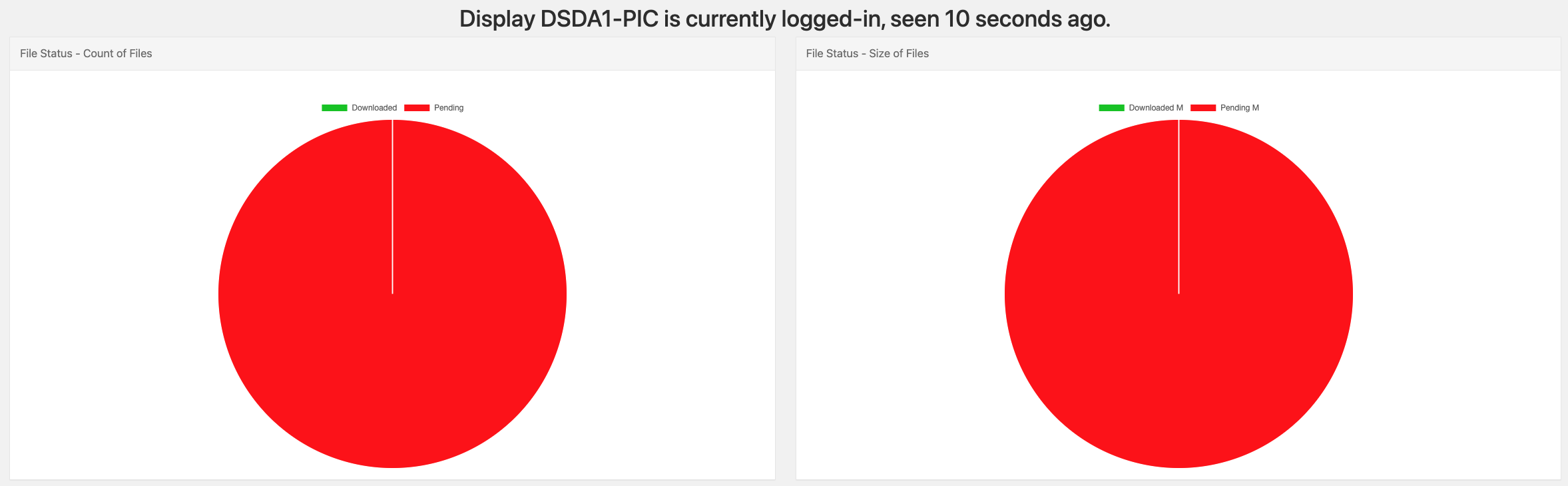
If you are still having the same issue. Go to the manage page in your display. To do so, click the row menu of the display and click on Manage. This will show you all the files pending for download. We should aim to get all the files downloaded to the player, and all the required files should show a check mark under the complete column.
If you continue to notice that the files are still stuck in downloading (the display entry is in red) after giving the player enough time to download those files, then try to connect your DSDA1 to a different internet network; maybe try your mobile data. Make sure that the layout scheduled has just small-sized images if you’re going to use mobile data to make sure the player can download those small-sized images for testing.