To be completed by the original poster:
CMS Version : 4.0.2
CMS Version : 4.0.2
Installation Method
Docker
Operating System
Ubuntu ( Linux )
Issue
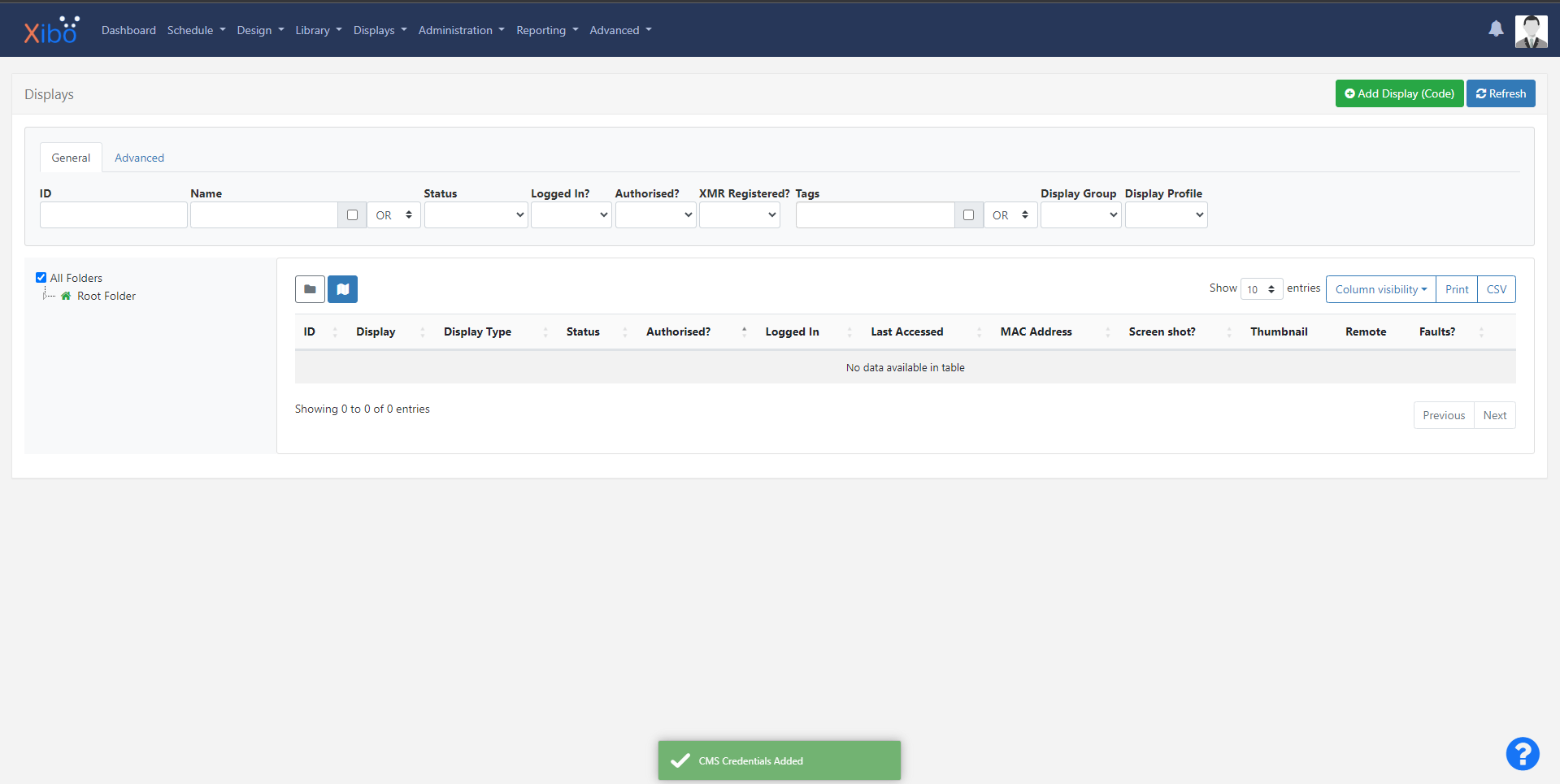
Adding Displays to the CMS. Was able to originally add 1 display, we can call it Display A, to the CMS on the 14 day trial with Android Version 3_R311. Showed up fine and worked for awhile. Then had some troubles so tried to delete Display A and re-add Display A. Display A would never show back up. Even though every time I added Display A the Android device would act like it was communicating or linking as the screen would go black and the logo would appear in the bottom right corner. The CMS would give me a green check marker message saying “CMS Credentials Added”. This was all done on CMS Version 3 as well.
I had another Unit (Using ONN Devices from Walmart) so set up Display B and it worked for some time. I can’t remember why but I also deleted this unit from our Display list. Then I have been unable to get this Display to show up on the CMS. As well act like it is connecting because the screen goes black with the logo in the bottom right corner like previous display. Also at this time we bought 3 perpetual licenses, when the display was set up using the code. The screen would change as well as our web account login in would show one license used. As well as the green check mark saying display was added. This one was having issues before Version 4.
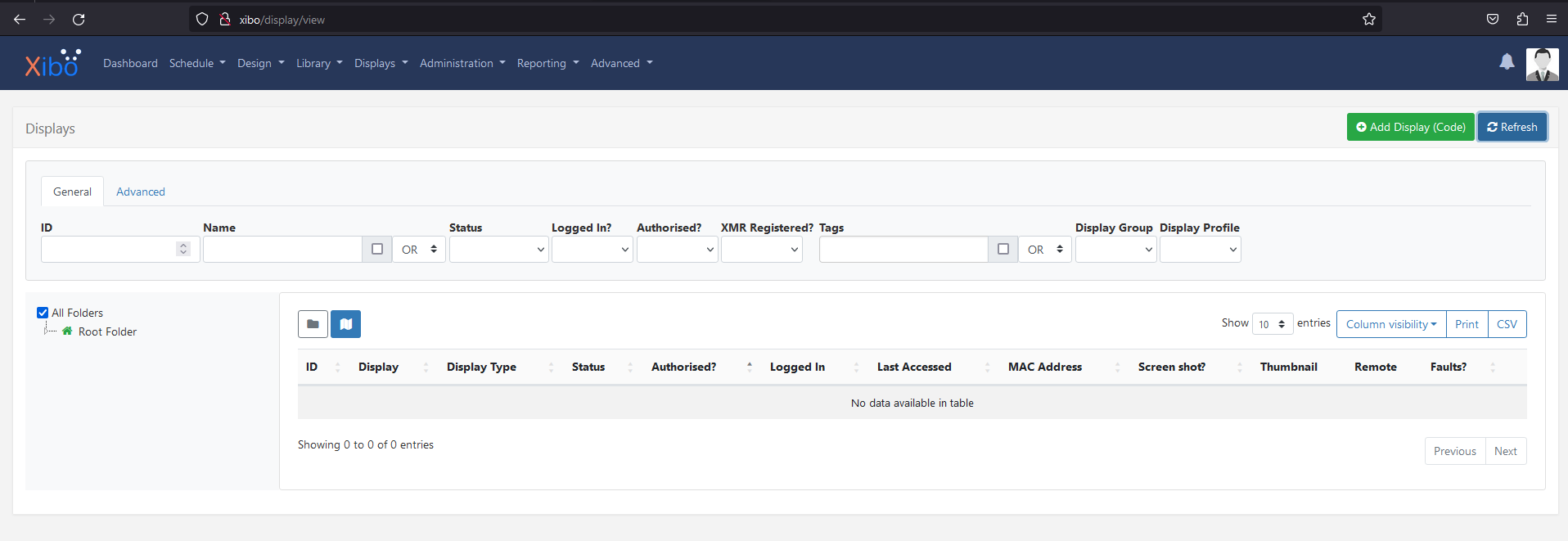
Everything is acting like the display was added correctly, the ONN unit, the Website for Licenses, as well as the CMS. But there are no displays showing up and we have 0 out of 0 displays.
I have now attempted to Add another new unit, Display C, on Version 4 and not having any luck with this display showing up as well.