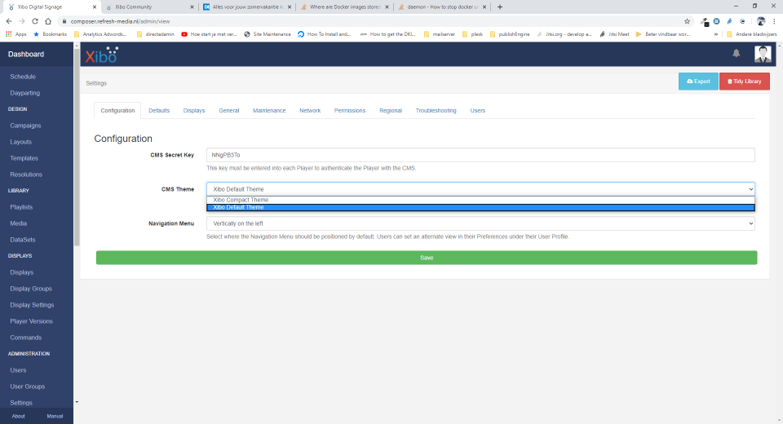
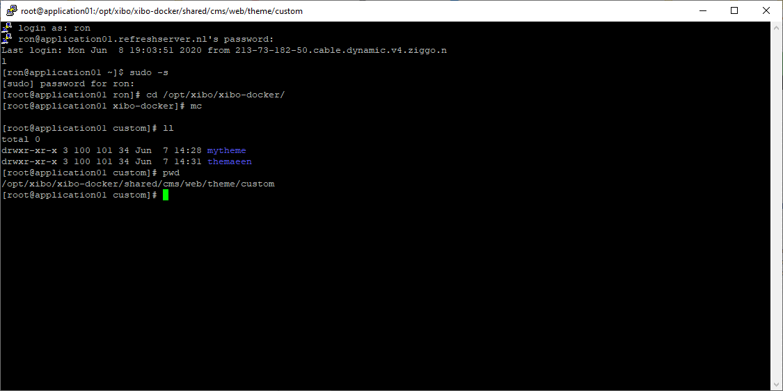
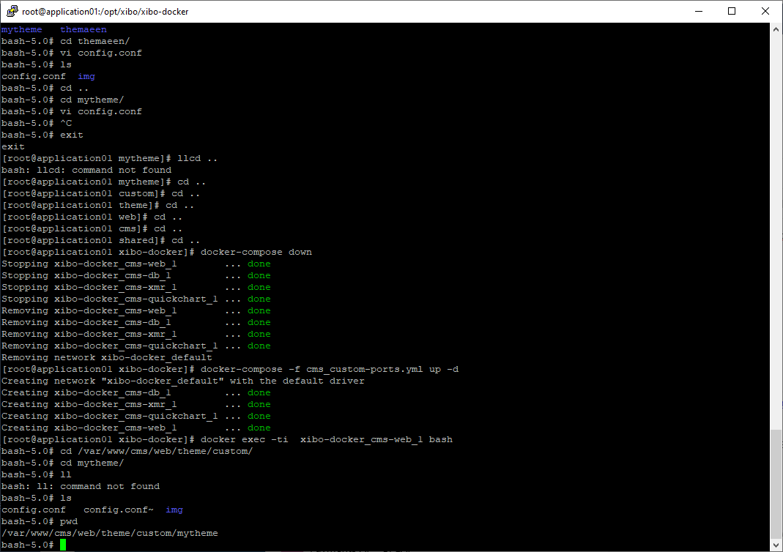
I have tried all to make a custom theme. But I cant get it to work as the new created theme is not shown in the backend. Is there someone that made a custom theme in DOCKER version? And is it possible to share it woth us? I tried all and want it to work.
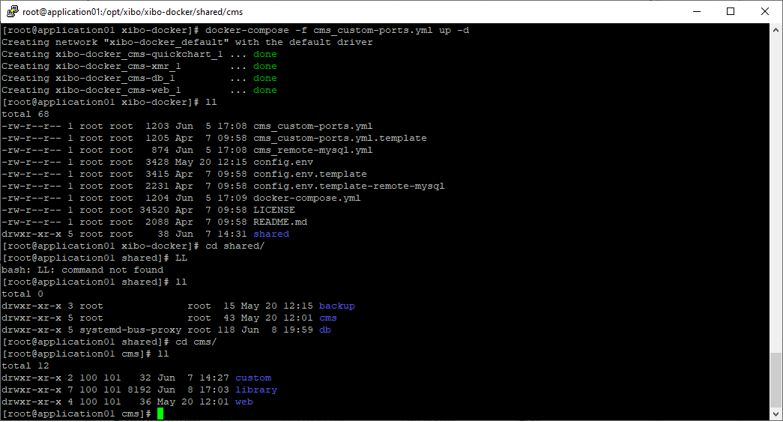
Folders used: /opt/xibo/xibo-docker/shared/cms/web/theme/custom/mytheme
and
/opt/xibo/xibo-docker/shared/cms/web/theme/custom/mytheme/img containing the new logo woth name: xibologo.png
in the mytheme folder we created a config.php containing:
Make sure your theme files are readable by the user the container runs as. You can down/up the container if you wish and it will apply permissions for you, or you can copy the numeric user ID and group ID from a file in the library instead.
Those aren’t your theme files though? That’s just a directory several levels above.
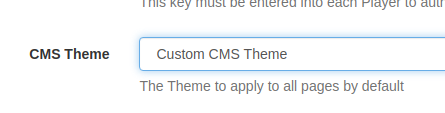
I put exactly the code you have in your earlier post in shared/cms/web/theme/custom/mytheme/config.php and I get this:
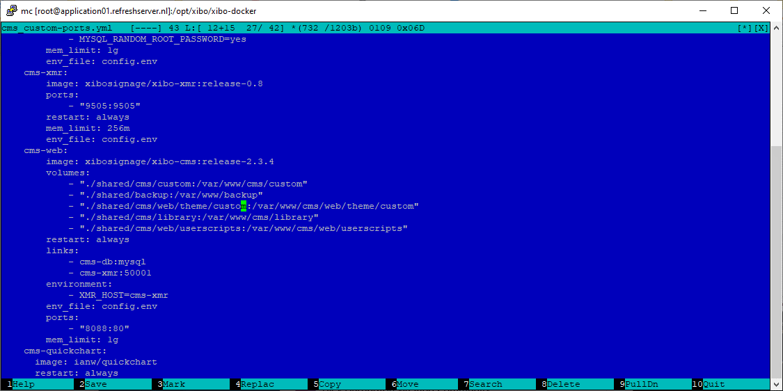
I’d suggest that either you don’t have shared/cms/web/theme/custom properly mapped as a volume in your cms_custom-ports.yml file (it’s there by default so you would have had to have removed it) or your PHP file doesn’t contain exactly what you have put above.
All your changes can me made either with CSS overrides, or by overriding specific twig template files - all of which go in to your theme directory in the appropriate location.
Okay I will try. As I can see no override.css is loaded in the twig file of the login screen. How can we then add new CSS to a twigfile that does not load the stylesheet you are referring to? Do we need to make extra fields in a custom login.twig?
And how to set that up? On the link you gave me is no example of how to extend a twig file. Sorry for the hassle.