Bring back the Timeline

I have an existing Layout that has a duration of 30 seconds.

I need to add a new Layer with a static image that will cover the entire screen and this should only appear after the full 30 seconds, and run for 10 seconds, before the the whole loop starts again.

With Timelines this was so easy.

I cannot find anywhere that allows me to set the start time of a Layer/Playlist or whatever it is called now.

2 Likes

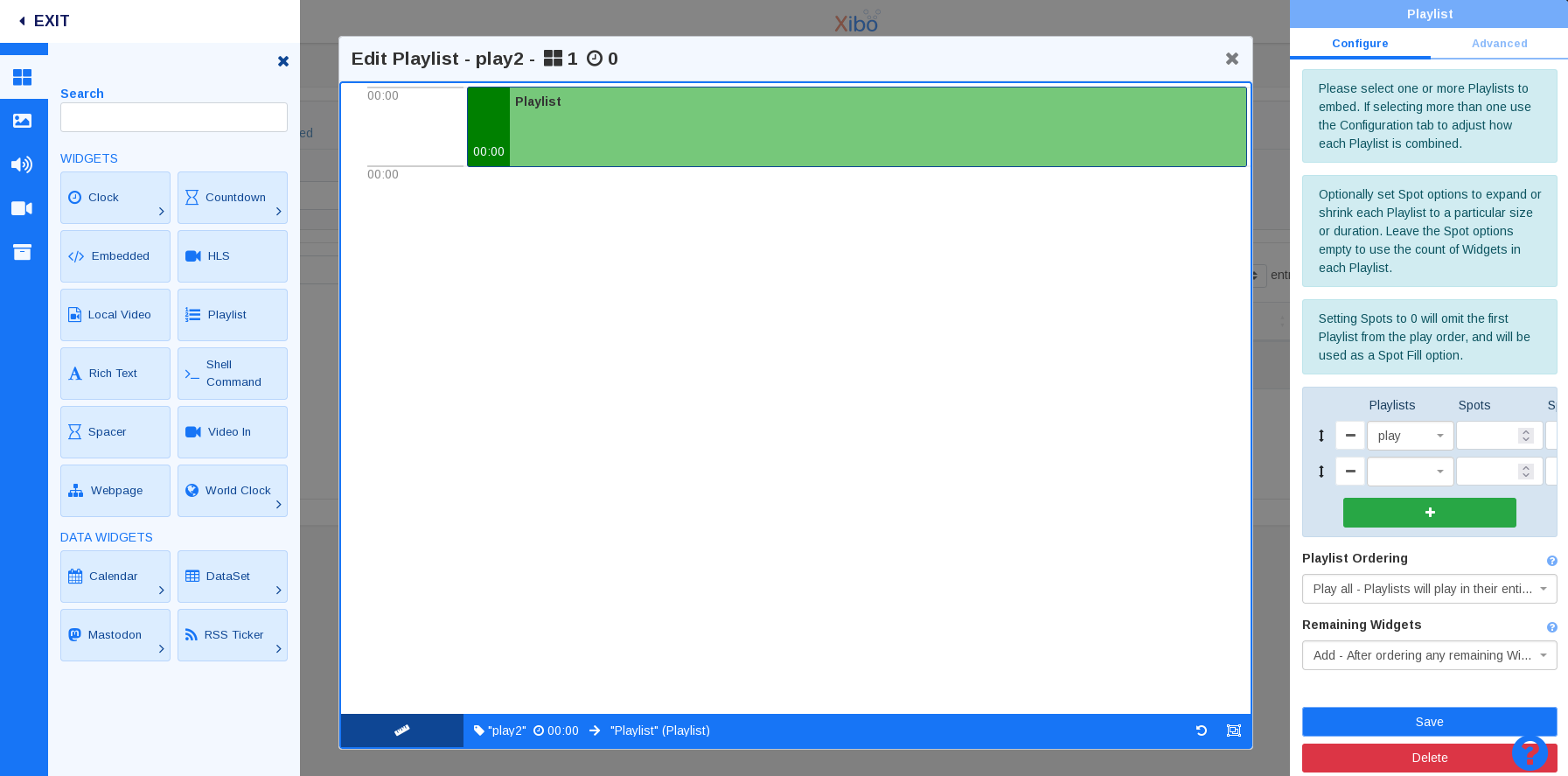
All Timeline functions in the layout editor remain available using the “playlists” module. In short, it’s the same thing, just with a different name.

1 Like

Paulo, how does this work like in V3, having multiple folders in a playlist?

When I add in the layout “new playlist” it just show it on the screen.

Hi!

I’m sorry, but I didn’t understand anything you meant at all.

Have you used CMS V3?

@hypnomedia and @mitey

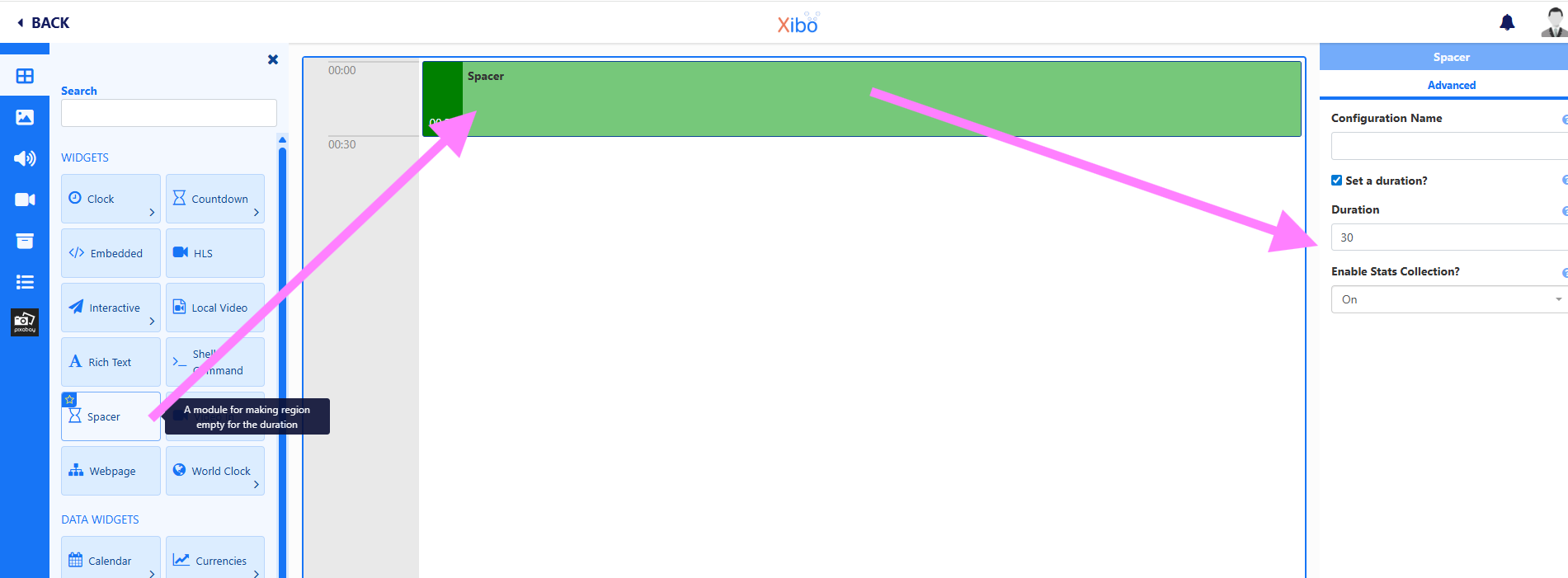
If your intention is to delay the start of a media item within a playlist (or region… it’s the same thing), the correct thing to do is use the “Spacer” widget.
The Spacer is an “empty” widget that allows you to add a delay before the next item in the timeline/playlist.

like this:
Add a playlist (or region, in previous CMS versions):

Add a Spacer widget to the timeline/ playlist, and set the duration

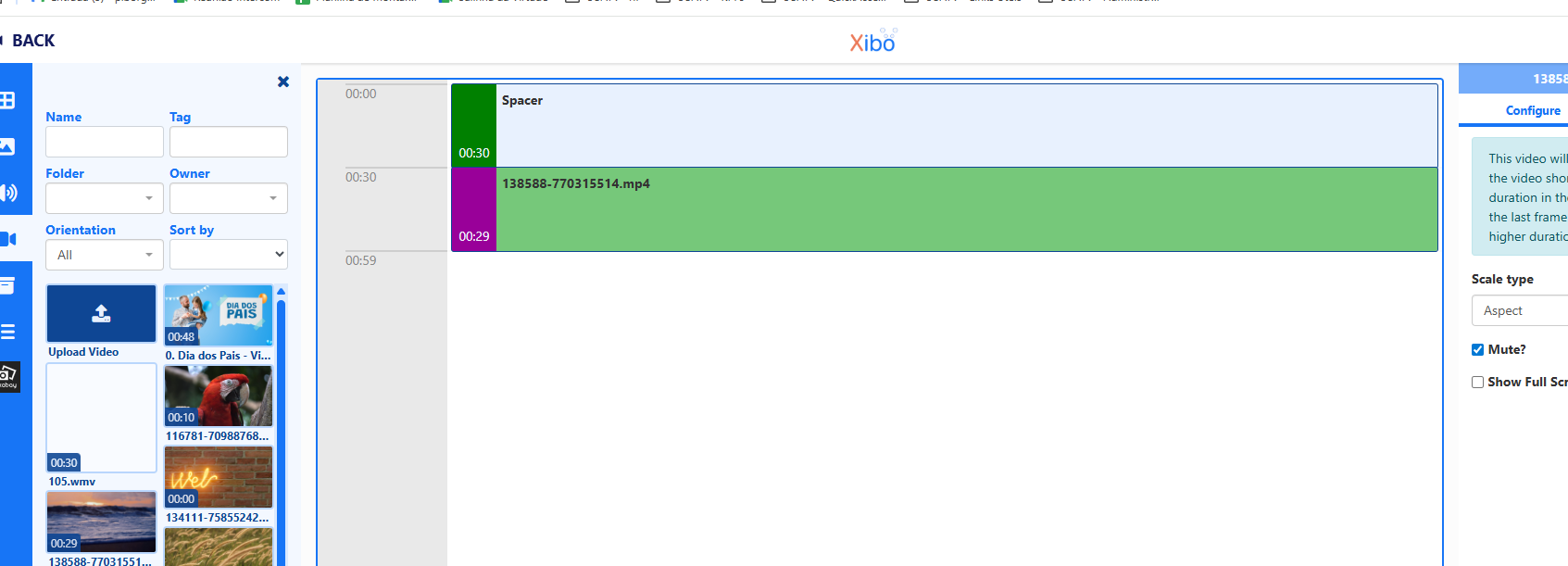
Then, you can add your Media, normaly:

The media will start only afer the “Spacer” widget, wich contains the delay

I see. Not the spacer was my need.

The problem is with this v4 that is not like at all like v3. If you want to have a "program” with 10 sublplaylist in a playlist layout , was very simple to do it in V3. You had all there separated.
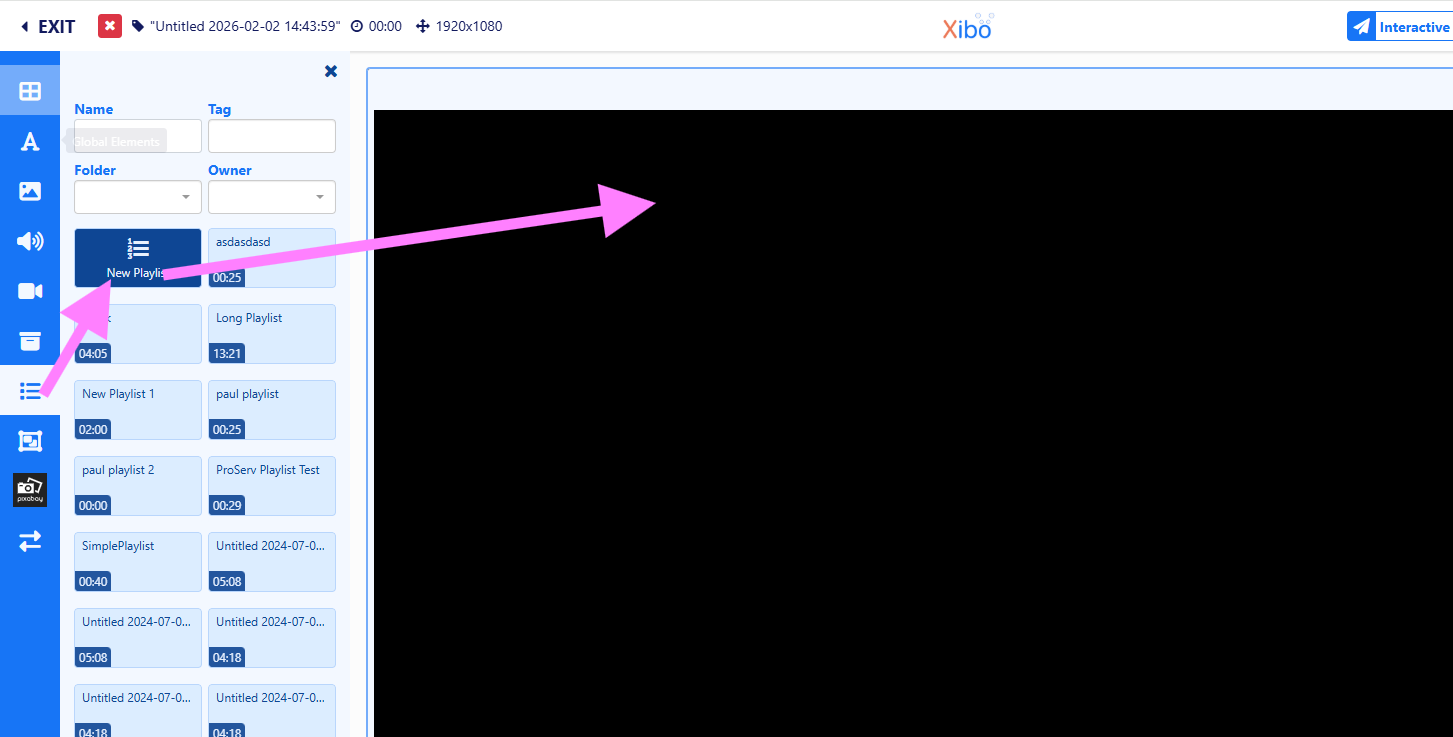
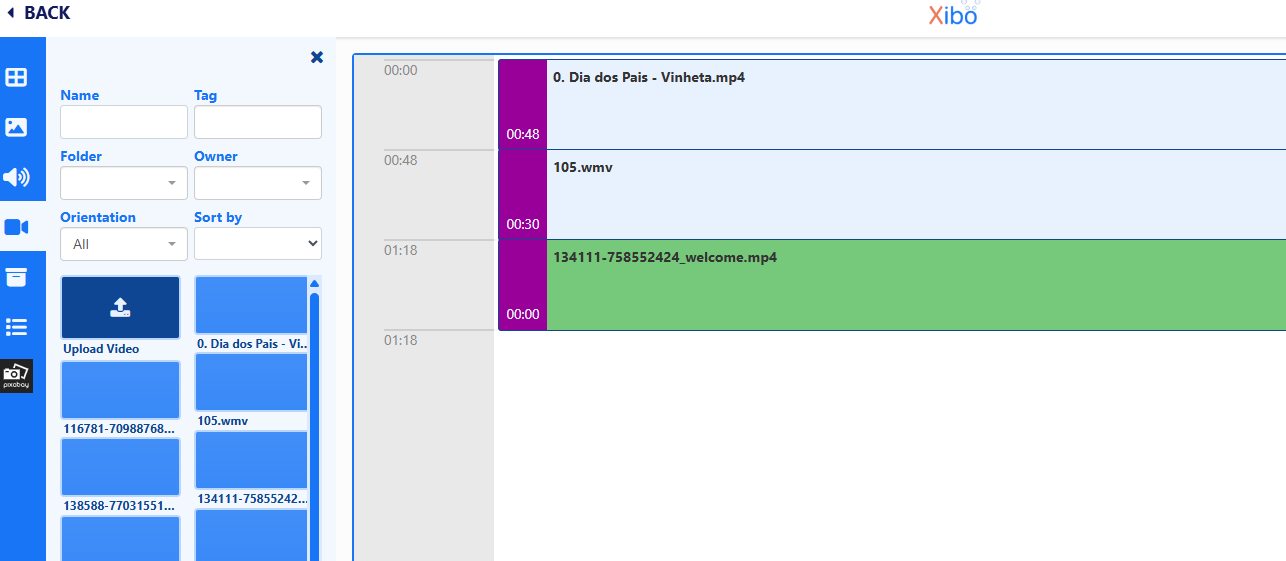
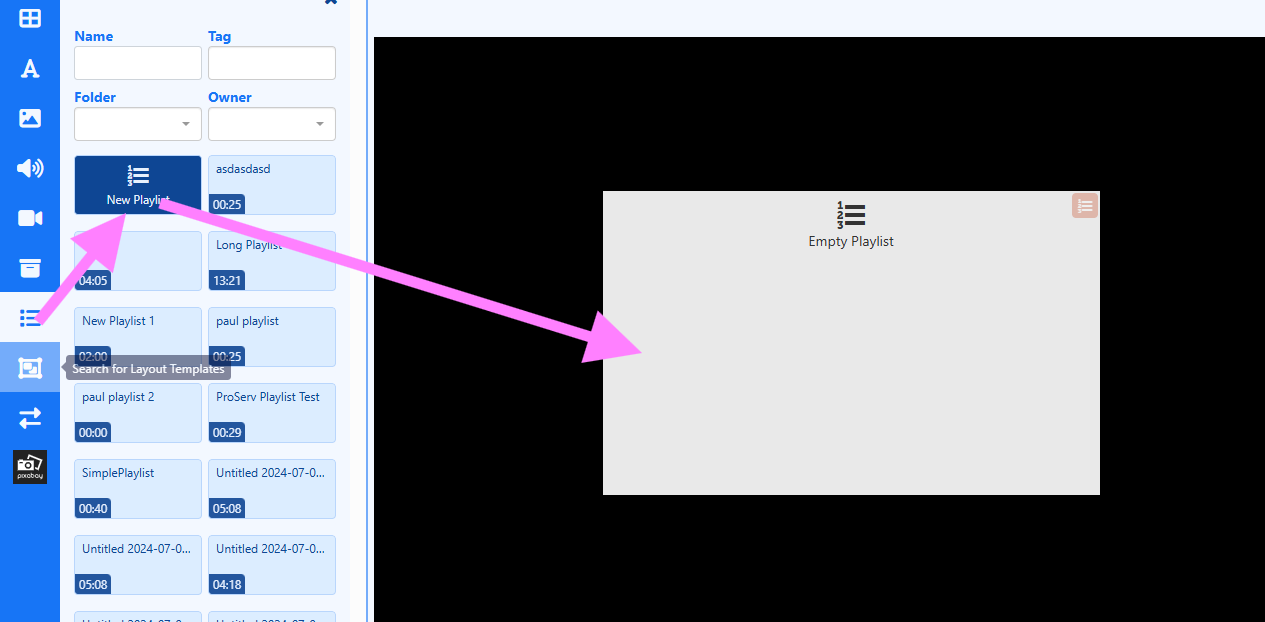
I have not tested this but you can try something like:

  1. create 3 playlists
  2. create new layout with FIRST playlist module
  3. add 3 other playlists module to layout within FIRST playlist edit area !
  4. configure main playlist ordering on right side
  5. add moar playlists as desired