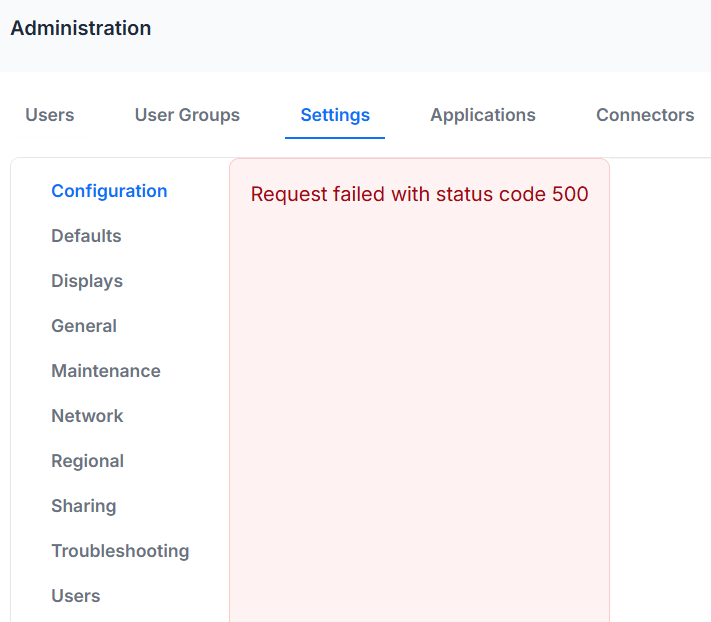
Hello all,
Any one having the same issues clicking to the settings?
HI Akran,
I would suggest to validate your self service installation,
have you upgraded from an old version or have you made a clean self hosted installation.
Please do let me know
Best regards
Hi Erik,
I upgraded it from version 4.4.4.
Looks like you don’t have this issue, I do not see any errors running the container in my environment tho.
Hi Akran,
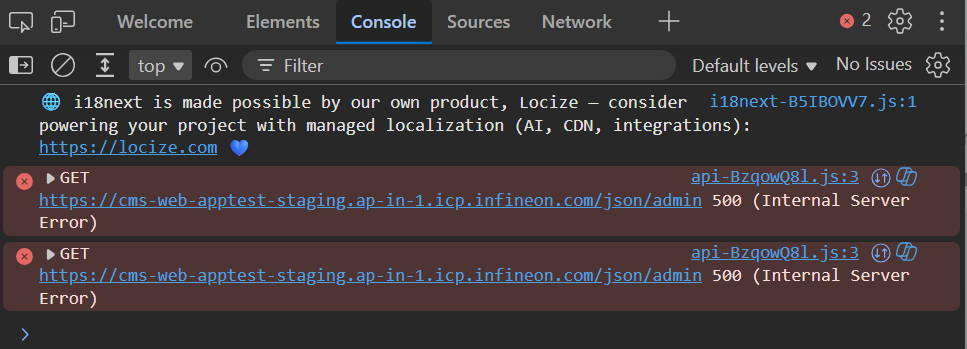
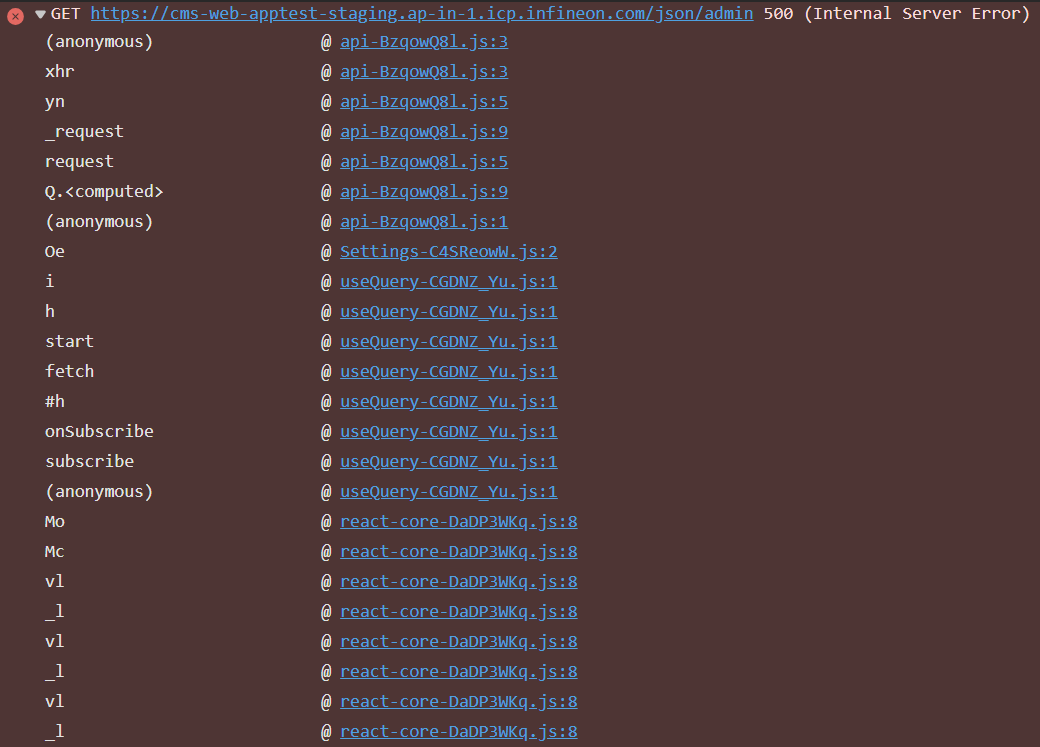
Could you check the google console when you navigate to that window on your cms, if there is any error please provide me the screenshot.
Best regards
Thank you Akram
To fix this you need to set a default layout in the main settings - you will have to do it via the database manually as tyou can’t use the UI
you need to go to the Layouts page, and find the Layout ID for the default layout they want to use
It must be the Layout ID not the ID
(it’s a column that needs to be turned on to see it)
The one to the right here
Once you have that ID, then run this SQL:
UPDATE `setting` set value=1 WHERE `setting`=“DEFAULT_LAYOUT”;
(make sure to set the value to the layout id you want to use,)
That will fix it, or you wait for 4.5.2
If we can assist you in anything else do let me know
Best regards
Thanks alot Erik, for your detailed explanation, appreciate it much. It works like magic now 
I just have to figure out why the XMR is not working with the same settings from CMS 4.2.2
I am also having this issue but on a cloud hosted CMS after updating to 4.5. Would the issue still be a missing default layout?