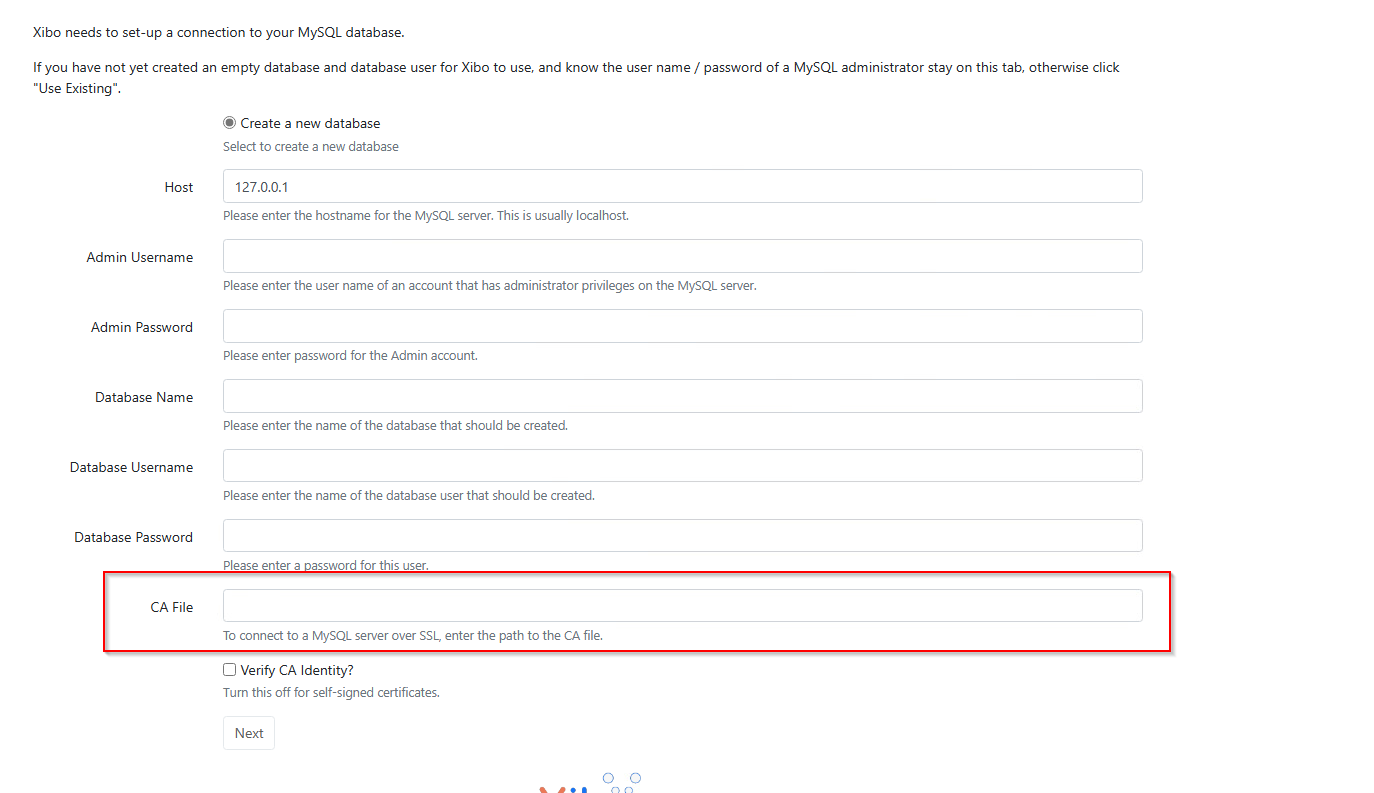
i have got a question. I make a project in my company with the implementation of a Digital Signage.
I have decided to self host the Xibo cms (3.3.3.tar.gz) on a virtual machine with Windows Server 2022 Standard (Desktop Experience).
I have configured all like some instructions on the xibo-Website. I use a XAMPP Webserver und mySQL Version 7.2.19. When i arrived the CMS-Installation Site, everything is correctly installed, so I can click “next”.
But in the next field, when i want to create a new database, there is a field called “CA File” and I do not know, how to fill this? What should I enter there?
The “CA File” field is asking for the path to a Certificate Authority (CA) file. This file is used to verify the identity of the SSL/TLS certificate presented by the database server during the secure connection setup.
To get information about the CA from a public certificate, you can open the other certificate. You can usually do this by double-clicking on the certificate file or by opening it in your web browser. In the certificate viewer, there should be a tab or section labeled “Details” or “Certificate Details.” Click on this tab to view the certificate details. The issuer field will tell you the name of the Certificate Authority that issued the certificate. e.g. Let’s Encrypt or VeriSign.
Once you have the name of the CA, you can research the CA on google and download it.