HI!
I am trying to display a layout on the device(window) but my device only displayed the xibo logo.
Device is authorized and ready

i scheduled a layout but nothing 
HI!
I am trying to display a layout on the device(window) but my device only displayed the xibo logo.
Device is authorized and ready
i scheduled a layout but nothing
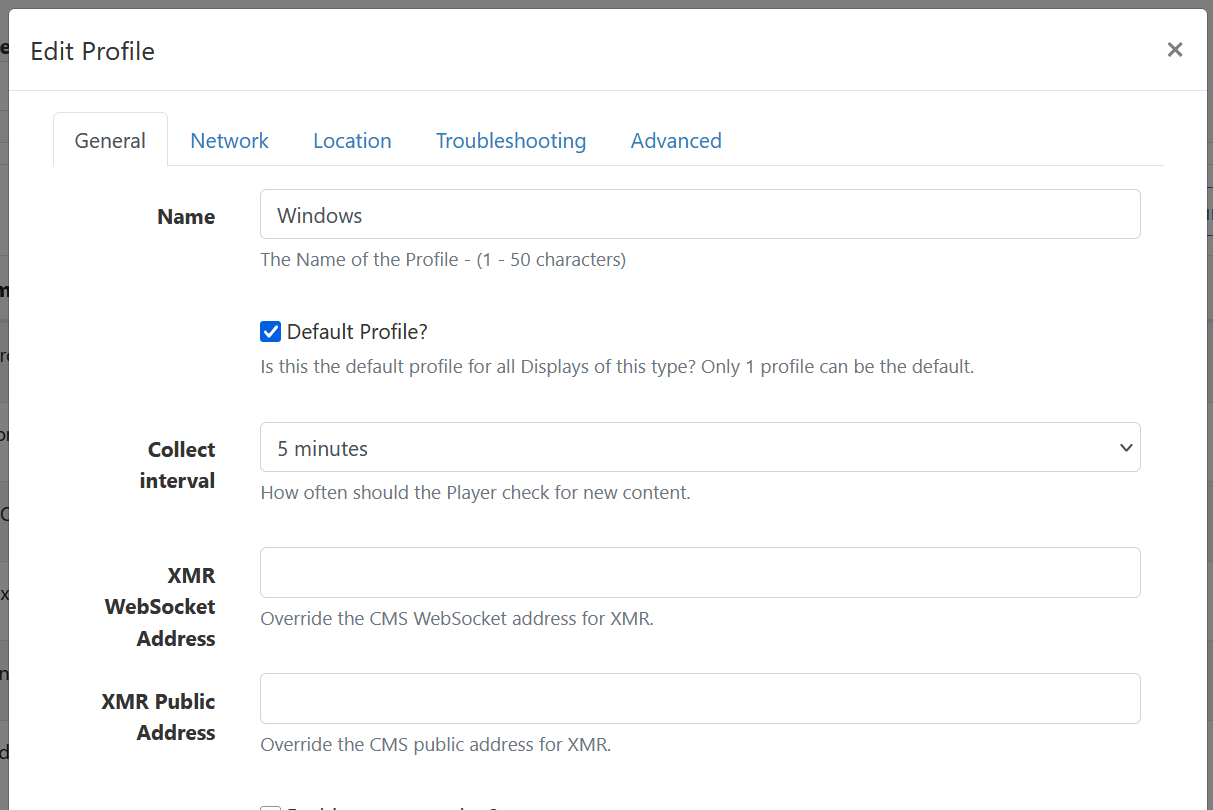
Check display settings and see how long is sync time scheduled (5min default)
Also check your XMR server port/firewall if you want instant layout changes.
You will need to fill out your cloud IP to XMR fields.
Contact cloud support.
Hi Vmunoz
If you are using Xibo Cloud Hosting, you are welcome to submit a support ticket through the “My Account” website.
In the meantime, please verify the following steps:
Best regards,
Erik Romo
Did you publish your layout? If it is in draft and never been published it won’t show up on your display.
Icon says authorized, downloading, logged in, interval check is 5 min, he could not schedule without publish and there is some action being sent in 5min interval … or am I wrong ?
Shouldn’t this be automatic on cloud deployments ?
Hi @0x0 , XMR is set up and running automatically on cloud. If the boxes in those fields are left empty then the default addresses are used.
You can schedule but until the layout is published, nothing will be shown.
Can “checked out” layout be scheduled without being published ?