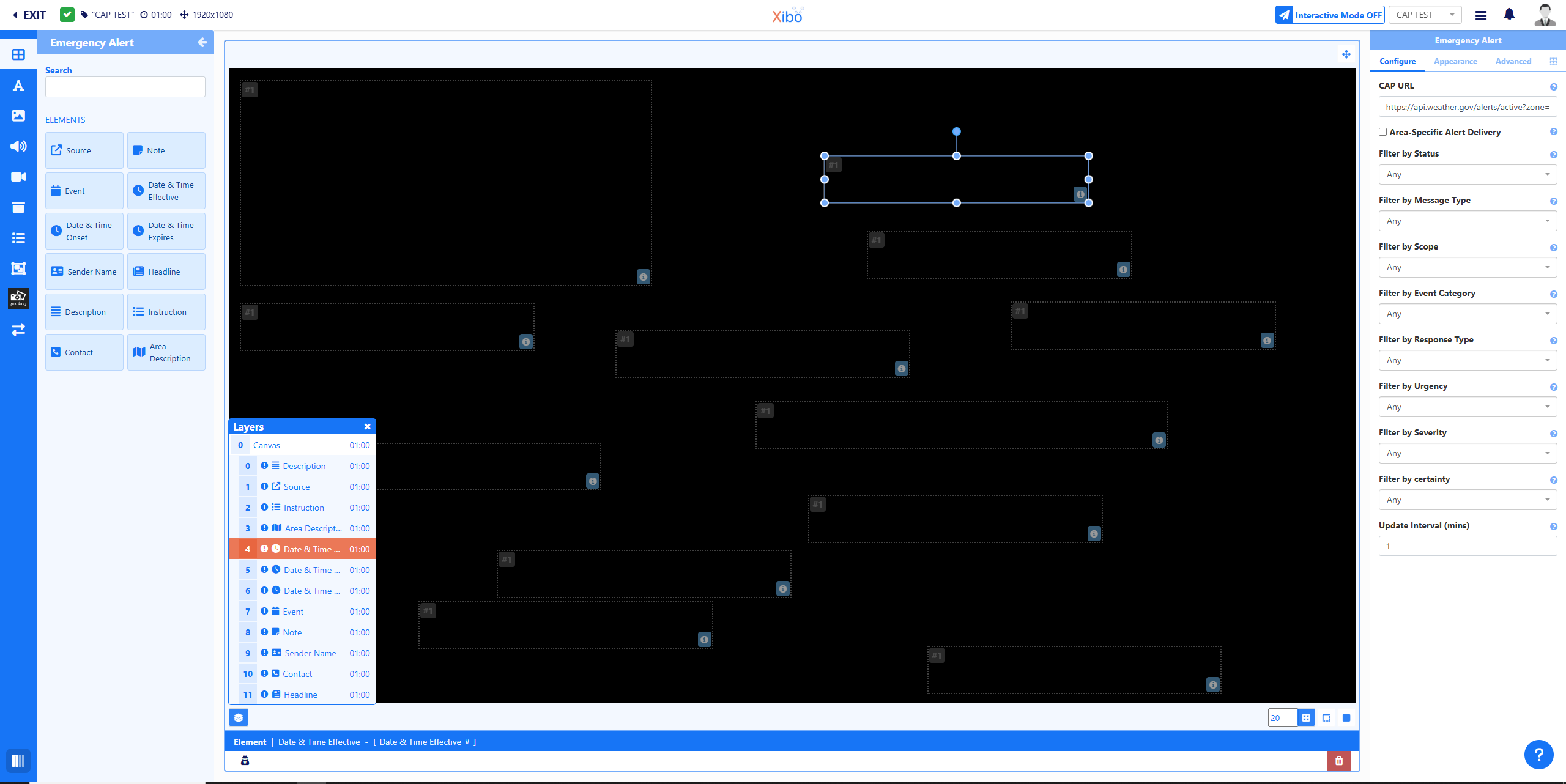
I am working in the CAP (Common Alert Protocol) and I am able to add a link and save it. The issue is that the link have data, but it is not loading into the layout (See screenshot). I have tried both the Atom URL and JSON. I also tried using a specific area to reduce the size. No matter what I do, the data is left empty.
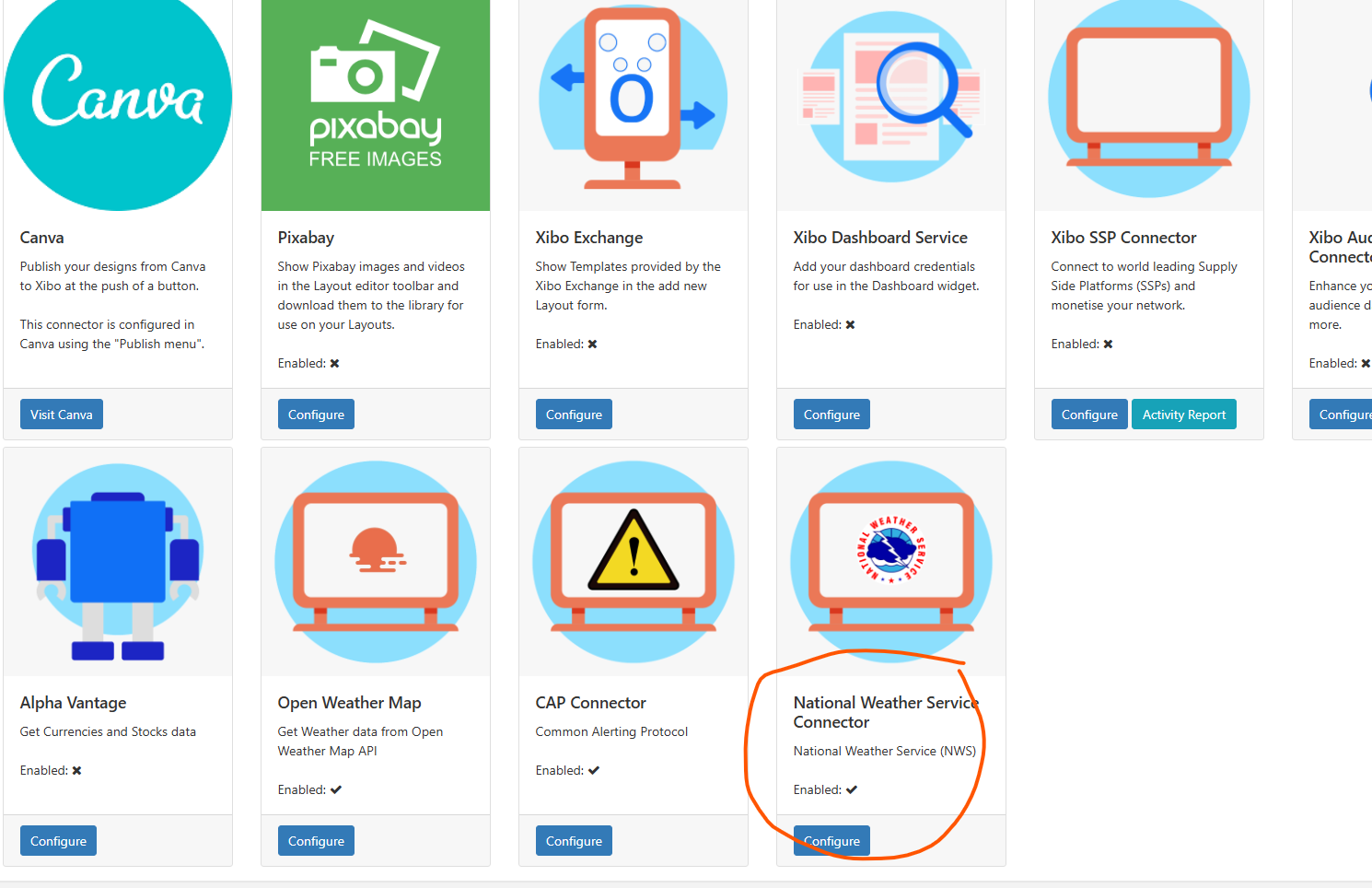
Yes, I got that one to work. Issue with that one is that the area is too large. I put the feed location and then filter it but I can only go as deep as the state level.
If we can use it like the CAP and also have a variable to allow the LAT and LONG of the device location, then I can have it get more granular.
This looks more like a data issue than a widget issue.
The URL being used is an ATOM feed, which can return multiple alerts. The Emergency Alert widget expects a single CAP alert, so it won’t work properly if a feed is provided. Using JSON is also unlikely to work, since the widget was built based on the CAP documentation and not for custom JSON formats.
This also explains why the RSS widget works. The RSS widget is designed to consume ATOM or RSS feeds, so it can handle that URL correctly.
One possible improvement here is to add an option that lets users choose how the data is fetched, for example whether the widget should load a single CAP alert or an ATOM feed. I’ll suggest this to the team.