# Twitter widget needs configuration
**URL:** https://community.xibo.org.uk/t/twitter-widget-needs-configuration/6655
**Category:** Get Help
**Created:** [July 22, 2016, 3:30pm UTC](https://community.xibo.org.uk/t/twitter-widget-needs-configuration/6655 "2016-07-22T15:30:39Z")
**Posts on this page:** 5
**Page:** 1
### Author:  [@Behler\_Young\_Company](https://community.xibo.org.uk/u/Behler_Young_Company)
#### Post date: [July 22, 2016, 3:30pm UTC](https://community.xibo.org.uk/t/twitter-widget-needs-configuration/6655/1 "2016-07-22T15:30:39Z")
Hello, new to Xibo here. I tried using the Twitter Widget but I get a message saying “The Twitter Widget has not been configured yet, please ask your CMS Administrator to look at it for you.” What needs to be done to configure it, and how can we configure it?
---
### Author:  [@Peter](https://community.xibo.org.uk/u/Peter)
#### Post date: [July 25, 2016, 9:00am UTC](https://community.xibo.org.uk/t/twitter-widget-needs-configuration/6655/2 "2016-07-25T09:00:30Z")
Indeed it does require some configuration.
Please see [http://xibo.org.uk/manual-tempel/en/media\_module\_twitter.html](http://xibo.org.uk/manual-tempel/en/media_module_twitter.html)
---
### Author:  [@Behler\_Young\_Company](https://community.xibo.org.uk/u/Behler_Young_Company)
#### Post date: [July 25, 2016, 1:16pm UTC](https://community.xibo.org.uk/t/twitter-widget-needs-configuration/6655/3 "2016-07-25T13:16:47Z")
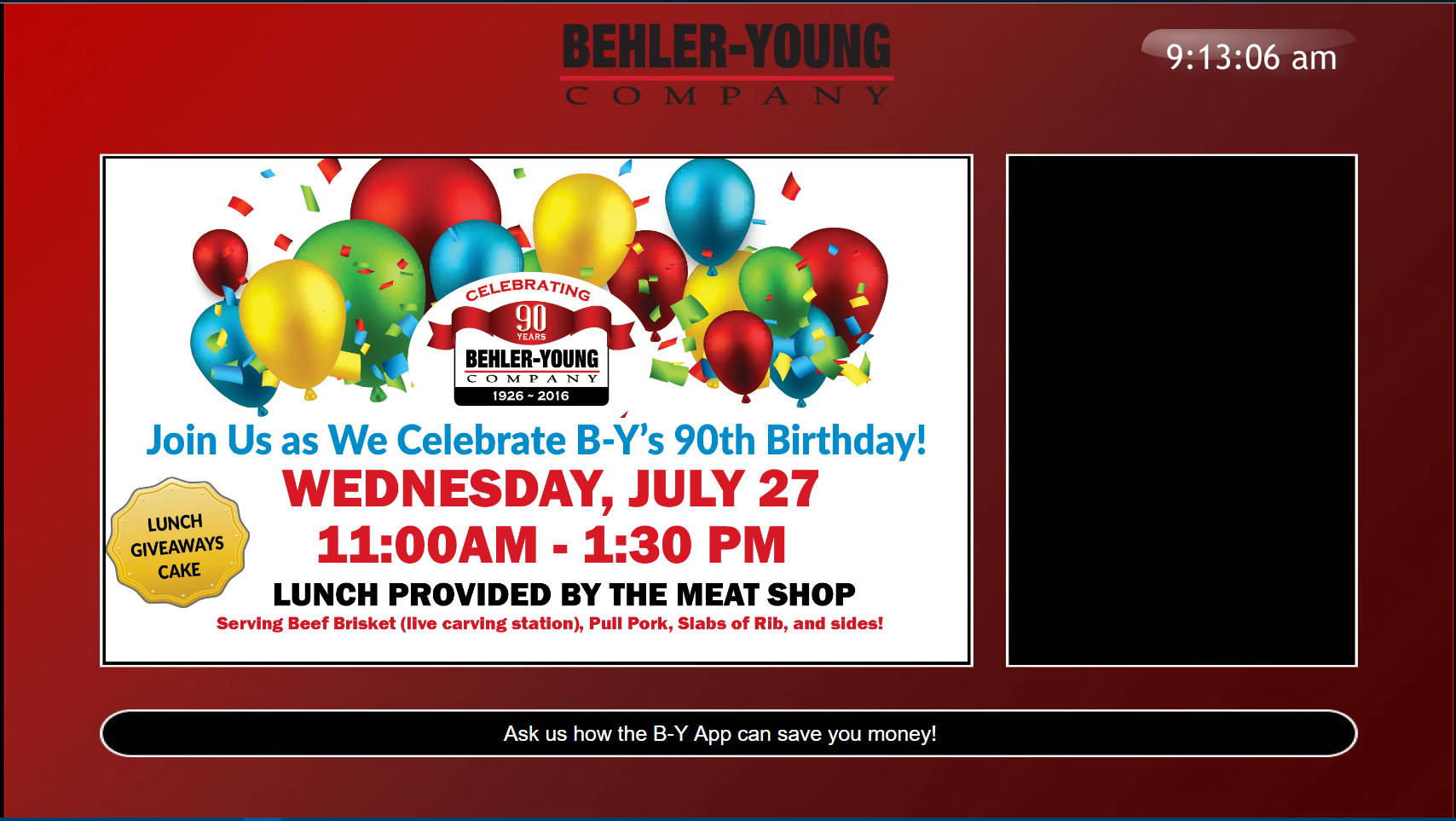
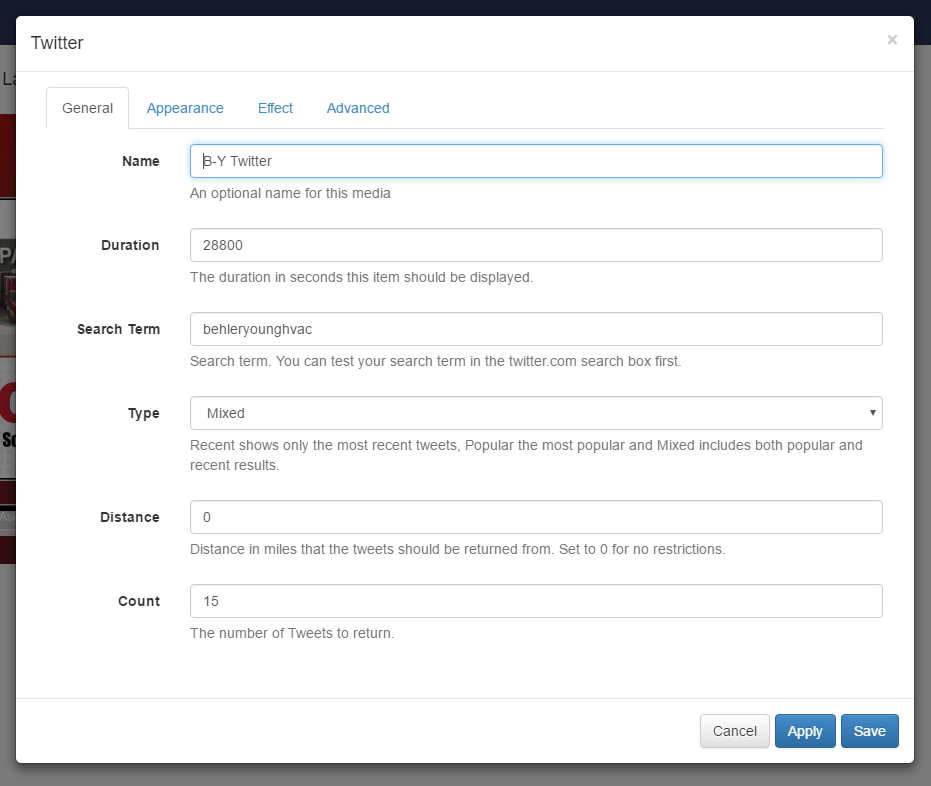
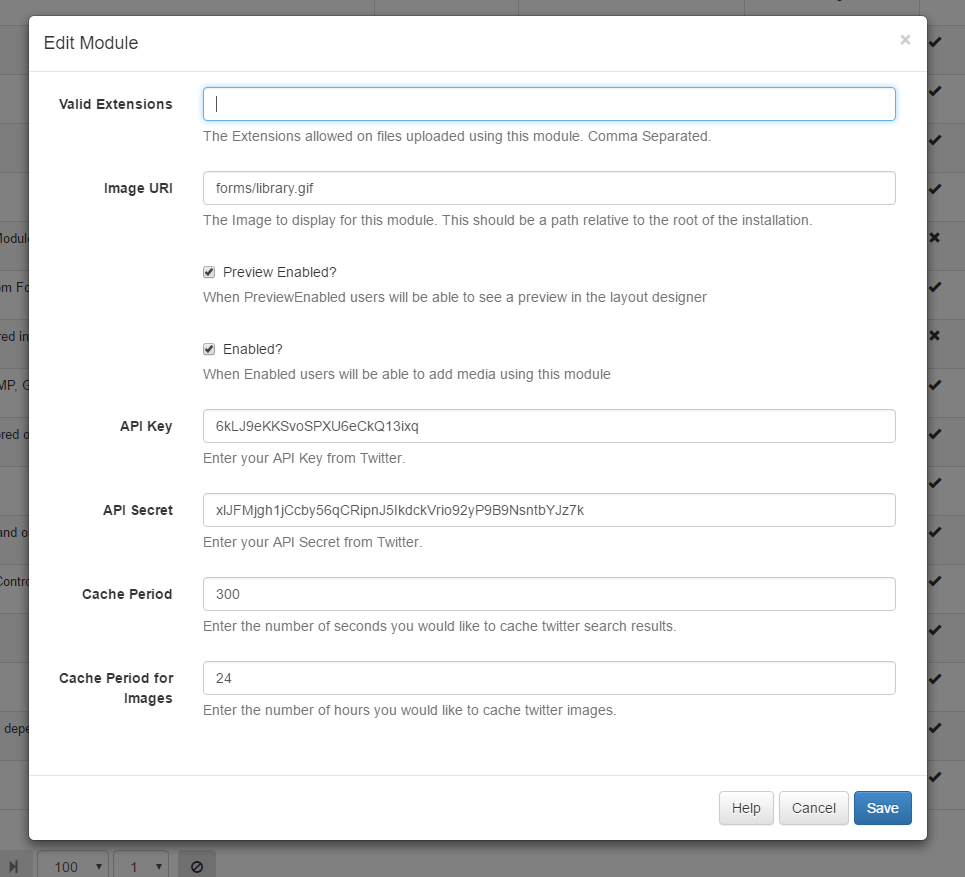
I followed the steps and created a consumer api and secret api - and edited the module however, nothing appears in the layout preview or on the display.
---
### Author:  [@Peter](https://community.xibo.org.uk/u/Peter)
#### Post date: [July 25, 2016, 1:31pm UTC](https://community.xibo.org.uk/t/twitter-widget-needs-configuration/6655/4 "2016-07-25T13:31:34Z")
Regarding search term - [Advanced Twitter Feed](https://community.xibo.org.uk/t/advanced-twitter-feed/743)
What do you have on appearance tab? Perhaps the tweet text is the same colour as the background?
You can also check CMS logs for errors (you might need to enable debugging on Report fault page first).
Also perhaps make sure it’s not curl issue - [Using Tickers, Forecast, Twitter and other external resources that make use of HTTPS connections](https://community.xibo.org.uk/t/using-tickers-forecast-twitter-and-other-external-resources-that-make-use-of-https-connections/46)
---
### Author:  [@system](https://community.xibo.org.uk/u/system)
#### Post date: [March 4, 2020, 5:05pm UTC](https://community.xibo.org.uk/t/twitter-widget-needs-configuration/6655/5 "2020-03-04T17:05:42Z")