I have Xibo version 4.0.12 on Ubuntu.
The version was installed via SNAP.
I set up the command
Free text
“sudo /usr/sbin/reboot/”
When I try to run the command on the selected device, I get the message
“Ubuntu XIBO - TEST is not configured or ready to receive push commands over XMR. Please contact your administrator.”
In the device window, under the “XMR Registered” column, there’s a checkmark, meaning it’s available.
The device is accessible on the network and displays the template content.
This is a very dangerous practice… I will implement something like “touch /tmp/rebootrequired” and then a cron script that look after that file and if present reboot the machine…
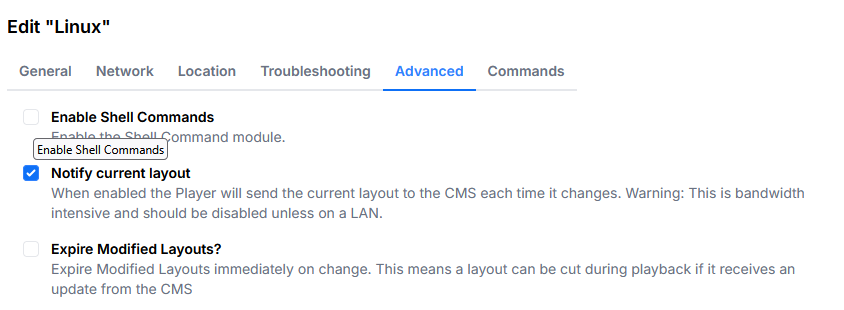
also you need to enable “enable shell commands” in the display settings
The “not configured or ready to receive push commands over XMR” message. CMS 4.4.0 and 4.4.1 don’t treat Linux displays as able to receive XMR over WebSockets, so the CMS refuses to push commands even though the display shows as XMR registered. This was fixed in CMS 4.4.2 (xibosignage/xibo#3830). Updating the CMS sorts that part out.
The reboot command itself. The new Linux player (4.x) doesn’t run shell commands, so a free-text command like sudo /usr/sbin/reboot won’t run even once XMR is working. The command types it supports today are http, refresh, status, showStatusWindow and currentGeoLocation. On top of that, the snap runs under strict confinement and can’t use sudo or reboot the host.
If you need scheduled reboots, the most reliable option at the moment is a systemd timer (or cron) on the device. If you need to reboot on demand from the CMS, an http command to a small endpoint on the device that you control would work. I’d keep that endpoint locked down to localhost.