# 4.5.0 - Layout Editor Does Not Show Media
**URL:** https://community.xibo.org.uk/t/4-5-0-layout-editor-does-not-show-media/38307
**Category:** CMS Features and Functionality
**Created:** [August 5, 2026, 4:07pm UTC](https://community.xibo.org.uk/t/4-5-0-layout-editor-does-not-show-media/38307 "2026-08-05T16:07:41Z")
**Posts on this page:** 4
**Page:** 1
### Author:  [@Jason\_Clark](https://community.xibo.org.uk/u/Jason_Clark)
#### Post date: [August 5, 2026, 4:07pm UTC](https://community.xibo.org.uk/t/4-5-0-layout-editor-does-not-show-media/38307/1 "2026-08-05T16:07:42Z")
To be completed by the original poster:
# CMS Version
`Docker Version 4.5.0`
Player Type
`Windows`
# Player Version
`xibo-client-v4-R407.2-win32-x86`
# Issue
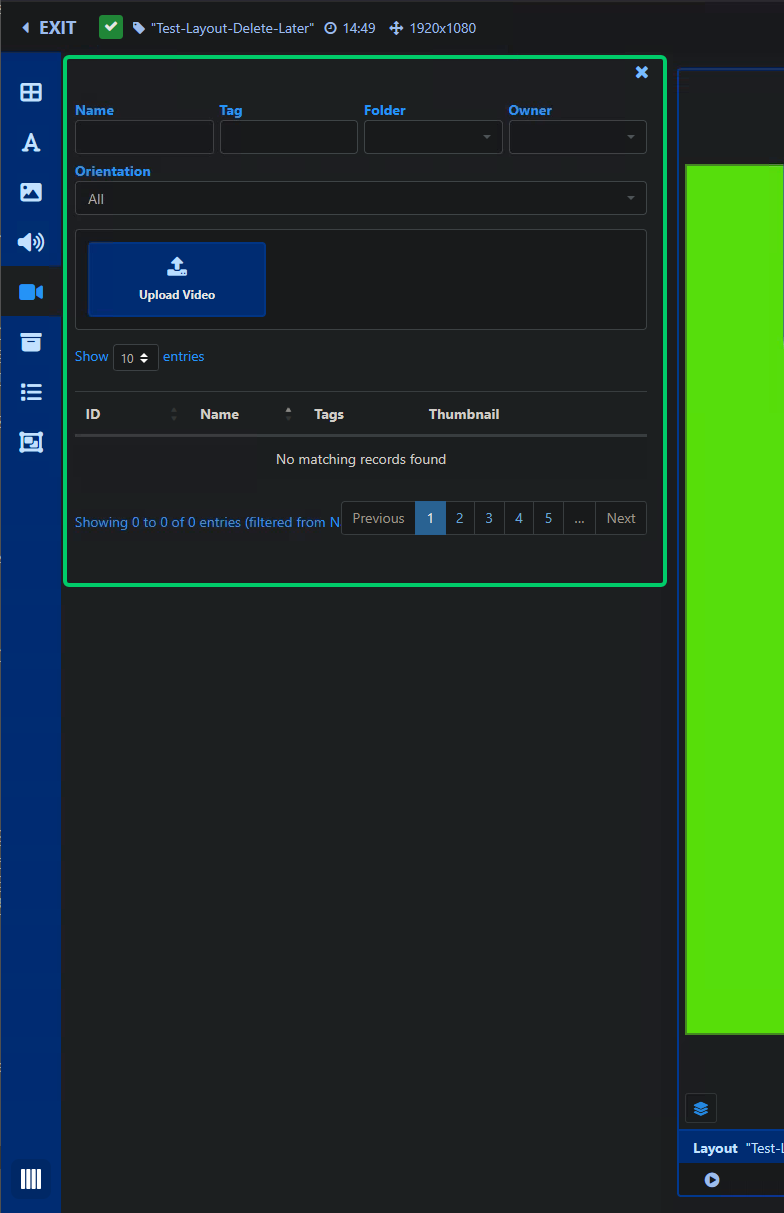
After upgrading to version `4.5.0` from version `4.4.4` (`docker`) our media no longer shows up in the layout editor which makes editing and creating layouts difficult. It was working properly in version `4.4.4`. I tested downgrading to version `4.4.4` in a our test environment, but it fails and is stuck at the maintenance/upgrade screen “_The CMS is temporarily off-line as an upgrade is in progress. Please check with your system administrator for updates or refresh your page in a few minutes._”
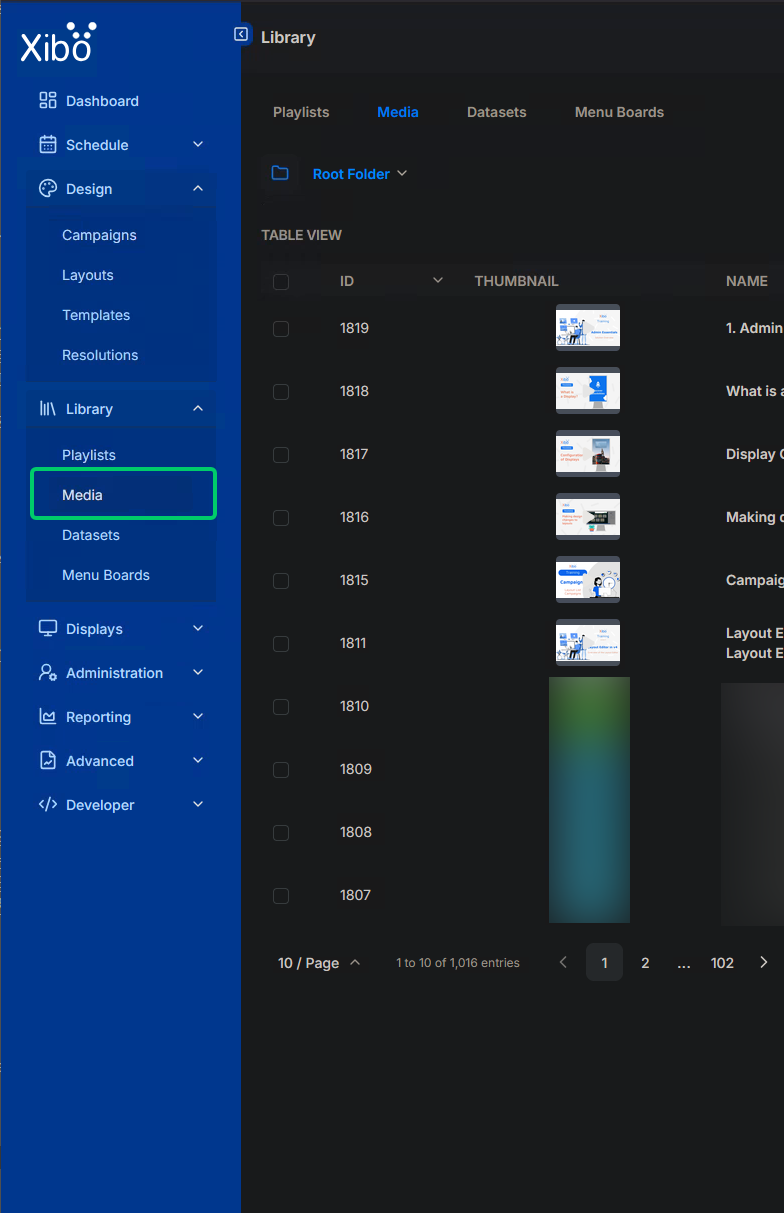
We have plenty of media available and it shows in the Library \> Media section without issue.
Is there a fix or a workaround?
Thank in advance for any assistance!
Jason
---
### Author:  [@Jason\_Clark](https://community.xibo.org.uk/u/Jason_Clark)
#### Post date: [August 5, 2026, 4:25pm UTC](https://community.xibo.org.uk/t/4-5-0-layout-editor-does-not-show-media/38307/2 "2026-08-05T16:25:45Z")
An update: I did some further testing. It looks like there’s a bug when the layout editor has the sidebar width setting at it’s widest (4 “bars”). If we select any of the other sizes, 1 to 3 "bars’, then the media shows up and the search by Name (or other fields) works again…
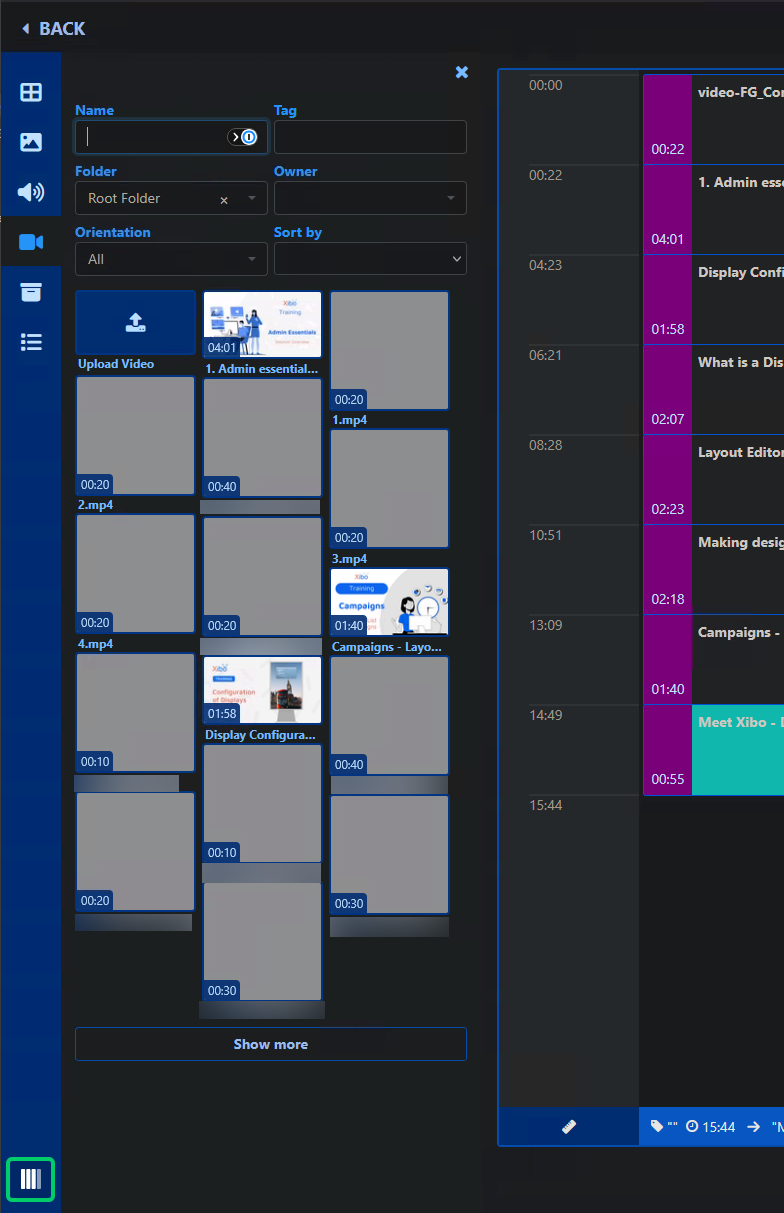
So this is the workaround, but this must be a UI bug?
---
### Author:  [@Ieuan\_Leigh](https://community.xibo.org.uk/u/Ieuan_Leigh)
#### Post date: [August 7, 2026, 3:24pm UTC](https://community.xibo.org.uk/t/4-5-0-layout-editor-does-not-show-media/38307/3 "2026-08-07T15:24:51Z")
Hi there,
Thanks for reporting this. I will pass this back to the team to investigate whether it is a UI bug, and come back to you when we have an update.
Thanks for your support!
> EDIT: I have replicated this on my side too - we will fix it.
---
### Author:  [@system](https://community.xibo.org.uk/u/system)
#### Post date: [November 6, 2026, 9:25pm UTC](https://community.xibo.org.uk/t/4-5-0-layout-editor-does-not-show-media/38307/4 "2026-11-06T21:25:25Z")
This topic was automatically closed 91 days after the last reply. New replies are no longer allowed.